100
Telephone mode
•
5LQJWRQH
(
internal phone and SIM-Access only
)
With this function you can choose be-
tween various ring tones to signal a call.
•
3,1VHWWLQJV
(
internal phone and SIM-Access only
)
With this function you can change or
specify the settings for the PIN of the
SIM card so that a PIN does not need to
be entered when the phone is activated.
•
$XWRFDOODQVZHULQJ
(
mobile phone only
)
With this function you can set whether
incoming calls are to be answered auto-
matically.
• 'LDORJXHIRUFDOOV
For an incoming call you can set that a
voice mode dialogue to answer the
call is activated automatically.
Call divert
(internal phone and SIM-Access only)
With this function you can divert calls to
your mailbox or to another telephone
number depending on the settings.
X Call up the Settings menu.
X Select the &DOOGLYHUVLRQ entry.
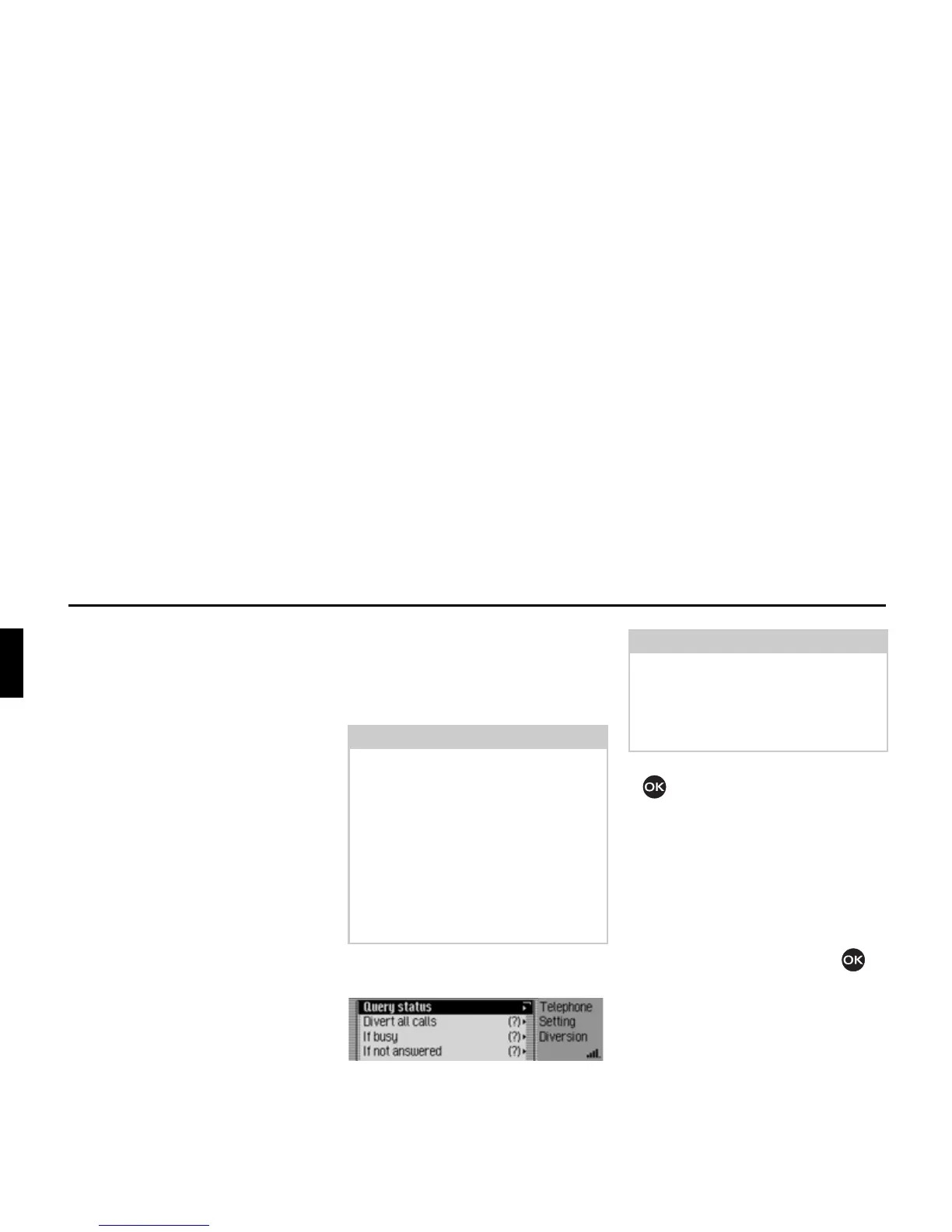
The Call Divert menu appears.
X Turn the rotary control/push button
to select one of the following op-
tions:
4XHU\VWDWXV,
'LYHUWDOOFDOOV,
,IEXV\,
,IQRWDQVZHUHG,
,IQRWUHDFKDEOH or
6ZLWFKRIIDOOGLYHUVLRQV.
X Confirm your selection by pressing
the rotary control/ push button .
Note:
Call divert is a function that is provider
dependent. Not all of the settings and
specifications described here may be
available in some cases.
Please ensure also that the call divert is
stored in the network, not in the Mexi-
co. In other words, after changing the
SIM card, for example, the call divert of
the new SIM card will apply and may
thus have to be reset.
5064
Note:
The last known status of the call divert
function is indicated in front of the indi-
vidual call diversions. A question mark
indicates that the SIM card has been
changed.














 To Next Page