166
Settings
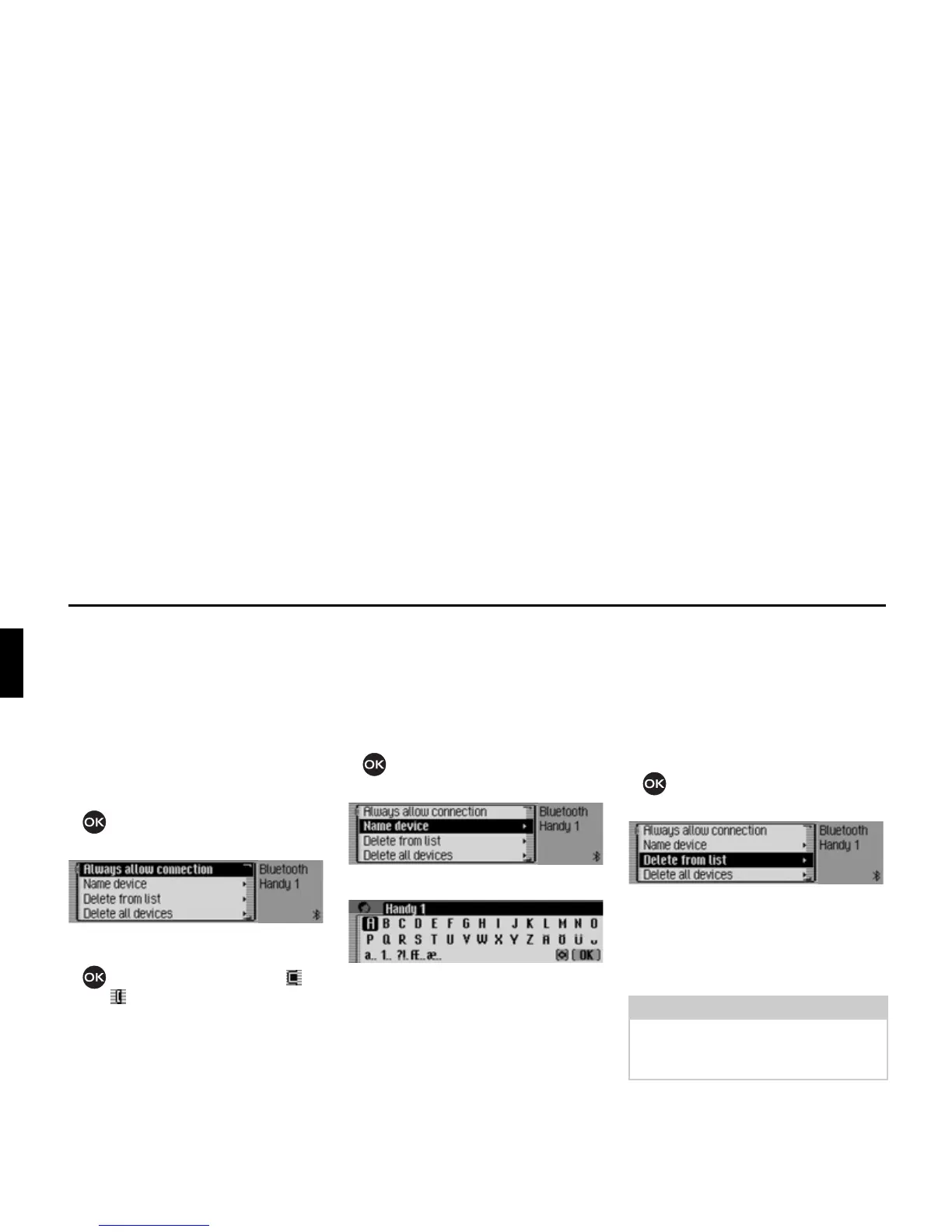
Always allow connection
When this function is activated the
corresponding external device can
establish a connection to the Mexico
without you authorising it.
X In the device list, select the device for
which the “Always allow connection”
setting is to be changed.
X Press the rotary control/push button
and hold until the following menu
appears.
X Select the $OZD\VDOORZFRQQHFWLRQ entry.
X Press the rotary control/push button
to switch the function on ( ) or
off ( ).
Name device
You can change the name of a device
displayed in the Bluetooth device list.
X Select the device to be named from the
device list.
X Press the rotary control/push button
and hold until the following menu
appears.
X Select the 1DPHGHYLFH entry.
X Enter the desired name. For this
purpose, proceed as described in
“Data entry menus” auf Seite 13.
The changed name will be shown in the
device list.
Deleting a device from the list
You can delete devices from the
Bluetooth device list which are not used
or which are outdated.
X Select the device to be deleted from
the device list.
X Press the rotary control/push button
and hold until the following menu
appears.
X Select the 'HOHWHIURPOLVW entry.
X When the next prompt appears, select
<HV to delete the entry or 1R to retain it.
The device will be deleted or retained on
the basis of the selection.














 To Next Page