126
Mail messages
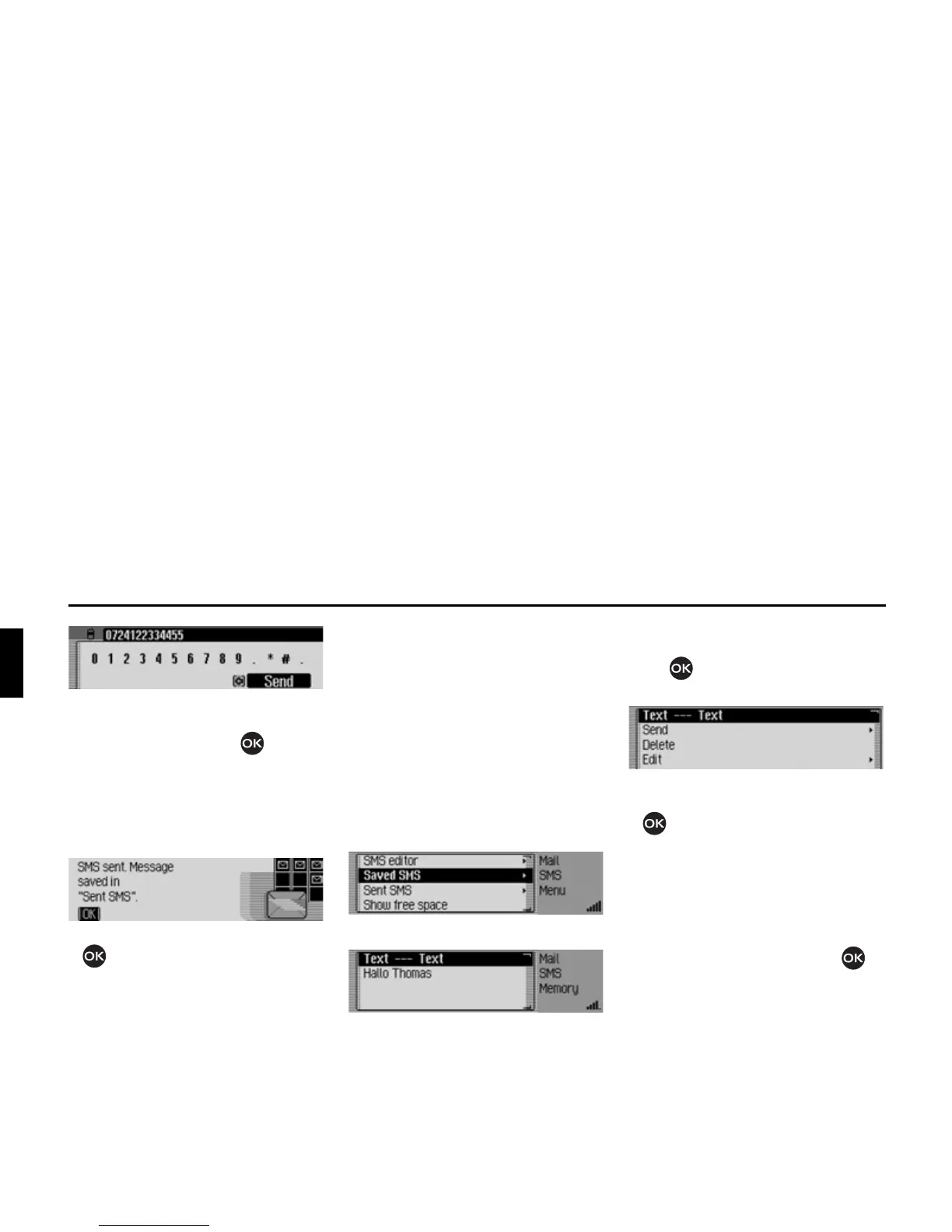
X In the input menu select 6HQG and con-
firm your selection by pressing the ro-
tary control/push button .
This displays the message
606EHLQJVHQW.
If the SMS can be sent, the following
message appears.
X Press the rotary control/ push button
.
Saved SMS
In the saved SMS list you will find:
• SMS messages that were not sent im-
mediately after they were written.
• SMS messages that failed to send.
• Received SMS messages that have
been edited and then saved.
You can send, edit or delete these SMS
messages.
X Open the SMS main menu.
X Select 6DYHG606.
X The list with the saved SMS will be
displayed.
X You can then select the desired SMS
by turning the rotary control/push but-
ton and then pressing the rotary
control/push button.
The SMS text is displayed.
X Turn the rotary control/ push button
to choose
the SMS text,
6HQG,
'HOHWH,
(GLW or
'HOHWHDOO606.
X Confirm your selection by pressing
the rotary control/ push button .














 To Next Page