228
Voice mode
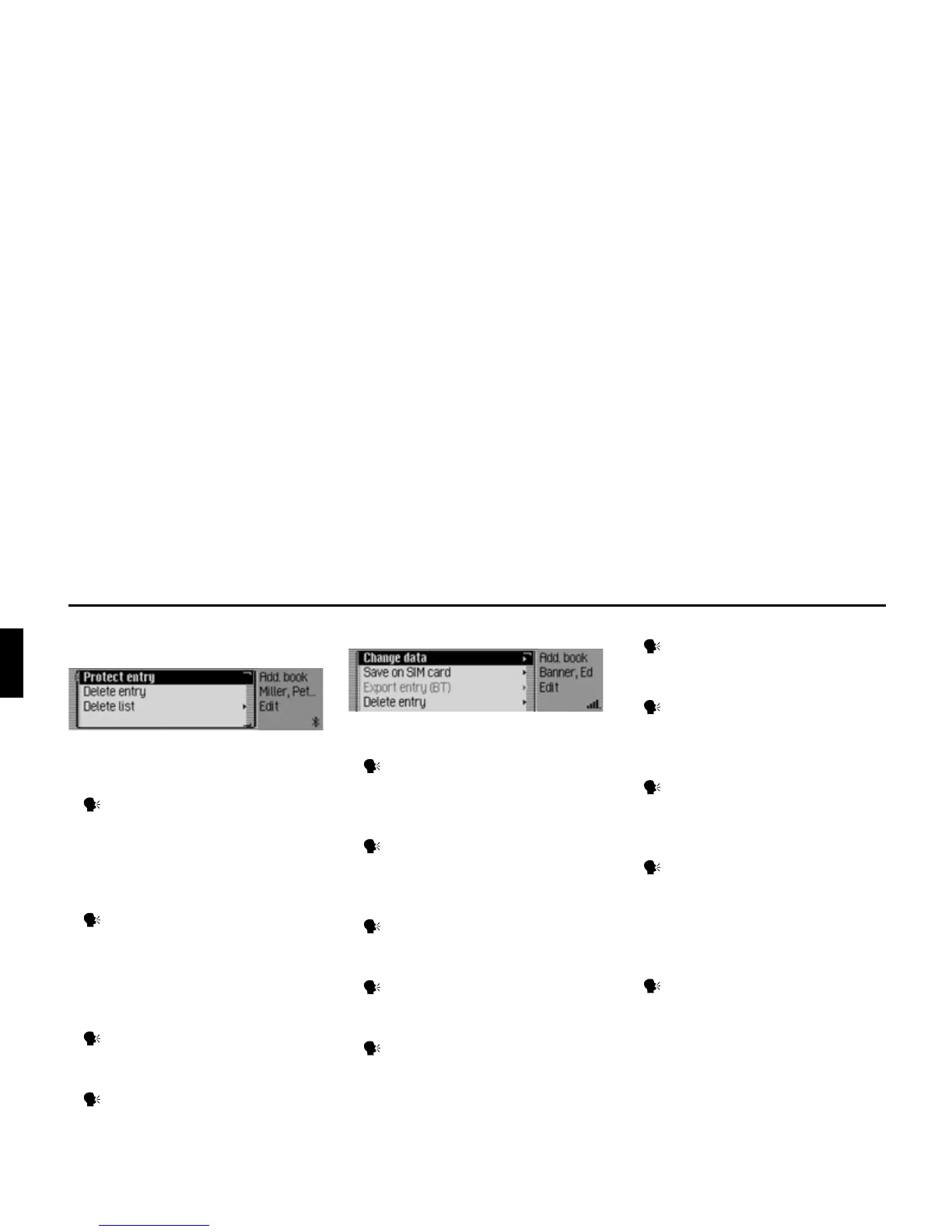
Commands in the Fast Access/Edit
Entries menu
• Switch entry protection on/off
(page 163).
Switch on:
Say the command Protect entry
on.
Alternative commands:
Activate protect entry or Activate pro-
tect address.
Switch off:
Say the command Protect entry
off.
Alternative commands:
Deactivate protect entry or Deactivate
protect address.
• Delete an entry (page 156).
Say the command Delete entry or
Delete address.
• Delete entire list (page 163).
Say the command Delete list or
Delete entire list.
Commands in the Edit menu
• Call up menu for editing data
(page 155).
Speak the command Change data
or Change address.
• Save the entry to the SIM card
(page 159).
Speak the command Save on sim
card or Save entry on sim card.
• Import a SIM card entry into the
address book (page 160).
Speak the command Import from
sim card.
• Delete entry (page 156).
Say the command Delete entry or
Delete address.
• Create voice entry (page 156).
Say the command Create voice
entry.
• Delete voice entry (page 156).
Say the command Delete voice
entry.
• Listen to voice entry (page 156).
Say the command Read out voice
entry or Listen to voice entry.
• Exporting an address book entry
(page 158).
Speak the command Export entry.
Commands in the Edit Data menu
• Save data entered.
Say the command Save.
Commands in the menu for selecting a
Bluetooth device for export
• Searching for a Bluetooth device
(page 158).
Speak the command Search for
devices or Search for device.














 To Next Page