225
Voice mode
Commands for a dialogue in
the event of an incoming call
• Reject the call.
Speak the command Reject, No or
Not.
• Answer the call.
Speak the command Accept or
Yes.
Commands for a dialogue for
an incoming SMS
• To listen to the SMS.
Speak the command Read out or
Yes.
• To display the SMS.
Speak the command Display.
Alternative commands:
Display [new] SMS or Read [new]
SMS.
• Ignore the new SMS received.
Speak the command No, Ignore or
Not.
Commands for the
address book
Commands for address book
fast access
In address book fast access mode, the
following commands are available:
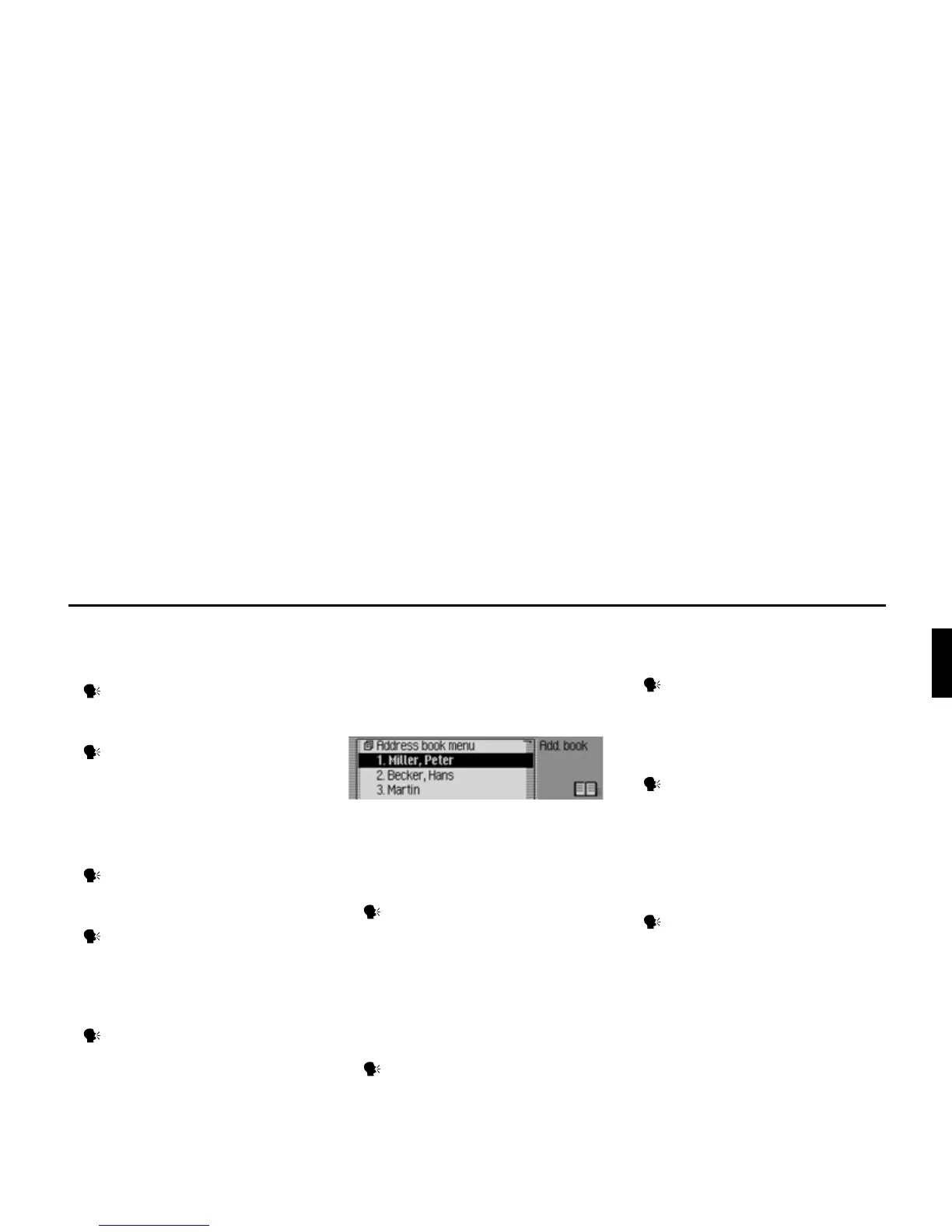
• Call up Address Book main menu
(page 149).
Say the command Address book
menu.
Alternative commands:
[Open] address book menu or [Open]
menu.
• Create a new address book entry which
can also be used by the navigation
system (page 151).
Say the command New entry nav-
igable.
Alternative commands:
[New] navigable address or [New]
navigable entry.
• Create a new address book entry which
cannot be used by the navigation
system (page 150).
Say the command New entry text
only or [New] entry text [only].
• Calling up a telephone number from a
voice entry equipped address book
entry.
Speak the command Call [entry]
...*.
Alternative commands:
[Call] entry ...* or [Call] address ...*.
• Calling up a mobile phone number
from a voice entry equipped address
book entry.
Speak the command Call [entry]
...* mobile.
Alternative commands:
[Call] entry ...* mobile or [Call]
address ...* mobile.
6001














 To Next Page