119
Telephone mode
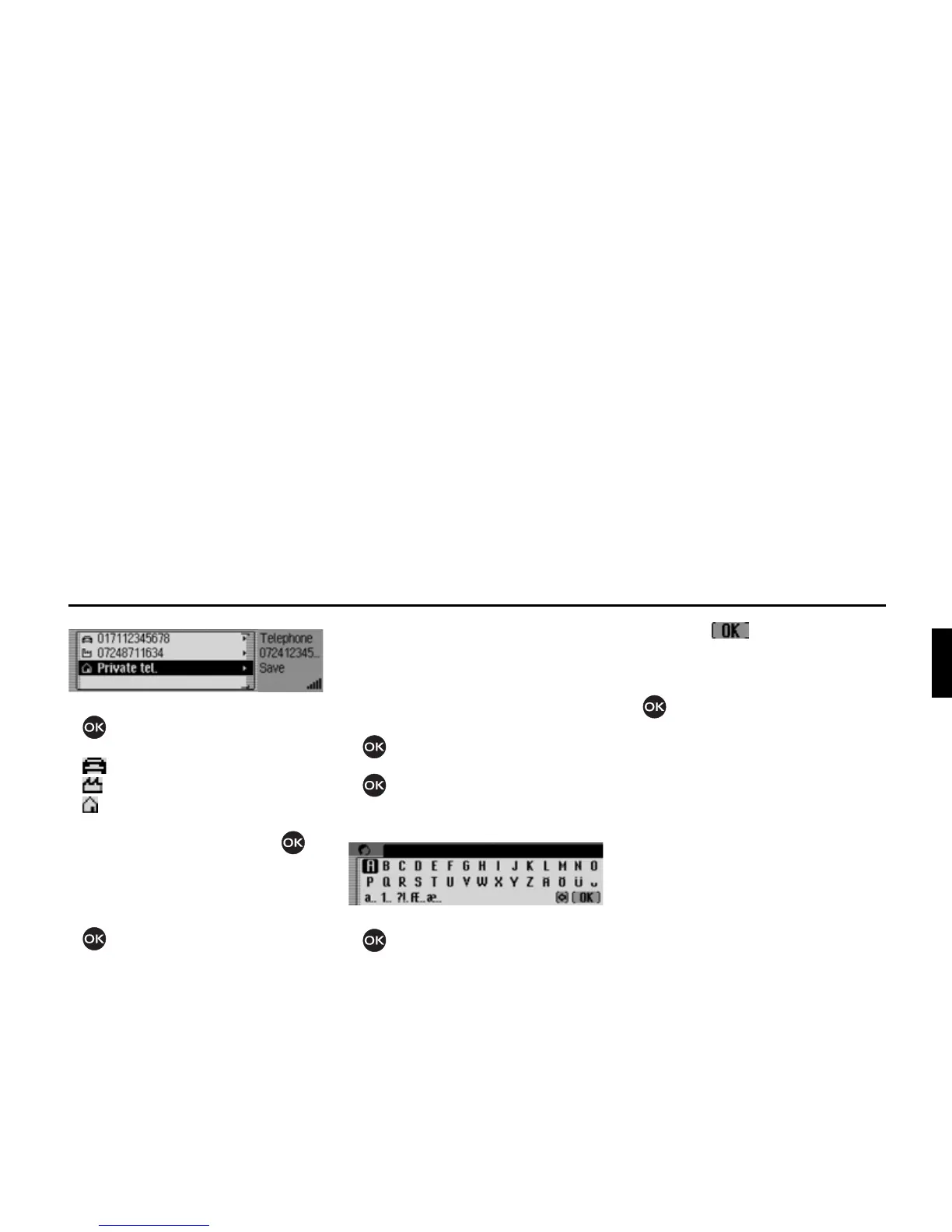
X Turn the rotary control/push button
to select one of the following op-
tions:
0RELOHWHO,
%XVLQHVVWHO or
3ULYDWHWHO.
X Confirm your selection by pressing
the rotary control/ push button .
A confirmation that the entry has been
saved appears.
X Press the rotary control/ push button
.
Saving number to SIM card
(internal phone and SIM-Access only)
X Call up the telephone fast access func-
tion.
X Select the entry to be saved.
X Press the rotary control/ push button
until a menu appears.
X Turn the rotary control/ push button
and then press the rotary control/
push button to select the
6DYH RQ 6,0
FDUG
entry.
X Turn the rotary control/ push button
and then press the rotary control/
push button to select one after the oth-
er each letter in the name under which
the entry is to be stored.
X Select the symbol from the in-
put menu.
or
X Press the rotary control/ push button
and hold for at least 2 seconds.
The phone number is stored to the SIM
card under the name entered.














 To Next Page