19
General operation
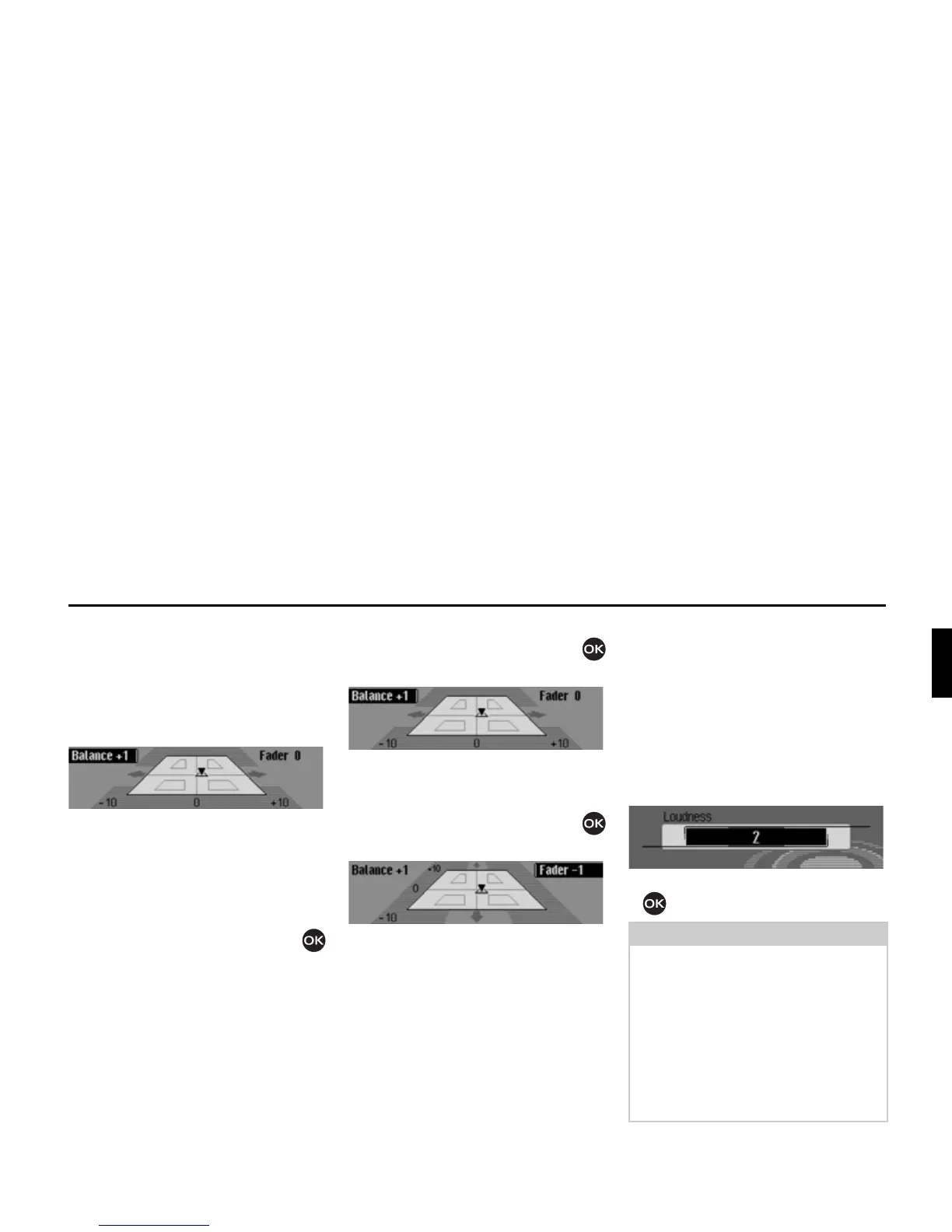
Setting balance and fader
You can shift the tone centre in the vehi-
cle using the balance and fader setting.
X Select %DODQFH IDGHU in the sound
settings.
An image of the vehicle interior in the
direction of travel appears on the dis-
play. The small triangle indicates the
current position of the tone centre.
The Balance setting is active.
X Turn the rotary control/push button
to select
%DODQFH or )DGHU.
Balance setting
X Turn the rotary control/push button
clockwise/counter clockwise.
The tone centre moves to the right/left.
Fader setting
X Turn the rotary control/push button
clockwise/counter clockwise.
The tone centre moves forwards/back-
wards.
Switching Loudness on/off and
adjusting
Loudness provides a tone-compensated
increase of the low frequencies, inde-
pendently of the volume. The setting op-
tions enable you to adapt the Loudness
function to your vehicle.
X Select /RXGQHVV in the sound settings.
X Turn the rotary control/ push button
to select the required value.
1016
1017
Note:
Selecting “
” sets an increase for higher
bass frequencies, “
” for medium bass
frequencies and “
” for low bass fre-
quencies. However, an effect is only au-
dible when the built-in speakers are also
suitable for playing back low frequen-
cies.
Select
RII to deactivate the Loudness
function.
1018














 To Next Page