184
Settings
Reset function
You can reset the Mexico to the factory
settings.
X Select 5HVHWIXQFWLRQV in the system set-
tings.
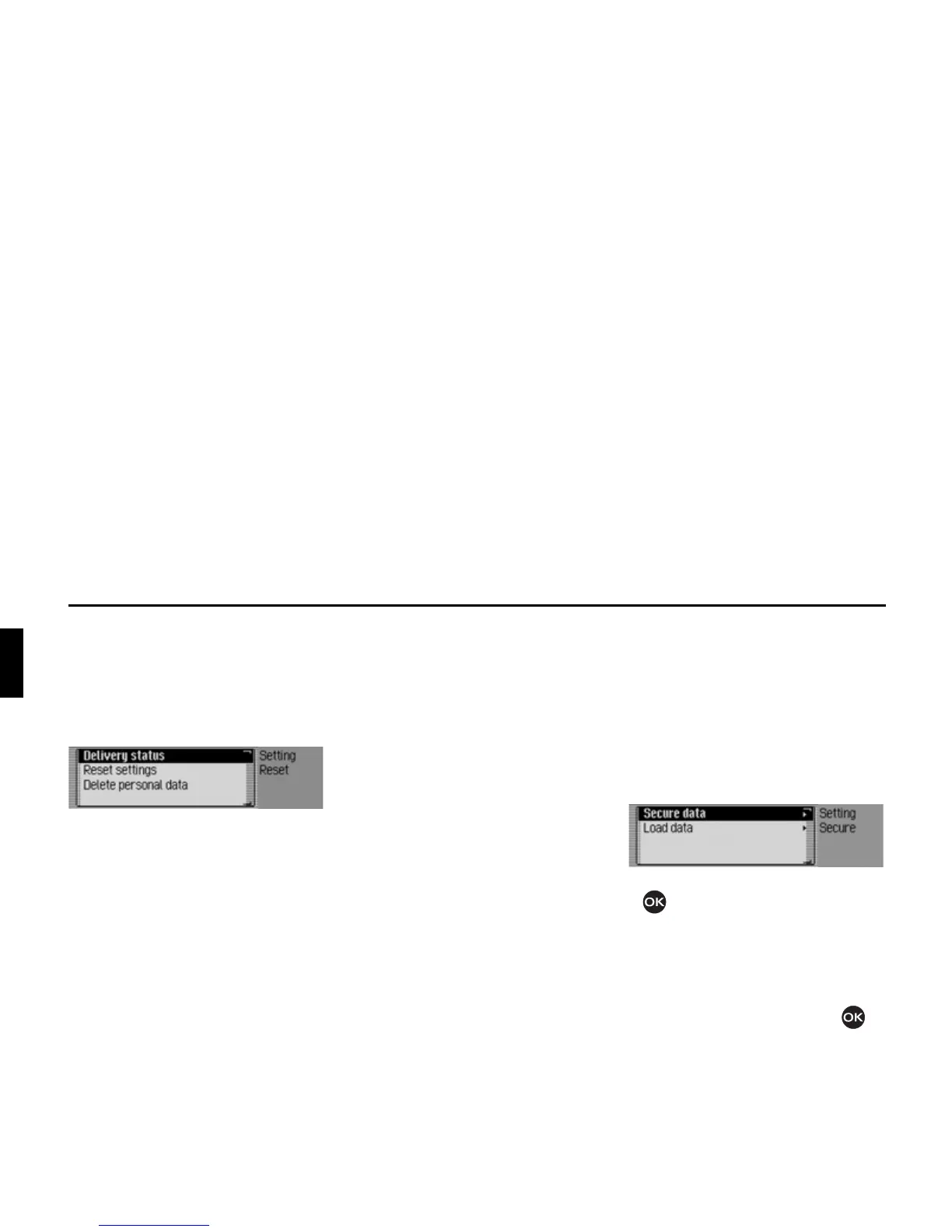
X You may now select 'HOLYHU\ VWDWXV,
5HVHWVHWWLQJV or 'HOHWHSHUVRQDOGDWD.
•
'HOLYHU\VWDWXV
The Mexico is reset to the factory set-
tings. All settings are reset. Personal
data is deleted.
•
5HVHWVHWWLQJV
All settings made are reset to original
values. Personal data is not deleted.
•
'HOHWHSHUVRQDOGDWD
Personal data is deleted. Settings are
not reset.
X In the following prompt, select <HV to
reset the settings or
1R to continue
without a reset.
A reset is performed if
<HV is selected.
The Mexico switches itself off briefly and
then back on again automatically.
Data backup
You can use this function to backup the
address book data and the fast access
functions for navigation, telephone and
address book and load previously saved
data back onto your Mexico.
X Select 'DWD EDFNXS in the system set-
tings.
X Turn the rotary control/push button
to select one of the following op-
tions:
6HFXUHGDWD or
/RDGGDWD
.
X Confirm your selection by pressing
the rotary control/ push button .














 To Next Page