172
Settings
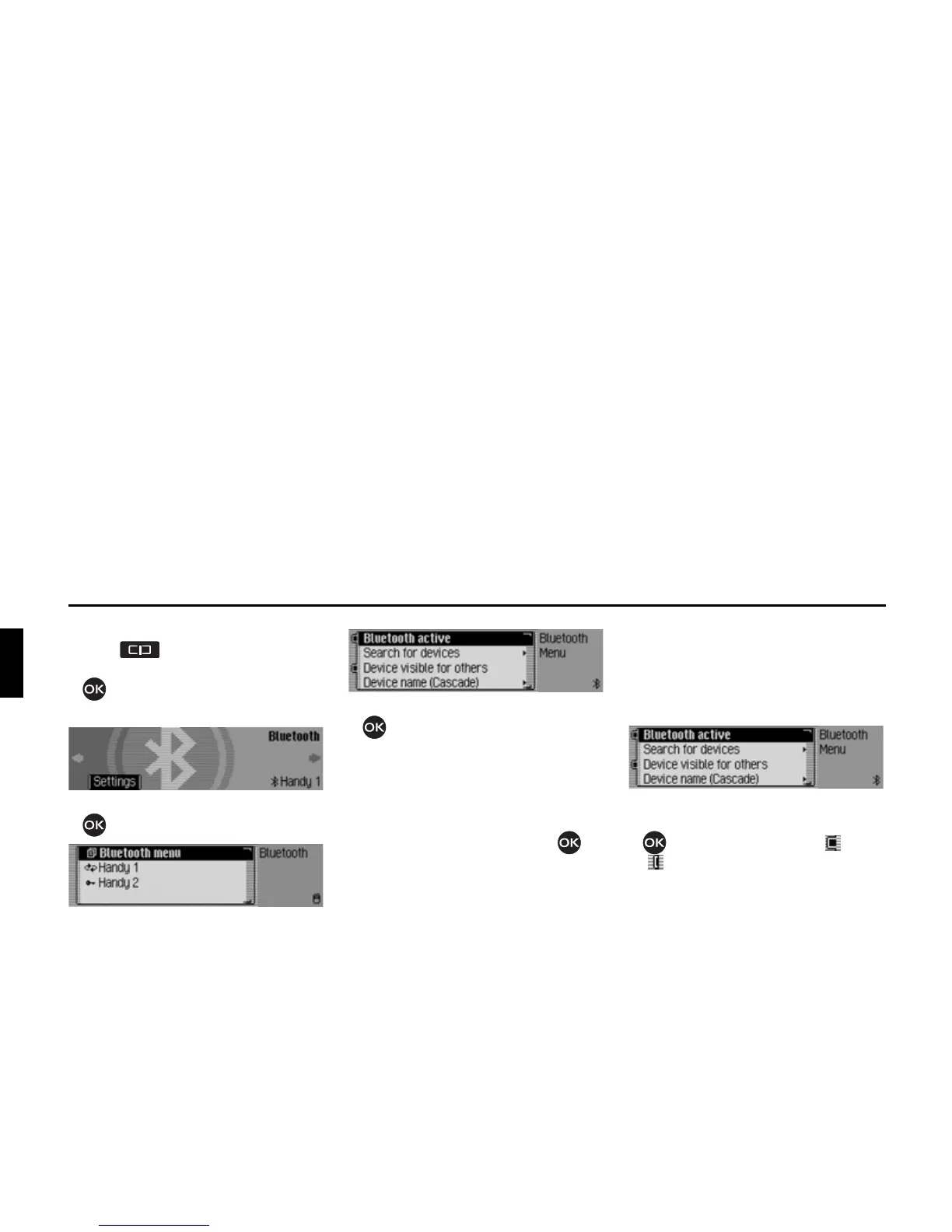
Calling up Bluetooth settings
X Press .
X Turn the rotary control/push button
anti-clockwise until
%OXHWRRWK
appears at the top right of the display.
X Press the rotary control/push button
.
The Bluetooth device list is displayed.
X Select the %OXHWRRWKPHQX entry.
X Turn the rotary control/push button
to select between
%OXHWRRWKDFWLYH,
6HDUFKIRUGHYLFHV,
'HYLFHYLVLEOHIRURWKHUV and
'HYLFHQDPH.
X Confirm your selection by pressing
the rotary control/push button .
Activating/ deactivating Bluetooth
You can activate or deactivate
Bluetooth.
X Call up the Bluetooth settings.
X Select the %OXHWRRWKDFWLYH entry.
X Press the rotary control/push button
to switch Bluetooth on ( ) or off
().














 To Next Page