108
Telephone mode
Accepting/ rejecting a call
You can accept or reject incoming calls.
Accepting a call
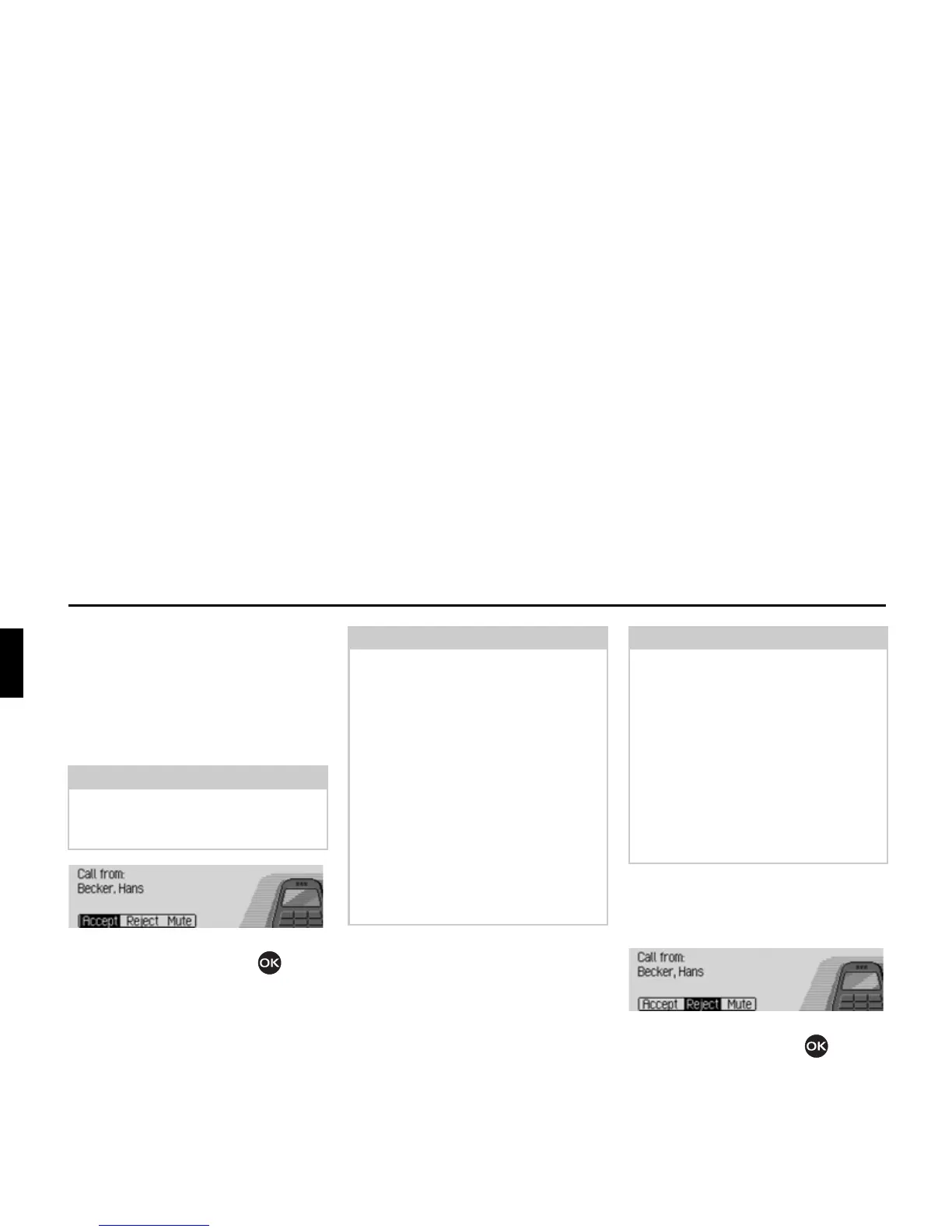
The Mexico announces an incoming call
by means of a signal tone and the follow-
ing display.
X Select the $FFHSW entry and press the
rotary control/ push button .
The call will be answered and the status
display will be shown.
Rejecting a call
You can reject an incoming call. The
person calling will hear a busy signal.
X Select the 5HMHFW entry and press the ro-
tary control/ push button .
The call will be rejected. The status dis-
play of the previously active radio or
media source will be shown.
Note:
If the
'LDORJXHIRUFDOOV
function is active,
a voice mode dialogue to answer an in-
coming call will be started automatically.
Notes:
• Selecting
0XWH deactivates the signal
tone and the previously active source,
radio or media, will be reactivated.
However the call will be indicated
until the caller hangs up.
• Additional incoming call:
(
mobile phone only
)
If the
&DOOZDLWLQJ
function is active on
the mobile phone, the same signals are
used to indicate that another call is
waiting if a call is already taking place.
If you accept the call by selecting
$F
FHSW
the previous call will be ended
without a query being made.
Note:
Additional incoming call:
(internal phone and SIM-Access on-
ly)
With the call waiting function (See
“Call settings” on page 102.) active,
you can answer the new call by selec-
ting
$FFHSW. The previous call will then
be ended without a query being made.
However, you can also switch between
the two calls by selecting
7RJJOH. See
“Toggling” on page 110.
5019














 To Next Page