60
Navigation mode
• &DU
This is the default setting. It offers
sufficiently accurate calculation of the
ETA for most drivers.
•
9DQ
This setting indicates to the Mexico
that you will need a little longer for the
planned route. This setting could be
selected, for example, for a slower
vehicle or in dense traffic areas.
•
6HWIUHHO\
Select this option to modify the calcu-
lation of the ETA to suit your require-
ments.
X Turn the rotary control/push button
to activate the required setting ( ).
If
6HWIUHHO\ is selected, you still need to
select the required setting. The available
range is between 50% and 200%.
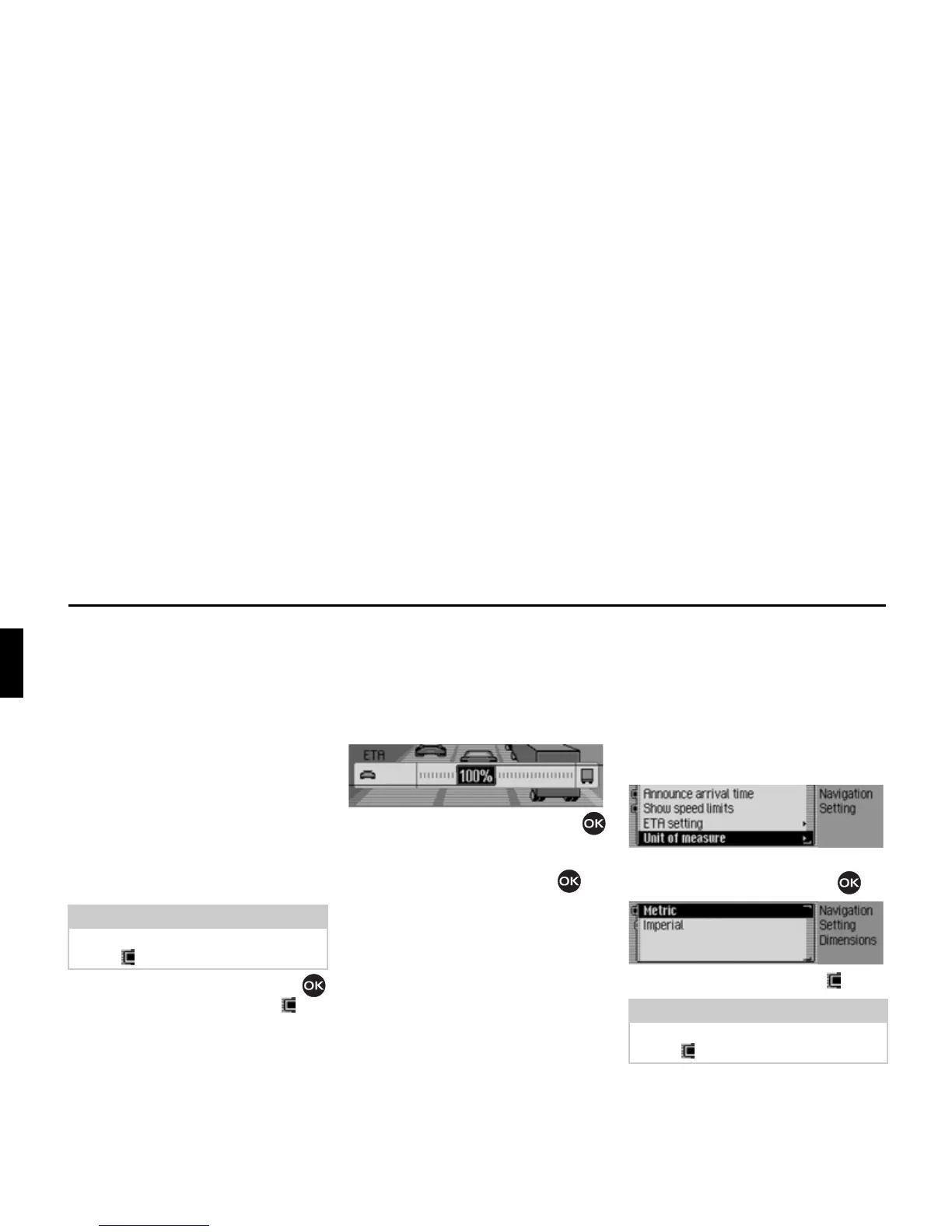
A value of 100% indicates the
&DU set-
ting. A later ETA will be calculated if a
higher percentage value is selected.
X Turn the rotary control/push button
to set the required percentage value.
X Confirm your selection by pressing
the rotary control/push button .
Measuring unit
You can convert the calculation of the
distances from metric (display in metres
and kilometres) to imperial (display in
yards and miles) system and vice versa.
X In the Settings menu, select the 8QLWRI
PHDVXUH
entry.
X Confirm your selection by pressing
the rotary control/push button .
X Select 0HWULF or ,PSHULDO (on = ).
Note:
Only one of the two settings may be
active ( ) at the same time.
2093
Note:
Only one of the two settings may be
active ( ).
2094
2095














 To Next Page