81
Media mode
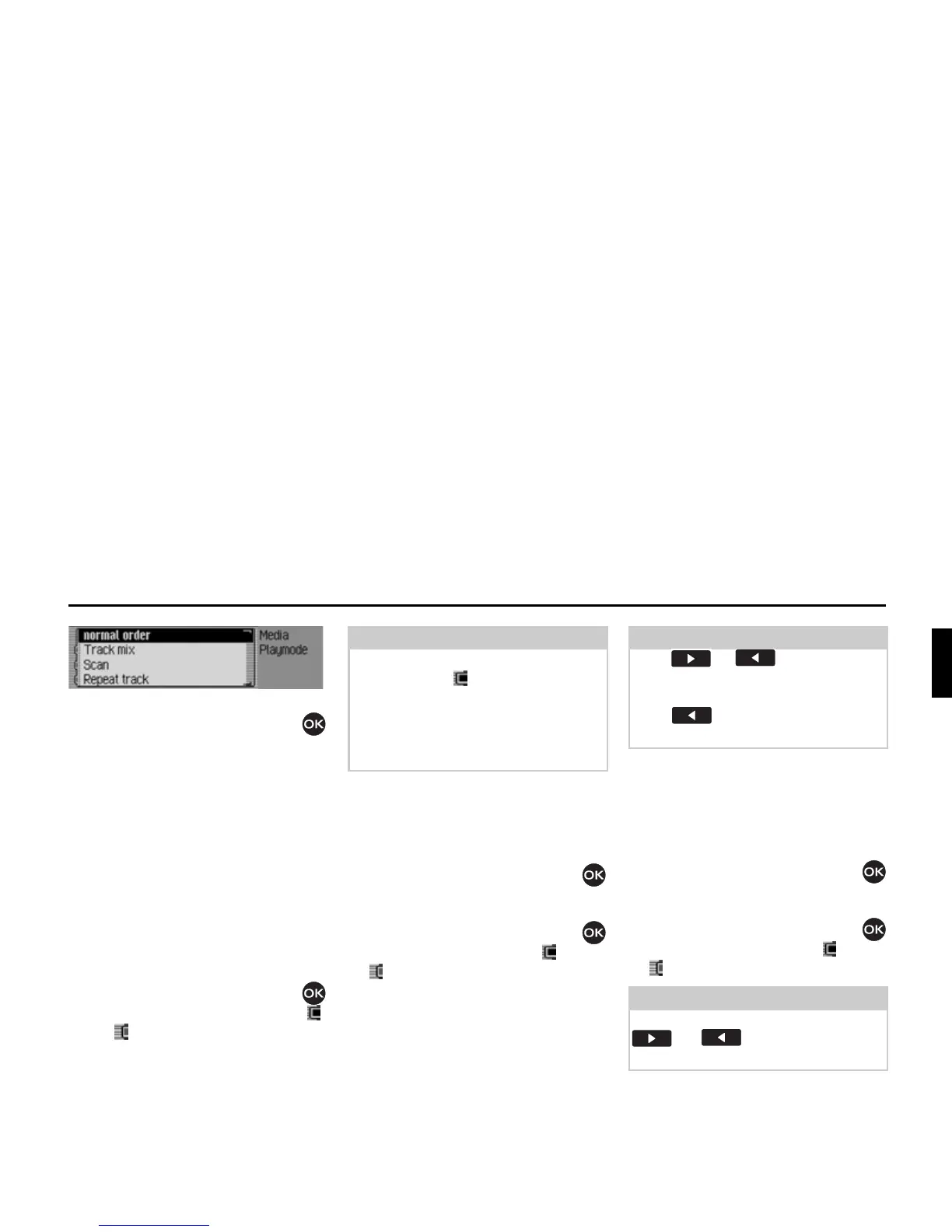
The Play Mode menu appears.
Turn the rotary control/push button
to select one of the following options:
QRUPDORUGHU,
7UDFNPL[,
6FDQ,
5HSHDWWUDFN,
if an a memory card with several direc-
tories is the active source then also
'LUHF
WRU\PL[
,
if the currently active source is the CD
changer:
&'PL[ or
5HSHDW&'
Press the rotary control/push button
to switch the individual functions on ( )
or off ( ).
Track mix (random play function)
Activate the function to play back all
tracks in the current directory/on the cur-
rent CD in random sequence.
X Turn the rotary control/push button
to select the
7UDFNPL[ entry in the Play
Mode menu.
X Press the rotary control/push button
to switch the function on ( ) or off
().
Scan
If the function is activated, all tracks in
the current directory or on the current
CD are played back for approx.
8 seconds.
X Turn the rotary control/push button
to select the
6FDQ entry in the Play
Mode menu.
X Press the rotary control/push button
to switch the function on ( ) or off
().
Notes:
• Only one of the functions can be
switched on ( ).
• Select
QRUPDORUGHU to delete any other
function which might have been acti-
vated and play back the tracks in the
normal sequence.
Notes:
Press or to play the next
random track. If the current track has
been playing for longer than 8 seconds
when is pressed, the unit jumps
to the beginning of the current track.
Notes:
The function is also aborted by pressing
or . The track currently
playing back then continues.














 To Next Page