25
Navigation mode
Calling up the Navigation
main menu
X Press twice.
or
X Press .
The Fast Access menu appears.
X Select the 1DYLJDWLRQPHQX entry.
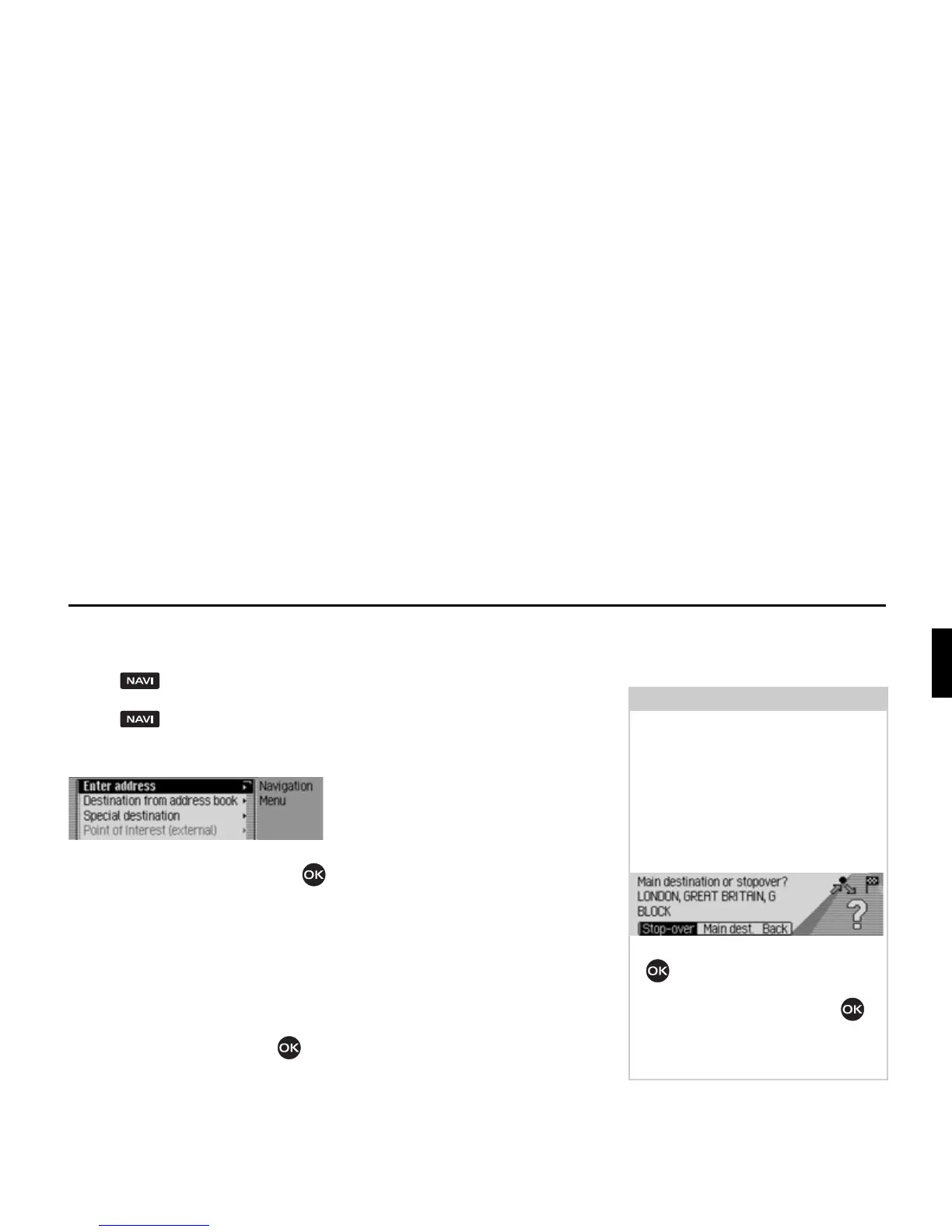
The Navigation menu appears.
X Turn the rotary control/push button
to select one of the following options:
(QWHUDGGUHVV,
'HVWIURPDGGERRN,
6SHFLDO'HVW,
3RLQWRI,QWHUHVWH[WHUQDO,
%HFNHUFOXE or
6HWWLQJ
X Confirm your selection by pressing
the rotary control/push button .
The required function is called up.
•
(QWHUDGGUHVV
Accesses the data entry menu for the
destination. See “Entering a destina-
tion” on page 26.
•
'HVWIURPDGGERRN
You can select a destination from the
address book. See “Selecting a desti-
nation from the address book” on
page 38.
•
6SHFLDO'HVW
Access the POI selection menu. POIs
include petrol stations, airports or hos-
pitals, for example. See “Point of
interest” on page 38.
•
%HFNHUFOXE
The destinations on the Beckerclub
homepage can be called up. See
“Beckerclub” on page 44.
•
3RLQWRI,QWHUHVWH[WHUQDO
Takes you to the menu for selecting an
external point of interest. In other
words, you can select special points of
interest on a special storage medium.
This menu item can only be selected if,
for example, a CD with external points
of interest has been inserted. See
“External points of interest” on
page 43.
• 6HWWLQJ
Accesses the Navigation Settings menu.
See “Settings” on page 57.
Note:
If route guidance is already active, you
can start to enter another destination by
selecting
(QWHU DGGUHVV, 'HVW IURP DGG
ERRN
and 6SHFLDO'HVW.
Once the destination has been selected,
the Mexico will prompt you to confirm
if the new destination is to be used as
the main destination or a stopover.
X Turn the rotary control/push button
to select
6WRSRYHU or 0DLQGHVW.
X Confirm your selection by pressing
the rotary control/push button .
Depending on the selection, the new
destination is now used as a stopover or
the new main destination.
2096














 To Next Page