75
Radio mode
X Turn the rotary control/push button
to select the required memory position.
X Confirm the memory position by press-
ing the rotary control/push button .
Depending on the setting in “Voice
entries” on page 69, the procedure for
saving a voice entry for the station
stored will now start.
The station is now stored in the station
memory.
Station already in memory
The station to be stored is already set and
you are in station memory fast access
mode.
X Turn the rotary control/push button
to select the position in the memory list
in which the station to be stored is to be
stored.
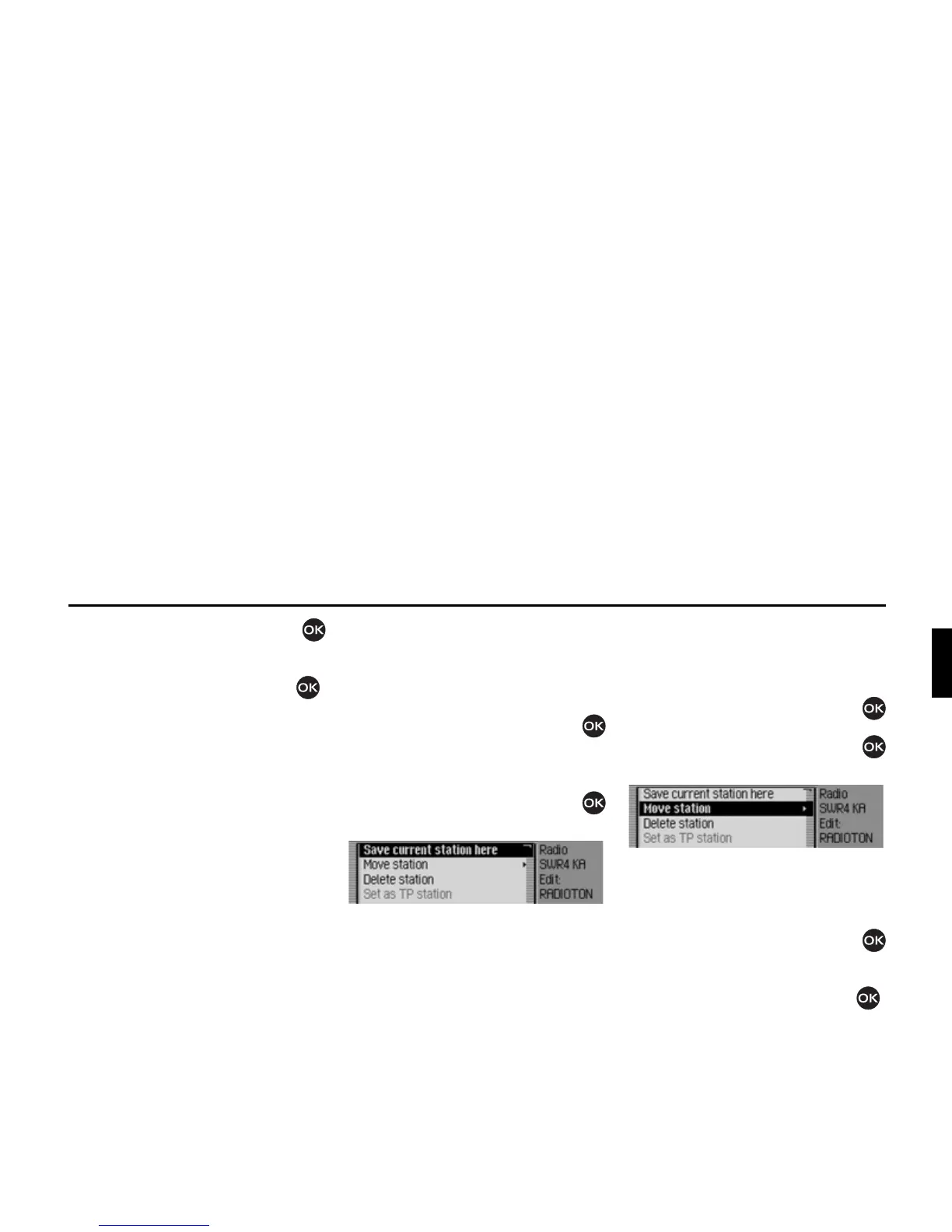
X Press the rotary control/push button
until a menu appears.
X Select the 6DYH FXUUHQW VWDWLRQ KHUH
entry.
The station is now stored in the station
memory.
Depending on the setting in “Voice
entries” on page 69, the procedure for
saving a voice entry for the station
stored will now start.
Moving stations
You can move the position of a station
stored in the station memory.
X Turn the rotary control/push button
to select the memory to be moved.
X Press the rotary control/push button
until a menu appears.
X Select the 0RYHVWDWLRQ entry.
The station to be moved is marked with
an arrow.
X Turn the rotary control/push button
to select the required memory position.
X Confirm the memory position by press-
ing the rotary control/push button .
3019
3020














 To Next Page