120
Mail messages
Mail messages
Below, you will find information on sen-
ding and receiving text messages (SMS)
and the corresponding settings.
New incoming SMS display
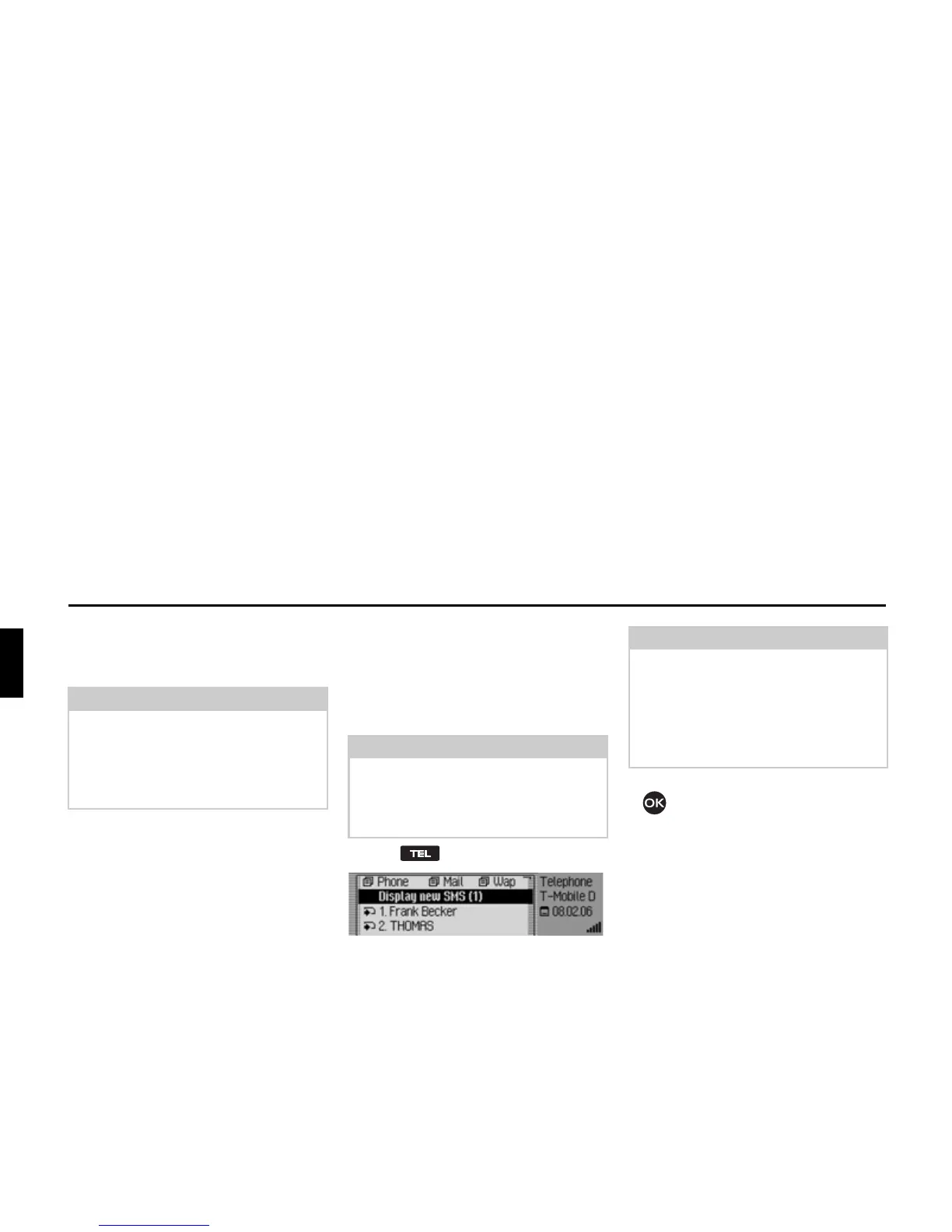
If you have received new SMS messages,
a signal tone sounds if the unit is switched
on. New SMS messages are displayed di-
rectly in the phone’s fast access function.
X Press .
If you have received one or more new
messages, you will find the
'LVSOD\ QHZ
606
entry displayed as the first fast ac-
cess entry.
X Select the 'LVSOD\QHZ606 entry.
X Press the rotary control/ push button
.
If you have received just one SMS, this
SMS is displayed immediately and you
can then read it. Proceed as described in
“Options for SMS read aloud” on
page 122.
If more than one SMS has been received,
the SMS fast access function is opened.
Please see “Reading SMS” on page 121
for a description of how to proceed.
Note:
The functions described in this section
are not available for a mobile phone
equipped with Bluetooth® wireless
technology that is connected via the
hands-free system.
Note:
If you have activated the function “An-
nouncing new SMS” on page 129, this
starts an automatic dialogue for dis-
playing a new SMS message.
5101
Note:
The number in front of the
'LVSOD\ QHZ
606
entry indicates how many new
SMS you have received.
The right-hand part of the display indi-
cates when (time or date) the last SMS
was received.














 To Next Page