179
Settings
For 'LVSOD\:
• Setting display brightness with
'LVSOD\
EULJKWQHVV
• Setting display colour using &RORXUV.
• You can use
'D\QLJKWGHVLJQ to config-
ure the settings for changeover be-
tween day and night design.
Other settings:
• Using
([WHUQDOGHYLFH, you can specify
whether an AUX source or an external
hands-free unit is connected to the
Mexico instead of a CD changer.
• You can use
5HVHWIXQFWLRQV to reset the
Mexico to the factory settings.
• You can use
'DWDEDFNXS
to backup the
address book data or load previously
saved data back onto your Mexico.
• You can use 'LUHFWLRQRIURWDU\DFWXDWRU
to specify the direction in which lists
and menus are scrolled when the
rotary control/push button is turned.
• You can use
&ORFN to configure the
GMT time sent by the satellite in
terms of its format and the current
time zone.
The time only needs to be set so that
the Mexico can supply navigation
information correctly on routes with
time-dependent route guidance. Set-
ting the time also ensures that antici-
pated times of arrival are announced/
displayed correctly.
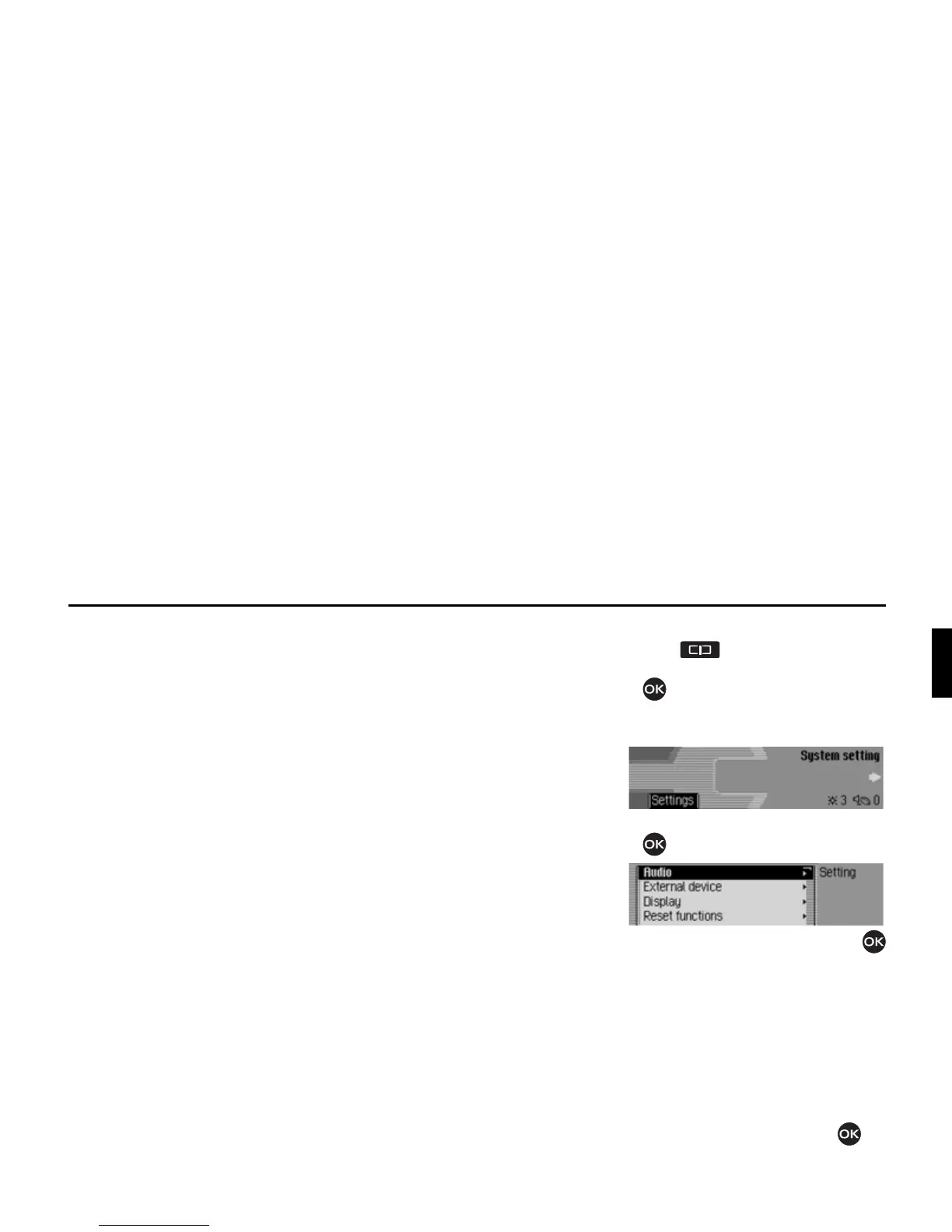
Calling up the system settings
X Press .
X Turn the rotary control/push button
counter clockwise until
6\VWHP
VHWWLQJ
appears at the top right of the
display.
X Press the rotary control/push button
.
X Turn the rotary control/push button
to select one of the following options:
$XGLR,
([WHUQDOGHYLFH,
'LVSOD\,
5HVHWIXQFWLRQV,
'DWDEDFNXS,
'LUHFWLRQRIURWDU\DFWXDWRU or
&ORFN
X Confirm your selection by pressing
the rotary control/push button .
7014
7015














 To Next Page