45
Navigation mode
The destinations saved on the Becker-
club homepage are loaded.
After successfully loading the destina-
tions, terminate the connection as de-
scribed in “Terminating WAP connec-
tion” on page 135.
The loaded destinations are displayed.
Navigating to @-destination
You can start navigation to an @-desti-
nation that has been loaded.
X Open the @-destinations menu.
X
Select the destination you wish to navi-
gate to.
X Confirm your selection by pressing
the rotary control/ push button .
Route guidance to the selected destina-
tion will be initiated.
Functions in the @-destination
list
You can save individual entries in the
address book, delete individual entries
or delete all @-destinations.
X Open the @-destinations menu.
X Select the destination you wish to edit.
X Press the rotary control/ push button
until a menu appears.
X Then select from 6DYHLQDGGUHVVERRN,
'HOHWHHQWU\ or 'HOHWHOLVW.
•
6DYHLQDGGUHVVERRN
The destination is saved to the address
book.
• 'HOHWHHQWU\
The destination will be deleted from
the @-destinations list.
•
'HOHWHOLVW
You can delete the entire list of @-
destinations. When the prompt
appears, select
<HV to delete the list or
1R to retain it.
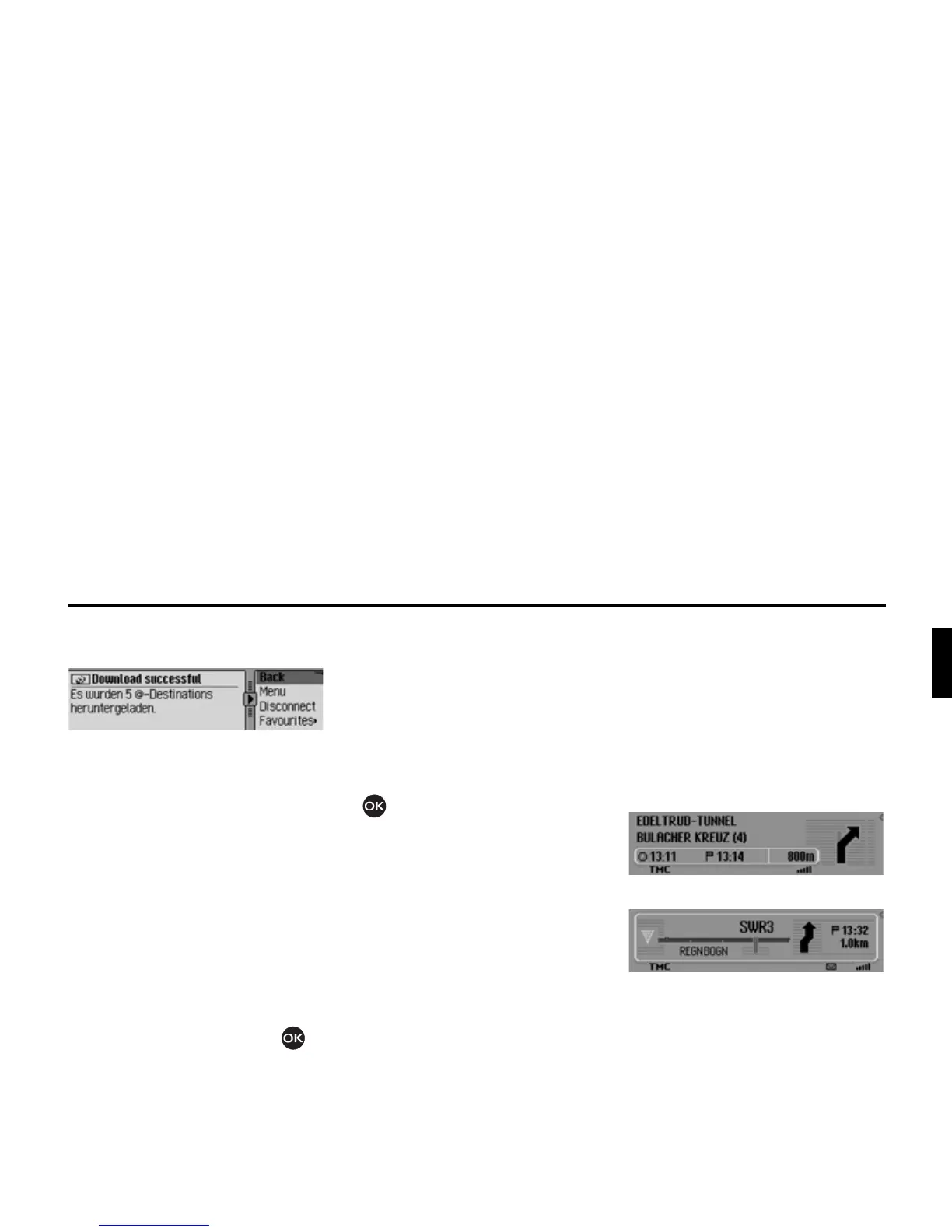
During route guidance
During route guidance, navigation infor-
mation is displayed on the status screen
in all operating modes.
However, complete navigation informa-
tion is only displayed in the navigation
status screen.
Examples:
The navigation status screen.
The radio status screen with active navi-
gation. The display for other sources is
similar. When you are approaching a
turn, the navigation status screen appears
automatically. Once you have completed
the turn, the unit reverts to the previous
status screen.














 To Next Page