111
Telephone mode
Once the connection to the desired party
has been established, this call is also the
active call.
X In the Options menu, select the &RQIHU
HQFH
entry.
The call on hold and the active call are
then combined in a conference call.
Adding parties
You are already conducting an active
conference call and want to add another
party to the call.
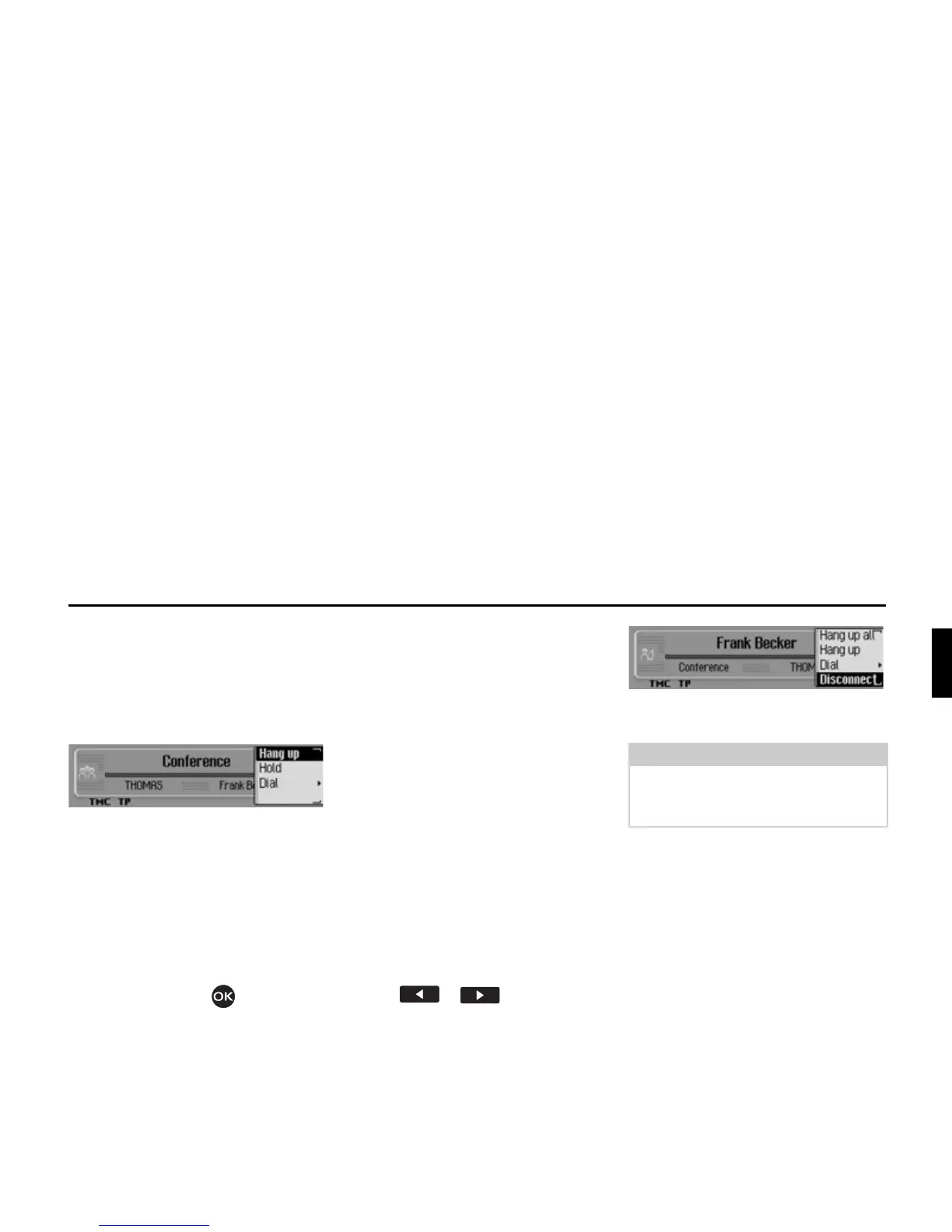
X In the status display, press the rotary
control/push button .
The Options menu appears.
X Then select the 'LDO entry.
X Establish a connection to the desired
participant.
Once the connection to the desired party
has been established, this call is also the
active call. The conference call is on
hold in the background.
X In the Options menu, select the &RQIHU
HQFH
entry.
The new call is added to the conference
call on hold. The conference call is then
re-activated.
Private call
You want to talk to one of the confer-
ence call participants without the other
parties listening in. In this case, there
must be no other call on hold in the
background.
X Press or until the desired
party of the conference call is dis-
played in the centre of the screen.
X In the Options menu, select the 'LVFRQ
QHFW
entry.
You can now speak privately with the
selected conference call participant.
The conference call is on hold in the
background.
You can now also switch back and forth
between the private call and the remain-
ing conference call as described in “Tog-
gling” on page 110.
In the Options menu you can add the pri-
vate call to the conference call again by
selecting
&RQIHUHQFH.














 To Next Page