183
Settings
X Press the rotary control/push button
to apply the preferred colour
scheme. This quits the menu.
Day/ night design
You can configure settings for the
changeover between day and night de-
sign on your Mexico.
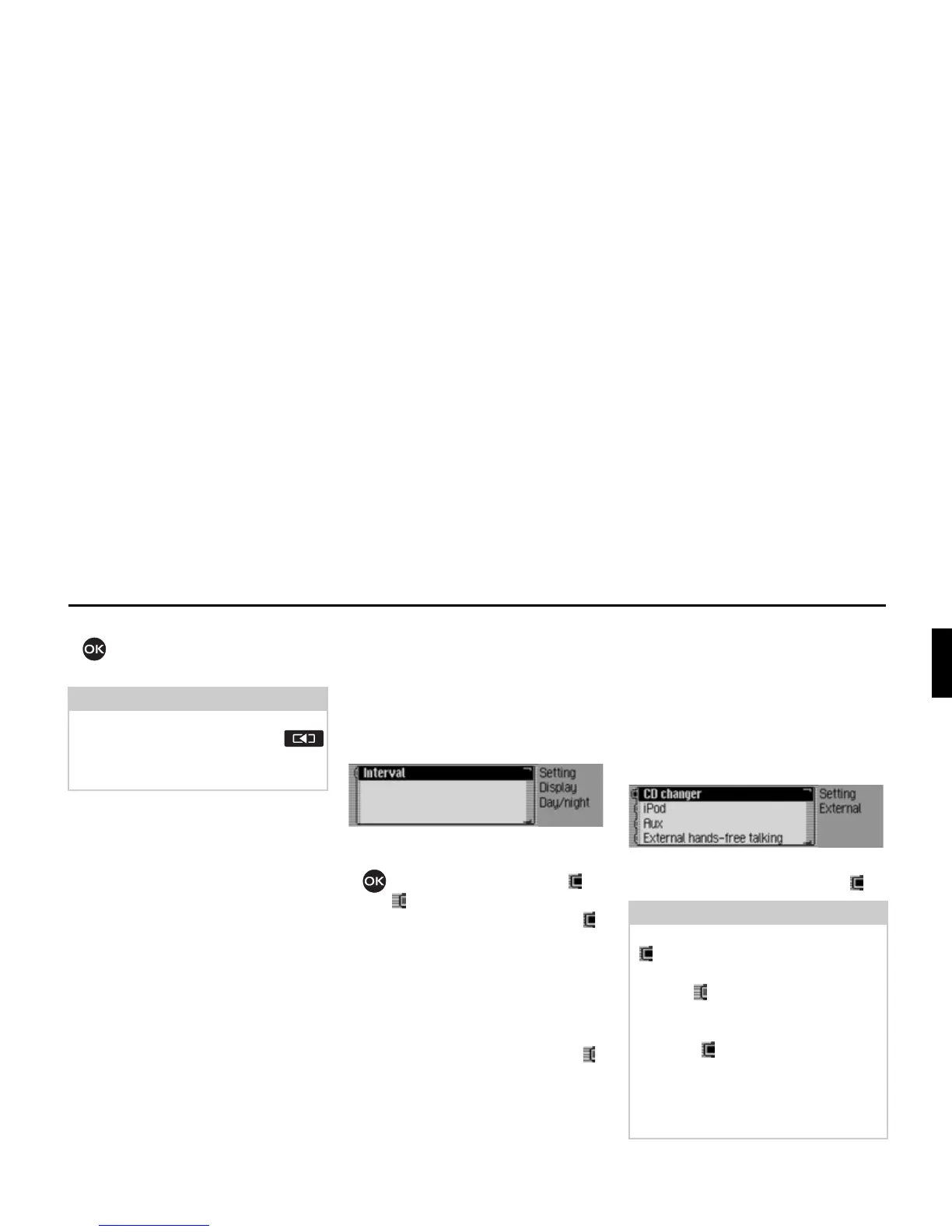
X Select 'D\QLJKW GHVLJQ in the system
settings.
X Select ,QWHUYDO.
X Press the rotary control/ push button
to switch the function on ( ) or
off ( ).
If the function is switched on ( ),
changeover between day and night
design takes place at short intervals dur-
ing operation (under dim outside light
conditions). This setting protects the dis-
play and prevents what is known as the
“burning-in effect”.
If the function is switched off ( ),
changeover between day and night
design takes place automatically. The
night design is automatically activated
under dim outside light conditions.
External device
You can specify whether an iPod, an
AUX source or an external hands-free
unit is connected to the Mexico instead
of a CD changer.
X Select ([WHUQDO GHYLFH in the system
settings.
X Select between &' FKDQJHU, L3RG, $X[
and ([WHUQDOKDQGVIUHH off (on = ).
Note:
The previously selected colour scheme
is retained even after pressing the
button and after a short time if the sys-
tem is not operated (quitting the menu).
7023
Note:
Only one of the 4 settings can be active
() at one time.
However, all 4 functions may be
inactive ( ) at the same time.
If the Mexico recognises that a CD
changer is connected,
&' FKDQJHU is
activated ( ). It is then not possible to
switch the function off manually.
The microphone of the Mexico cannot
be used for external hands-free
operation.
7021














 To Next Page