94
Telephone mode
Calling up the Telephone main
menu
In the Telephone main menu, you can en-
ter/ select telephone numbers, call up the
call lists, call the emergency services, call
up the telephone settings and switch off
the phone.
X Press twice in succession.
or
X Press .
The Fast Access menu appears.
X Select the 7HOHIRQ or 7HOHSKRQHPHQX en-
try (mobile phone only).
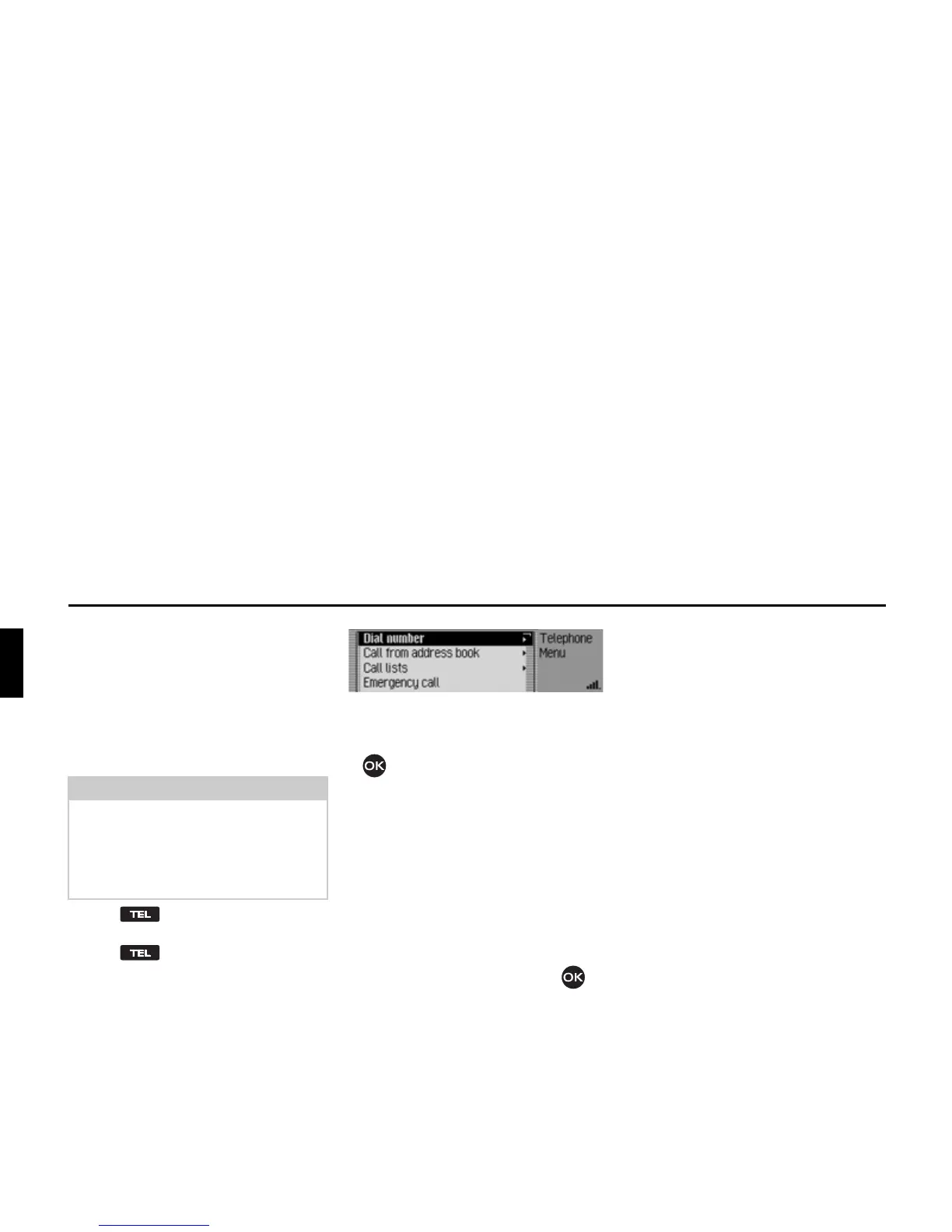
The Telephone main menu appears.
X Turn the rotary control/push button
to select one of the following op-
tions:
'LDOQXPEHU,
&DOOIURPDGGUHVVERRN,
&DOOOLVWV,
(PHUJHQF\FDOO,
6HWWLQJ or
6ZLWFK RII WHOHSKRQH (internal phone
and SIM-Access only).
X Confirm your selection by pressing
the rotary control/ push button .
The desired function is called up.
•
'LDOQXPEHU
Accesses the input menu for a tele-
phone number. See “Dialling number”
on page 95.
•
&DOOIURPDGGUHVVERRN
You can select a telephone number
from the address book. See “Dialling a
number from the address book” on
page 96.
•
&DOOOLVWV
You can obtain a display of the call
lists for missed calls, answered calls
and numbers dialled. See “Call lists”
on page 97.
•
(PHUJHQF\FDOO
You can establish a connection to the
“112” emergency number. See “Emer-
gency call” on page 98.
•
6HWWLQJ
You can set the functions “Call di-
vert”, “Call settings”, “Select net-
work”, “Ring tone”, “PIN settings”
and activate/ deactivate the “Dialogue
with call” functions.
See “Settings” on page 99.
•
6ZLWFKRIIWHOHSKRQH
(
internal phone and SIM-Access only
)
You can switch off the internal phone.
See “Switching the telephone off” on
page 107.
Note:
To call up the telephone mode directly,
it is essential that the internal telephone
is active or there is a mobile phone with
Bluetooth® wireless technology con-
nected via Bluetooth.
5053














 To Next Page