204
Voice mode
Switch off:
Say the command Station number
... (1 - X) filter off or Deactivate filter
station [number] ... (1 - X).
• Switch filtering off for all stations.
Say the command Reset.
Alternative commands:
Reset [station] filter or Deactivate
[station] filter.
• Switch filter function for a station
chain on/off.
Switch on:
Say the command Filter station
chain or Filter entire station chain.
Switch off:
Say the command Deactivate sta-
tion chain filter.
Alternative commands:
Deactivate entire station chain filter
or [Entire] station chain filter off.
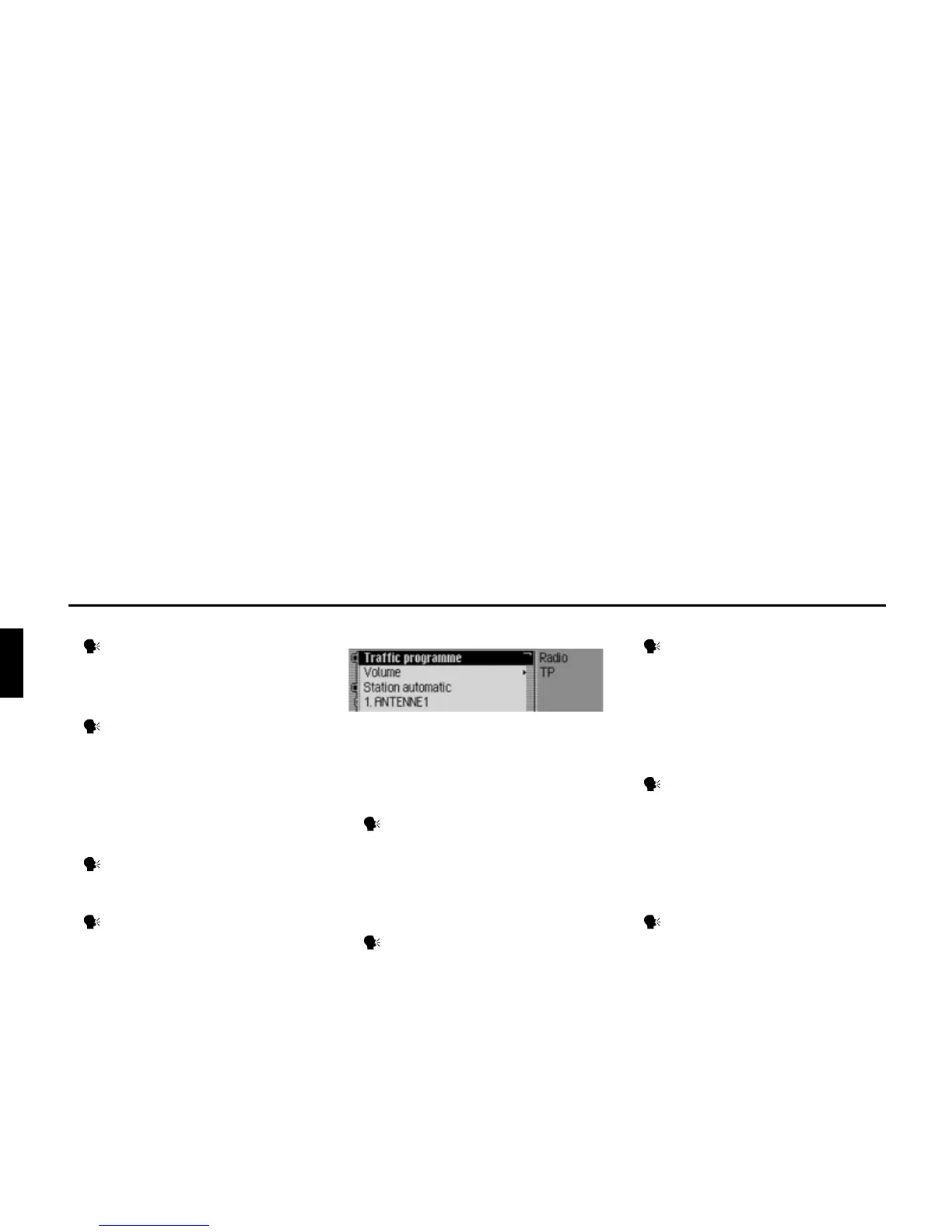
Commands in the TP menu
In the TP menu, the following com-
mands are available (page 70):
• Switch TP on/off.
Switch on:
Say the command Traffic pro-
gramme on.
Alternative commands:
Traffic info on, [Activate] traffic
programme or [Activate] traffic info.
• Switch off:
Say the command Traffic pro-
gramme off.
Alternative commands:
Traffic info off, Deactivate traffic
programme, Reset traffic pro-
gramme, Deactivate traffic info or
Reset traffic info.
• Set TP station selection to automatic.
Say the command Station auto-
matic.
Alternative commands:
[Search for] [traffic info] automati-
cally or [Search for] [traffic info sta-
tion] automatically.
• Select a TP station manually.
Say the command Station number
... (1 - X).
Alternative commands:
[Set] traffic programme [number] ...
(1 - X) or [Set] station [number] ... (1
- X).
• Call up TP volume setting.
Say the command Volume.
Alternative commands:
Set traffic info volume, Set traffic
programme volume or Set volume.
3013














 To Next Page