112
Telephone mode
Ending call with individual parties
You want to end the connection to a par-
ty in the conference call. In this case,
there must be no other call on hold in the
background.
X Press or until the call to
be ended or the party in the conference
call is displayed in the centre of the
screen.
X In the Options menu, select the +DQJXS
entry.
The connection with the desired party
will be ended.
Ending a conference call
You want to end a conference call com-
pletely.
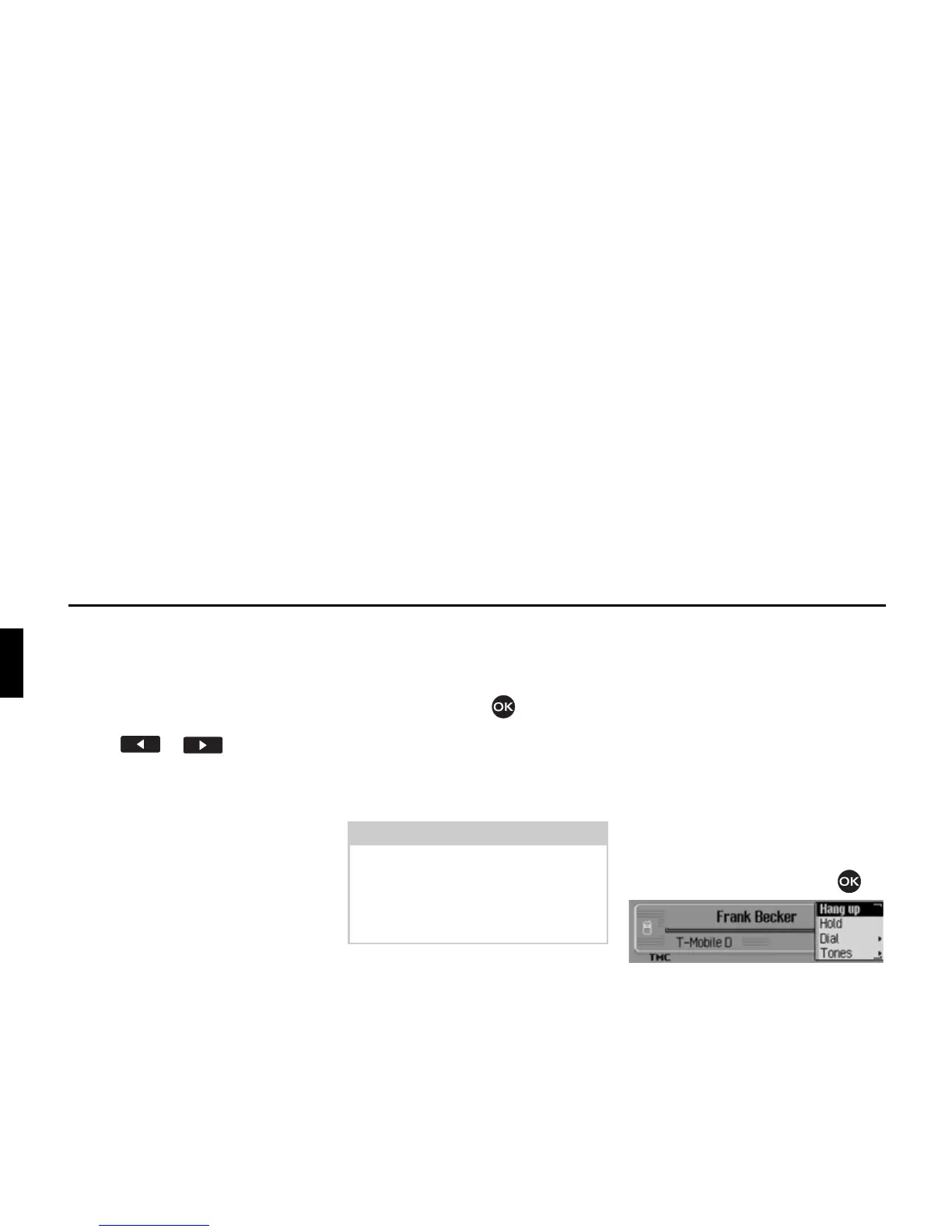
X In the status display, press the rotary
control/push button .
The Options menu appears.
X Select the +DQJXS entry.
The conference call is then ended.
Any call on hold is still kept on hold.
Options menu
The Options menu can be displayed dur-
ing an active call/call on hold or a con-
ference call. The available menu items
depend on whether you are conducting a
single call or a conference call. There
may also be differences when using the
internal phone, SIM-Access or when us-
ing a mobile phone equipped with Blue-
tooth® wireless technology connected
via the hands-free profile.
X In the Telephone status display, press
the rotary control/push button .
The Options menu appears.
Note:
If, in addition to the conference call,
you have another call on hold, then you
can also end this call at the same time
by selecting
+DQJ XS DOO in the Options
menu.
5077














 To Next Page