26
Navigation mode
Entering a destination
X In the Navigation main menu, select
the
(QWHUDGGUHVV entry.
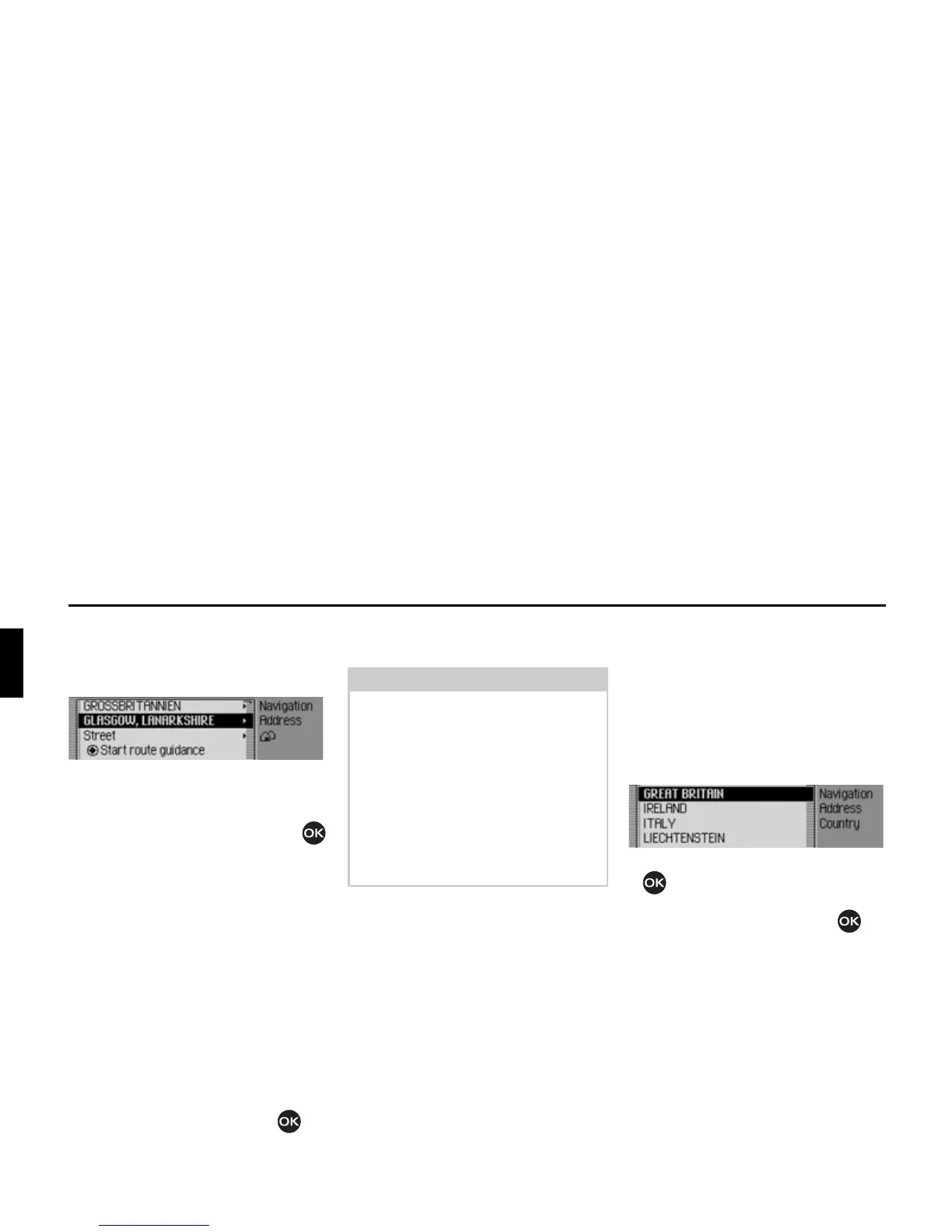
The Enter Destination menu appears.
The last country selected and the last
town selected appear first.
X Turn the rotary control/push button
to select one of the following options:
*5($7%5,7$,1(country as example),
*/$6*2:(town as example),
6WUHHW,
6WDUWURXWHJXLGDQFH,
3RVWDOFRGH (postcode),
+RXVHQXPEHU,
,QWHUVHFWLRQ,
&HQWUH,
*HRFRRUGLQDWHV,
5RXWHVKRUW/5RXWHIDVW or 5RXWHG\QDPLF
and
6DYHGHVWLQDWLRQ
X Confirm your selection by pressing
the rotary control/push button .
The corresponding menu appears or the
required action is initiated.
Selecting a country
If your destination is located in a different
country (
*5($7 %5,7$,1 in the example
display) you must first select the required
country.
X In the Enter Destination menu, select
the country (
*5($7%5,7$,1 in the exam-
ple).
X Turn the rotary control/push button
to select your destination country.
X Confirm your selection by pressing
the rotary control/push button .
Note:
Some entries in the Enter Destination
menu cannot be selected directly. For
example, a house number cannot be
entered unless the name of a road has
been entered first. These non-selectable
entries are greyed out in the display and
cannot be selected.
The entry will also be greyed out if no
house numbers are available for a
specific road.
2005














 To Next Page