115
Telephone mode
Private
(mobile phone only)
You can divert calls answered via Mex-
ico to the mobile phone. The hands-free
unit is then deactivated.
X Open the Options menu.
X Select the 3ULYDWH entry.
X Press the rotary control/ push button
to switch the function on ( ) or
off ( ).
Telephone fast access functions
In fast access mode the last 20 numbers
or names which have been dialled, an-
swered or rejected will be displayed in
chronological order.
You may:
• Call numbers and names listed in fast
access mode directly.
• Protect the fast access entries, i.e. the
entry will not be deleted when the
maximum number of entries is
reached. The oldest unprotected entry
will be deleted.
• Delete individual fast access entries.
• Delete the entire fast access list.
• Save an entry from the fast access list to
the address book or to the SIM card (
in-
ternal phone and SIM-Access only
).
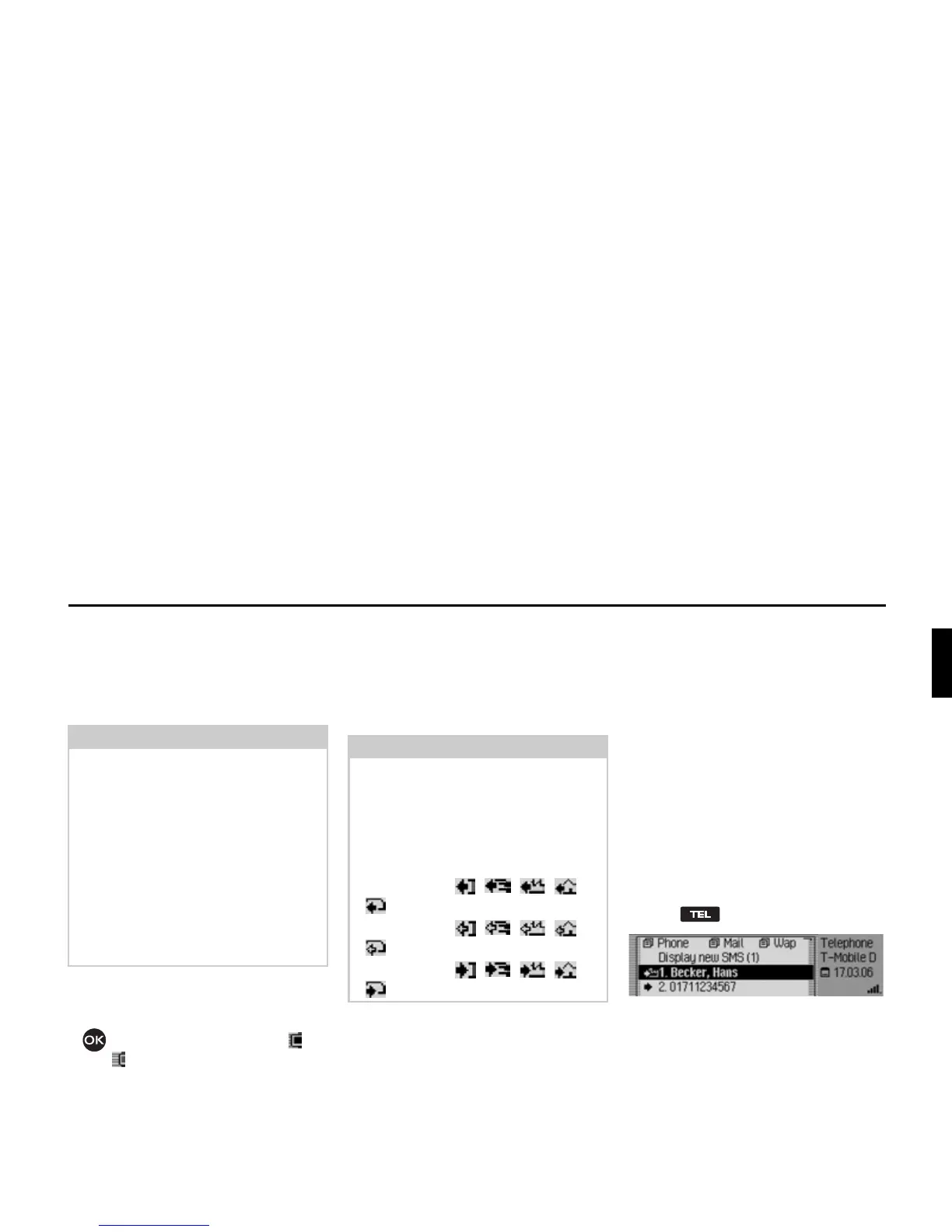
X Press .
X The telephone fast access function ap-
pears.
Notes:
• With some mobile phones, the con-
nection from the mobile phone to the
Mexico will be interrupted when this
function is activated. If this is the case
you will have to reconnect the mobile
phone to the Mexico as described in
“Connecting and disconnecting de-
vices” on page 167.
• If, at the end of the call, the function
3ULYDWH was activated, it will be deacti-
vated again for the next call.
Notes:
The fast access entries have been given
symbols (the symbols are displayed in
the following order – number not in
memory, mobile phone number, busi-
ness number, private number and SIM
card entries):
• The symbols , , , and
stand for answered calls.
• The symbols , , , and
stand for rejected calls.
• The symbols , , , and
stand for outgoing calls.
5051














 To Next Page