105
Telephone mode
Ring tone
(internal phone and SIM-Access only)
With this function you can choose be-
tween various ring tones to signal a call.
X Call up the Settings menu.
X Select the 5LQJWRQH entry.
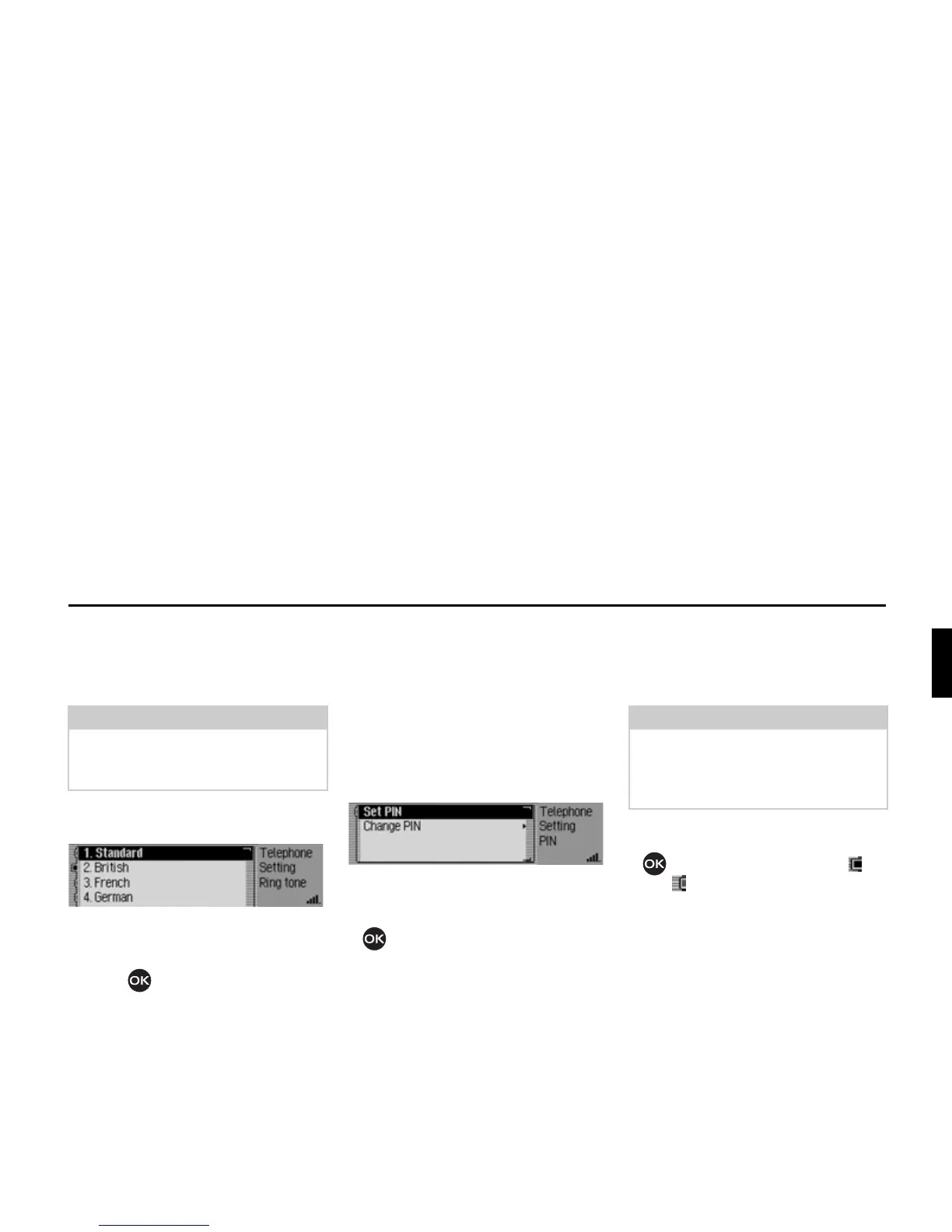
The Ring Tone menu appears.
X Turn and press the rotary control/ push
button to select the preferred ring
tone.
The ring tone is played once to confirm.
PIN Settings
(internal phone and SIM-Access only)
You can set the PIN in the PIN settings,
i.e. it does not have to be re-entered after
switching on Mexico.
You can also change your PIN.
X Call up the Settings menu.
X Select the 3,1VHWWLQJV entry.
The PIN Settings menu appears.
X Turn the rotary control/push button
to select one of the following op-
tions:
6HW3,1 or
&KDQJH3,1.
6HW3,1 option
If the function is active, the PIN does not
need to be entered after switching on
Mexico.
X Select the 6HW3,1 entry.
X Press the rotary control/ push button
to switch the function on ( ) or
off ( ).
Note:
The volume of the ring tone cannot be
set separately. It depends on the cur-
rently set volume of the device.
5073
Note:
The Mexico can store the PIN numbers
for up to 5 different SIM cards. If more
than 5 SIM cards are used, the oldest
PIN is removed from the memory.














 To Next Page