76
Radio mode
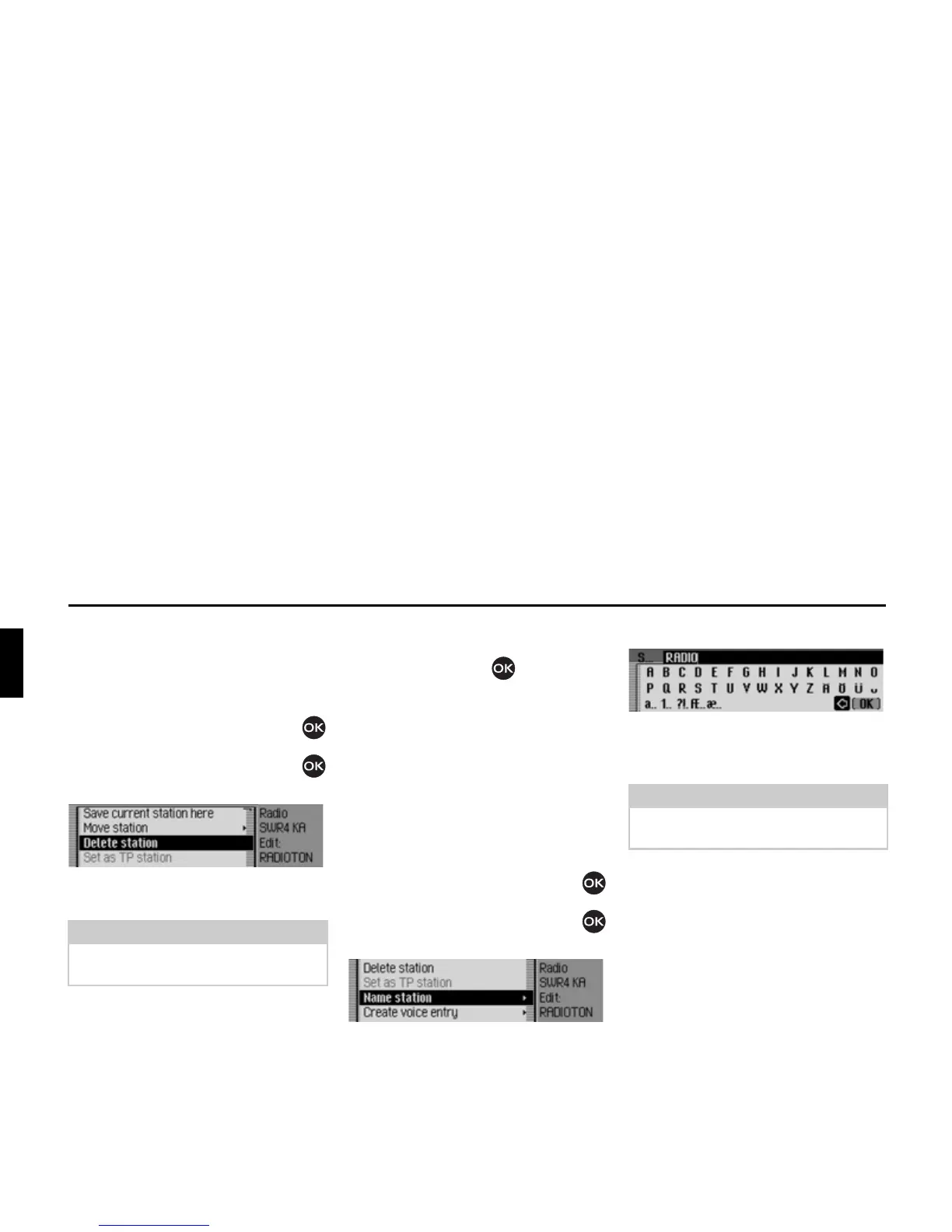
Deleting stations
You can delete a station stored in the
station memory.
Fast access mode
X Turn the rotary control/push button
to select the station to be deleted.
X Press the rotary control/push button
until a menu appears.
X Select the 'HOHWHVWDWLRQ entry.
The selected station is deleted.
Status display
X In the status display, press the rotary
control/push button .
The Options menu appears.
X Select the 'HOHWH entry.
The station is deleted from the station
memory.
Naming stations
You can assign a user-defined name of
up to 8 characters in length to a stored
station.
X Turn the rotary control/push button
to select the station to be named.
X Press the rotary control/push button
until a menu appears.
X Select the 1DPHVWDWLRQ entry.
X Select the letters in the required name
one after the other and confirm the
name entered.
The station named now appears in the
station memory (also in other wave-
bands) with the name entered.
Note:
If a voice entry has been assigned to the
deleted station, it will also be deleted.














 To Next Page