202
Voice mode
• Call up Reception Optimisation menu
(page 69).
Say the command Reception opti-
misation [menu] or [Open] reception
optimisation [menu].
• Switch bandwidth control on/off
(page 70).
Switch on:
Say the command Adaptive band-
width control on or [Activate] adap-
tive bandwidth control.
Switch off:
Say the command Adaptive band-
width control off or Deactivate adap-
tive bandwidth control.
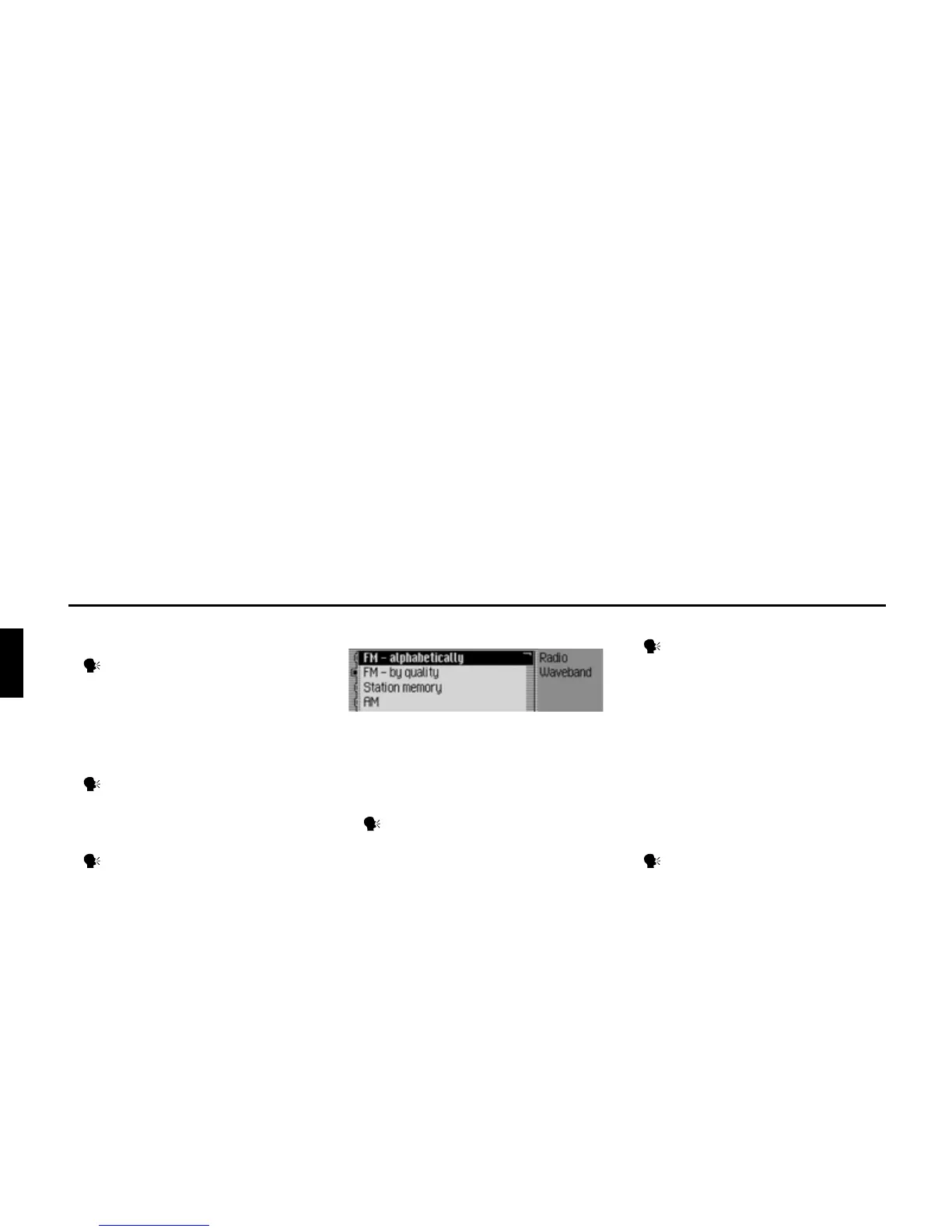
Commands in the Waveband menu
In the Waveband menu, the following
commands are available (page 62):
• Set VHF waveband according to
quality.
Say the command FM quality.
Alternative commands:
[Activate] [very high frequency] by
quality, [Activate] [VHF] by quality,
[Activate] [FM] by quality, [Select]
[very high frequency] by quality,
[Select] [VHF] by quality or [Select]
[FM] by quality.
• Set VHF waveband alphabetically.
Say the command FM alphabeti-
cally.
Alternative commands:
[Activate] [FM] alphabetically, [Acti-
vate] [very high frequency] alphabet-
ically, [Activate] [VHF] alphabeti-
cally, [Select] [FM] alphabetically,
[Select] [very high frequenc] alpha-
betically or [Select] [VHF] alphabeti-
cally.
• Call up station memory.
Say the command Station mem-
ory.
Alternative commands:
Activate station memory, Activat
mememory list, Select station mem-
ory or Select memory list.
3002














 To Next Page