85
Media mode
For further information about creating
MP3 files and ID3 tags, please consult
your dealer or check on the Internet.
MP3 memory cards/
Micro-drive mode
Inserting micro-drive/CF memory
card
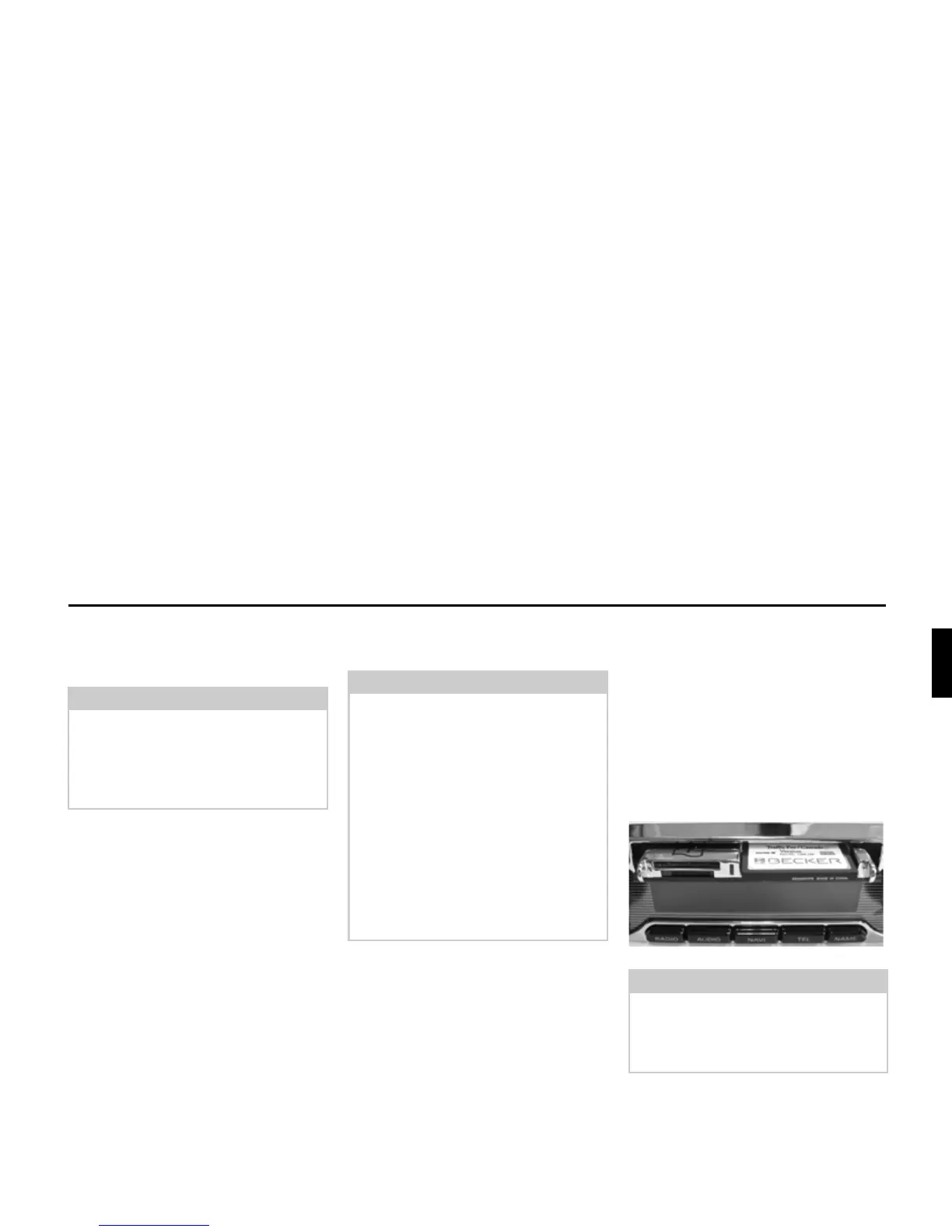
The slot for inserting the micro-drive/CF
memory card is located in the media slot.
X Open the media slot as described in
“Opening media slot” on page 15.
X Place the micro-drive/CF memory
card into the visible slot on the right-
hand side.
Note:
Due to the abundance of different kinds
of software and their associated settings
we cannot guarantee the playback qual-
ity of MP3 data from micro-drive/stor-
age cards.
Note:
• Micro-drives with a capacity of up to
4 GB can be used.
• Type 1 and type 2 CF cards can be
used as memory cards. Memory cards
up to a capacity of 4 GB can be used.
• SD/MMC cards with a capacity of up
to 4 GB can be used.
• The SD/IO format is not supported by
the slot for the SD card.
• Please note that the storage medium
was formatted with the FAT 32 file
system.
Notes:
The CF memory card/micro-drive can
only be inserted in one direction. The
reverse of the CF memory card/micro-
drive points downwards.














 To Next Page