127
Mail messages
Sending
After selecting
6HQG, provided a phone
number has been specified for the SMS,
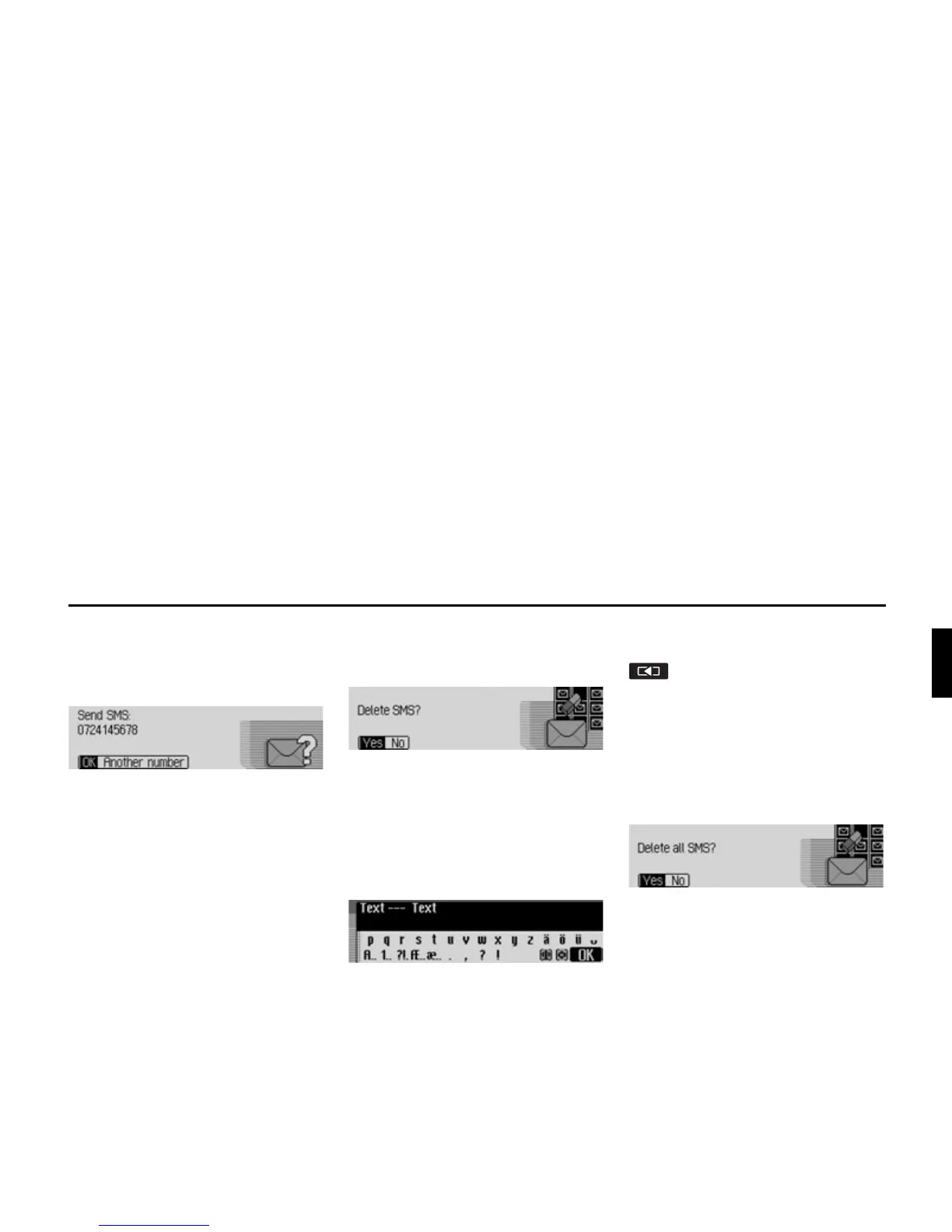
the following message is displayed.
X The SMS is sent to the displayed
number when
2. is selected.
If a number has not yet been specified for
the selected SMS or if you previously se-
lected
$QRWKHU QXPEHU
, then you must en-
ter/dial a phone number as described at
the end of the instructions given in “Com-
posing SMS” on page 124.
Deleting
After selecting
'HOHWH the following mes-
sage will be displayed.
X When the prompt appears, select <HV
to delete the SMS or 1R to retain it.
Editing
After selecting
(GLW, or after selecting the
text of the SMS, the following message
is displayed.
You can now edit/add to the text of the
SMS as described in “Composing SMS”
on page 124 and then send it.
If you do not want to send the text imme-
diately after editing it, you can press
.
X When the next prompt appears, select
<HV to save the edited text or 1R if you
do not want to save the changes.
Deleting all SMS
You can delete all the SMS messages after
selecting
'HOHWHDOO606
.
X When the prompt appears, select <HV
to delete all the SMS or 1R if you do
not want to delete them.














 To Next Page