72
Radio mode
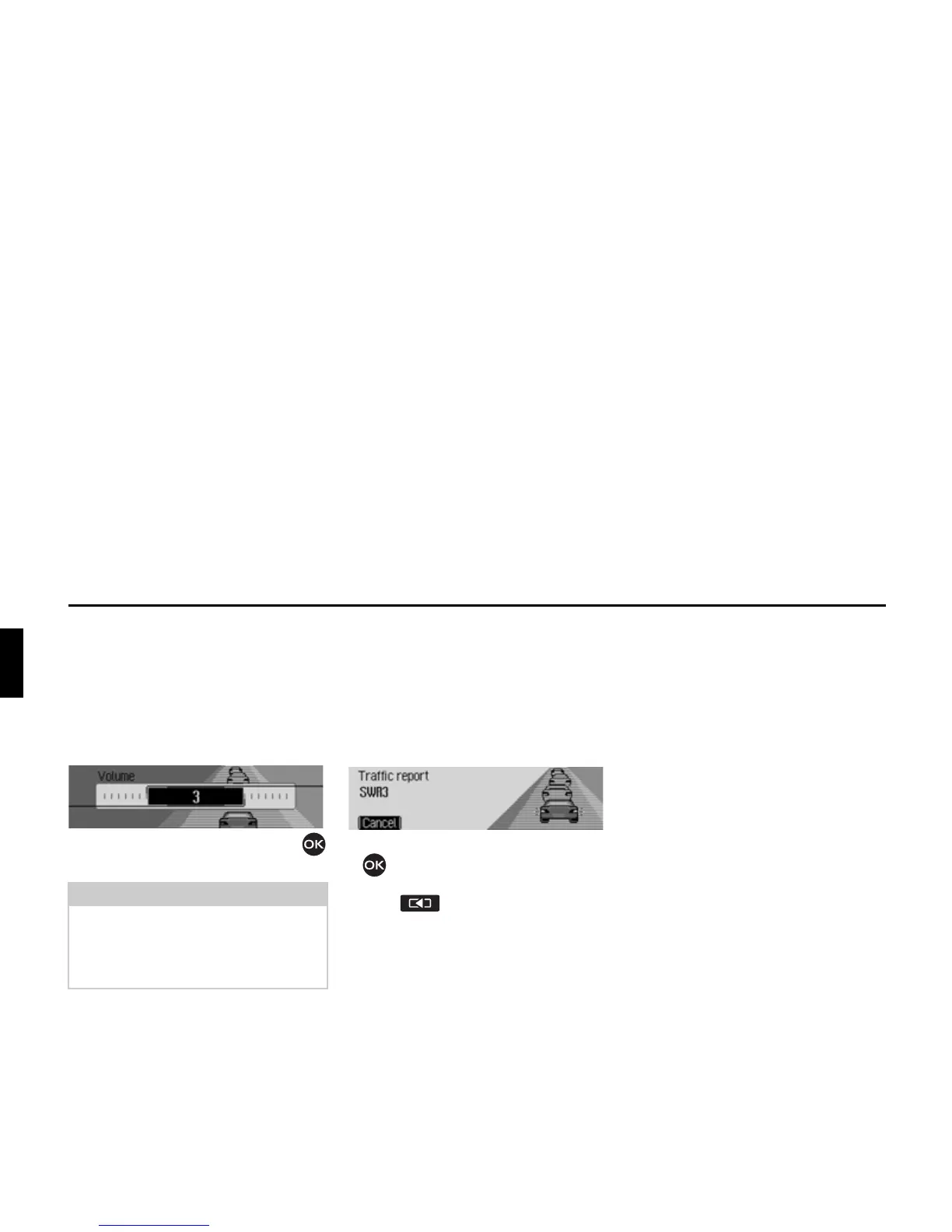
TP volume
You can use this function to control the
increase in volume for traffic announce-
ments.
X In the TP menu, select the 9ROXPH
entry.
X Turn the rotary control/push button
to select the required value.
Cancelling traffic
announcements
You can cancel the reception of traffic
announcements.
The following display appears during a
traffic announcement.
X Press the rotary control/push button
.
or
X Press .
Traffic announcements are cancelled.
AM mode
AM mode combines the two wavebands
$0 and 6KRUWZDYH.
Possible settings for
AM stations
A number of possible settings may be
made for selecting stations in AM mode:
• Tuning via scan search. See “Scan
search” on page 73.
• Scan function. See “Scan function” on
page 73.
• Via the station memory. See “Station
memory” on page 74.
Notes:
• A setting of “0” indicates no increase
in volume.
• A setting of “10” indicates a signifi-
cant increase in volume.














 To Next Page