56
Navigation mode
Displaying traffic information
Current traffic announcements can be
displayed in text form. There are several
options for requesting current traffic
information.
You can call up traffic announcements
via the navigation Options menu and by
pressing . Please refer to the
description in “Traffic announcements”
on page 49 and “Displaying traffic
announcements” on page 53.
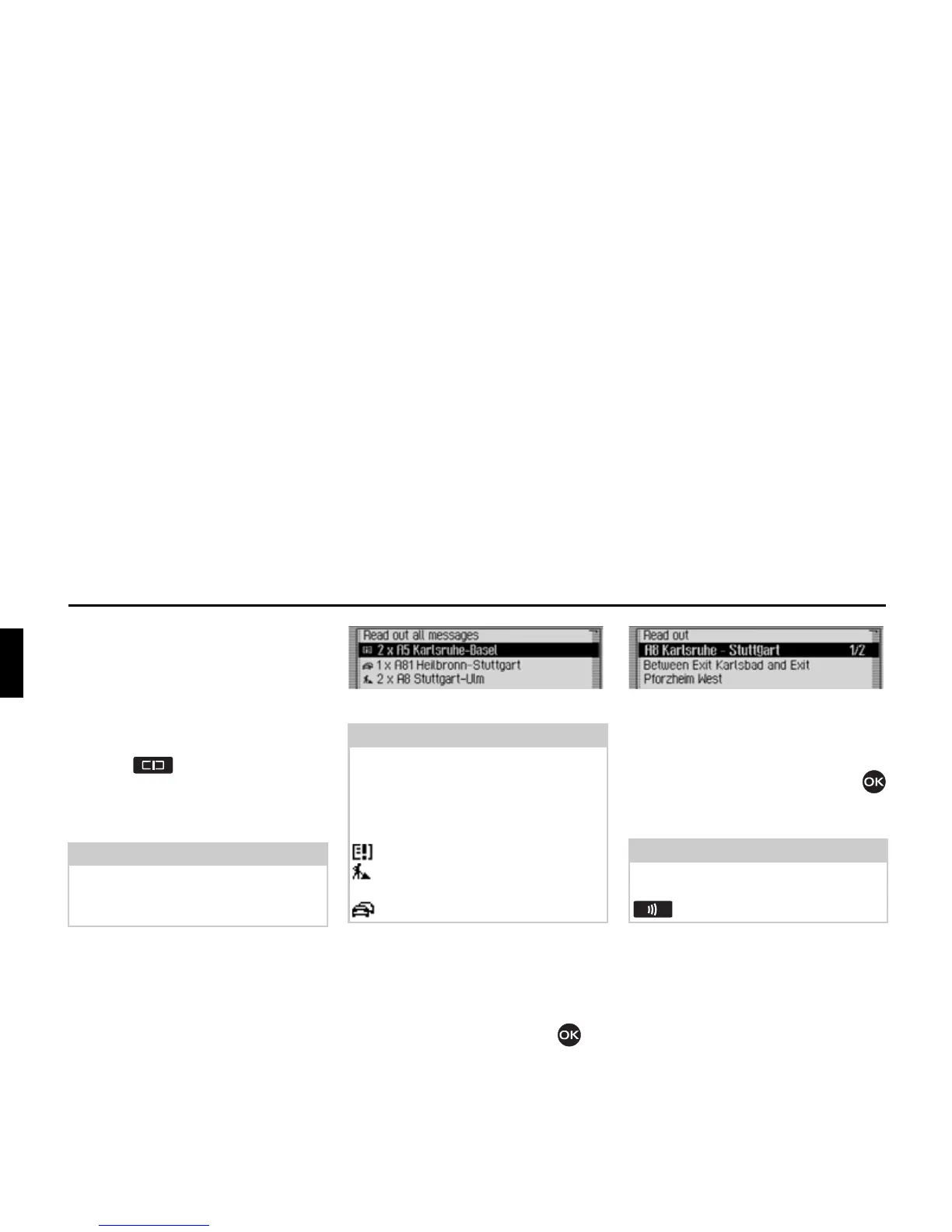
In both cases, the Mexico displays a list
of the up-to-date traffic information cur-
rently available.
All TMC messages are displayed.
X To listen to all announcements, select
the
5HDGRXWDOOPHVVDJHV entry.
or
X Select the required announcement.
X Confirm your selection by pressing
the rotary control/push button .
The announcement appears in full.
X To listen to the announcement, select
the
5HDGRXW entry.
or
X Turn the rotary control/push button
to scroll through the traffic announce-
ment.
A typical traffic announcement appears
as follows:
• a motorway or road number
• Approximate direction information
• Detailed location and direction infor-
mation
• The event
• The cause, if known
Note:
If no up-to-date traffic information is
available, 1R 70&PHVVDJHV and 1R 70&
RQURXWH
are displayed.
Note:
Traffic announcements are displayed
sorted according to category and road.
Various symbols appear in front of each
traffic announcement to indicate the
category.
indicates a warning.
indicates building sites and other
obstacles.
indicates traffic jams in general.
2069
Note:
The reading out of traffic announce-
ments can be aborted by pressing the
button.
2084














 To Next Page