210
Voice mode
Commands for the media
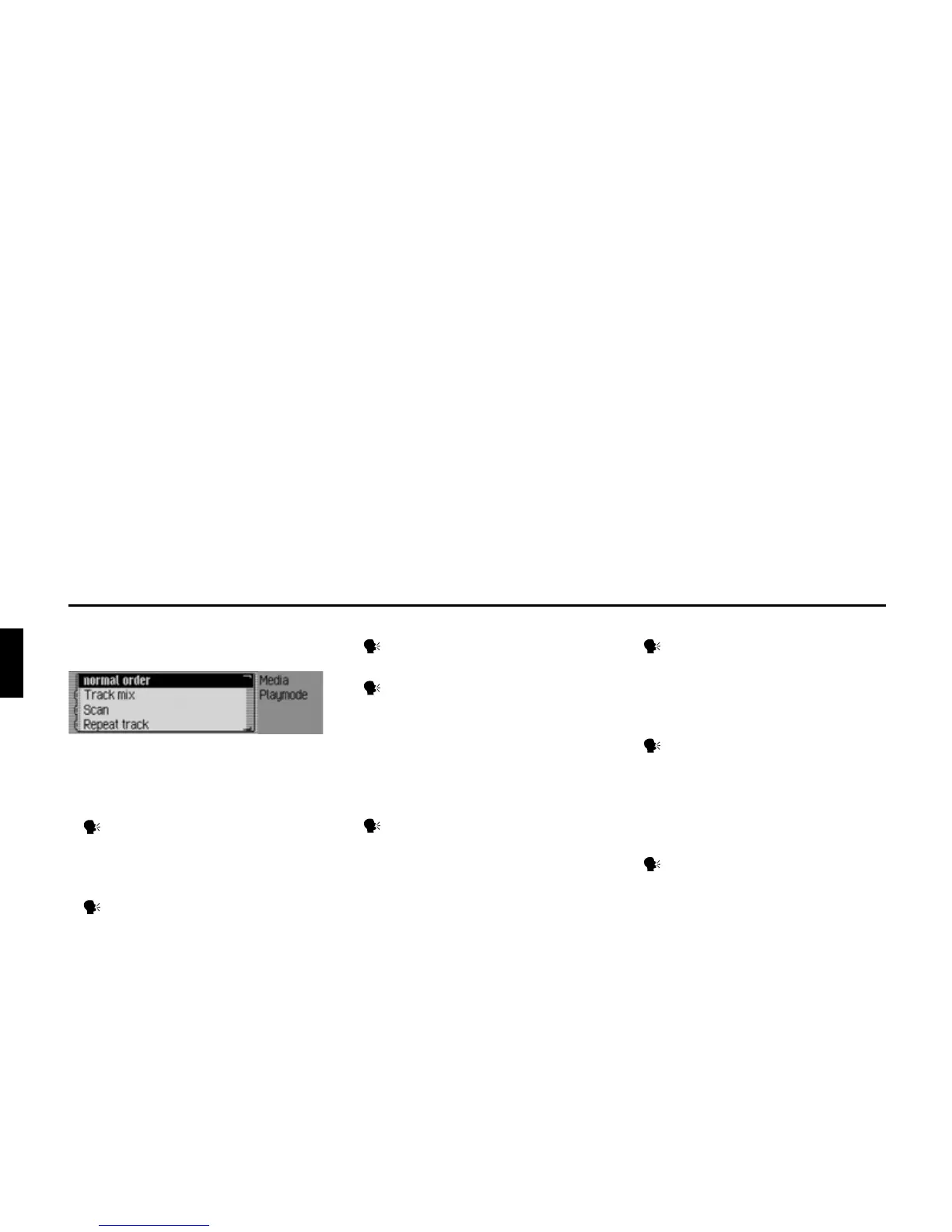
Play Mode menu
In the Play Mode menu, the following
commands are available:
• Switch on scan function.
Say the command Scan or Scan
on.
• Switch on track mix (random play
function) (page 81).
Say the command Track mix.
Alternative commands:
Track mix [on] or Activate track mix.
• Switch on repeat track (page 82).
Say the command Repeat track.
• Switch on normal playback sequence.
Say the command Normal order or
[Play] tracks in normal order.
Only if CD changer is an active media
source:
• Switch on track mix (random play
function) (page 82).
Say the command CD mix.
Alternative commands:
CD mix [on] or Activate CD mix.
• Switch on repeat CD (page 82).
Say the command Repeat CD or
Activate repeat CD.
Only if MP3 is an active media source:
• Activating directory mix (page 82).
Speak the command Directory
mix.
Alternative commands:
Directory mix [on] or Activate direc-
tory mix.
• Switching on repeat folder.
Speak the command Repeat direc-
tory.














 To Next Page