104
Telephone mode
Selecting a network
(internal phone and SIM-Access only)
You can use this function to select, manu-
ally or automatically, the mobile
phone network to which your phone is
connected.
X Call up the Settings menu.
X Select the 6HOHFWQHWZRUN entry.
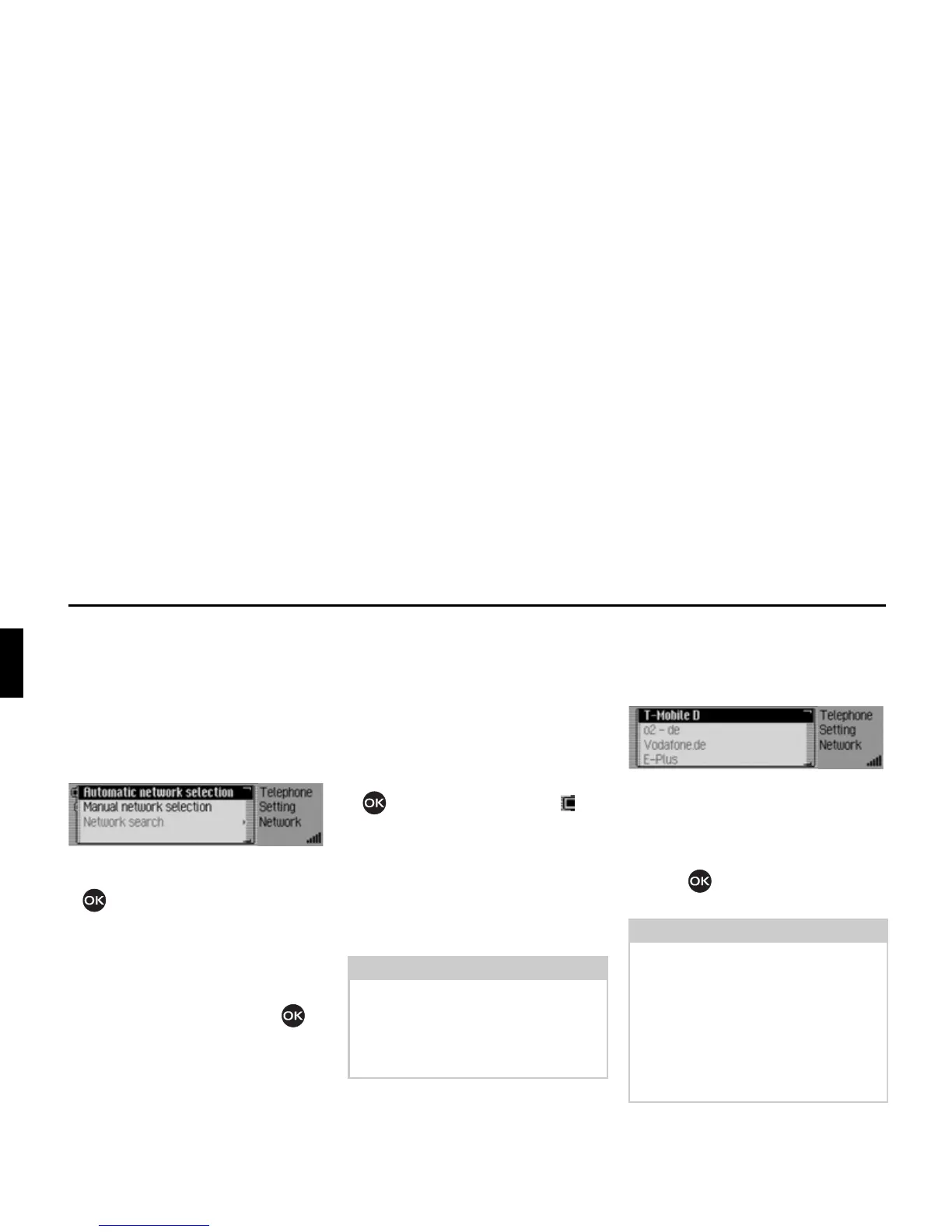
The Network menu appears.
X Turn the rotary control/push button
to select one of the following op-
tions:
$XWRPDWLFQHWZRUNVHOHFWLRQ,
0DQXDOQHWZRUNVHOHFWLRQ or
1HWZRUNVHDUFK.
X Confirm your selection by pressing
the rotary control/ push button .
Activating automatic network selec-
tion
If automatic network selection is active,
the Mexico automatically selects an
available network.
X Select the $XWRPDWLFQHWZRUNVHOHFWLRQ en-
try.
X Turn the rotary control/push button
to switch the function on ( ).
After a short time, if possible, a network
is selected automatically by Mexico.
Selecting a network manually
If manual network selection is active,
you can select one of the available net-
works yourself.
X Select the 0DQXDO QHWZRUN VHOHFWLRQ en-
try.
This starts a search for available net-
works.
After a short time, you will be shown
a list of networks that are currently
available.
X Turn and press the rotary control/push
button to select the preferred net-
work.
Note:
If you have selected a network manual-
ly, this setting is retained. If you leave
the range of the selected network, the
automatic network selection is reacti-
vated.
Notes:
• If the selected network cannot be set,
the automatic network selection is re-
activated.
• If the manual network selection is ac-
tive, you can start a new search for
currently available networks in the
Network menu by selecting
1HWZRUN
VHDUFK
.
5071














 To Next Page