103
Telephone mode
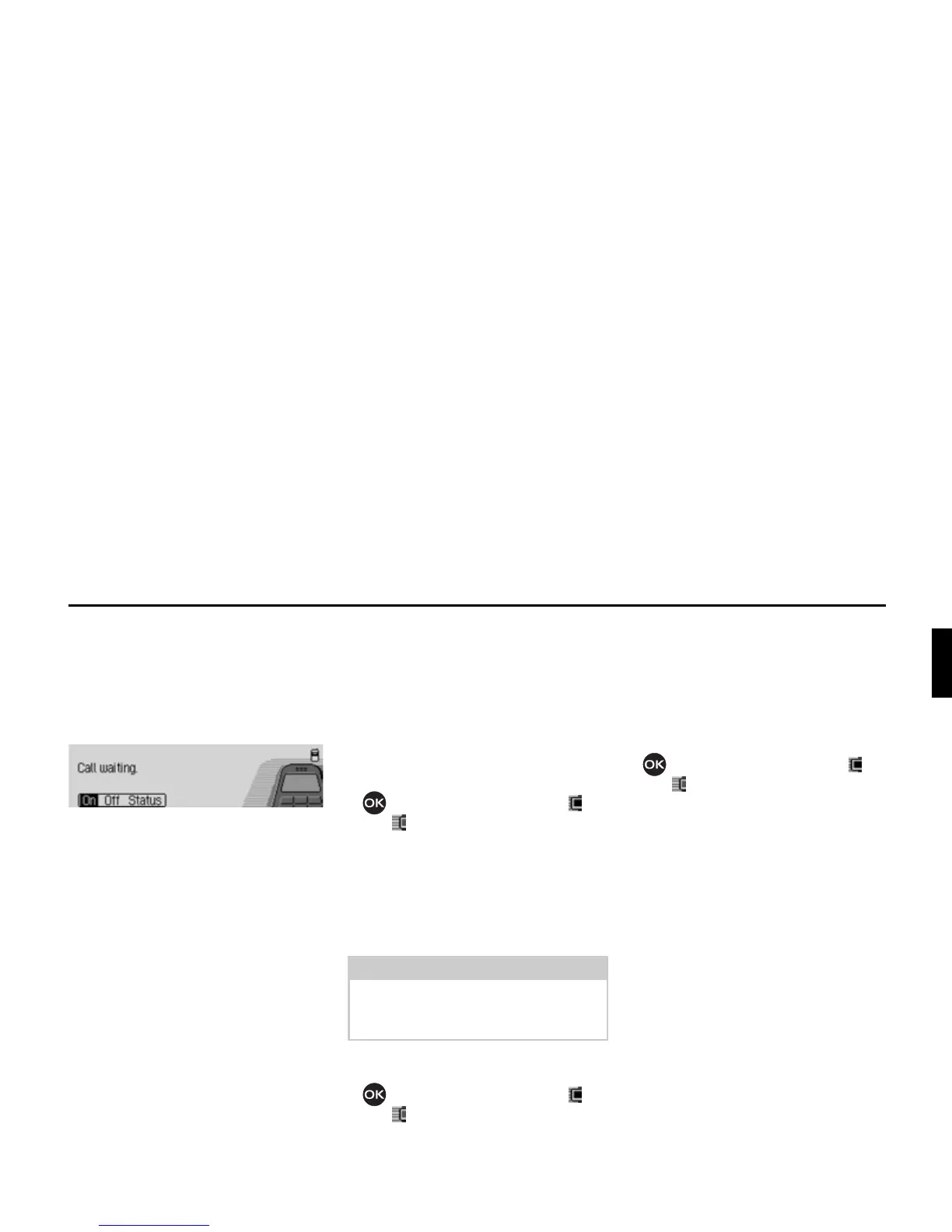
&DOOZDLWLQJ option
If the
&DOOZDLWLQJ function is activated, a
second call is signalled during an ongo-
ing call.
X Select the &DOOZDLWLQJ entry.
X Select from 2Q, 2II and 6WDWXV.
Selecting
2Q switches on the call waiting
function.
Selecting
2II switches off the call wait-
ing function.
After selecting
6WDWXV the current status
of the call waiting function is displayed.
$XWRUHGLDO option
If the
$XWR UHGLDO function is switched
on, when the number that is called is
busy the system automatically attempts
to call the number again for 16 minutes
at intervals of 2 minutes.
X Select the $XWRUHGLDO entry.
X Press the rotary control/ push button
to switch the function on ( ) or
off ( ).
$XWRFDOODQVZHULQJ option
If the
$XWR FDOO DQVZHULQJ function is
switched on, incoming calls will be an-
swered automatically after around 5 sec-
onds.
X Select the $XWRFDOODQVZHULQJ entry.
X Press the rotary control/ push button
to switch the function on ( ) or
off ( ).
6HQGQXPEHU option
When the
6HQGQXPEHU function is active,
your number will be displayed to the
caller.
X Select the 6HQGQXPEHU entry.
X Press the rotary control/ push button
to switch the function on ( ) or
off ( ).














 To Next Page