178
Settings
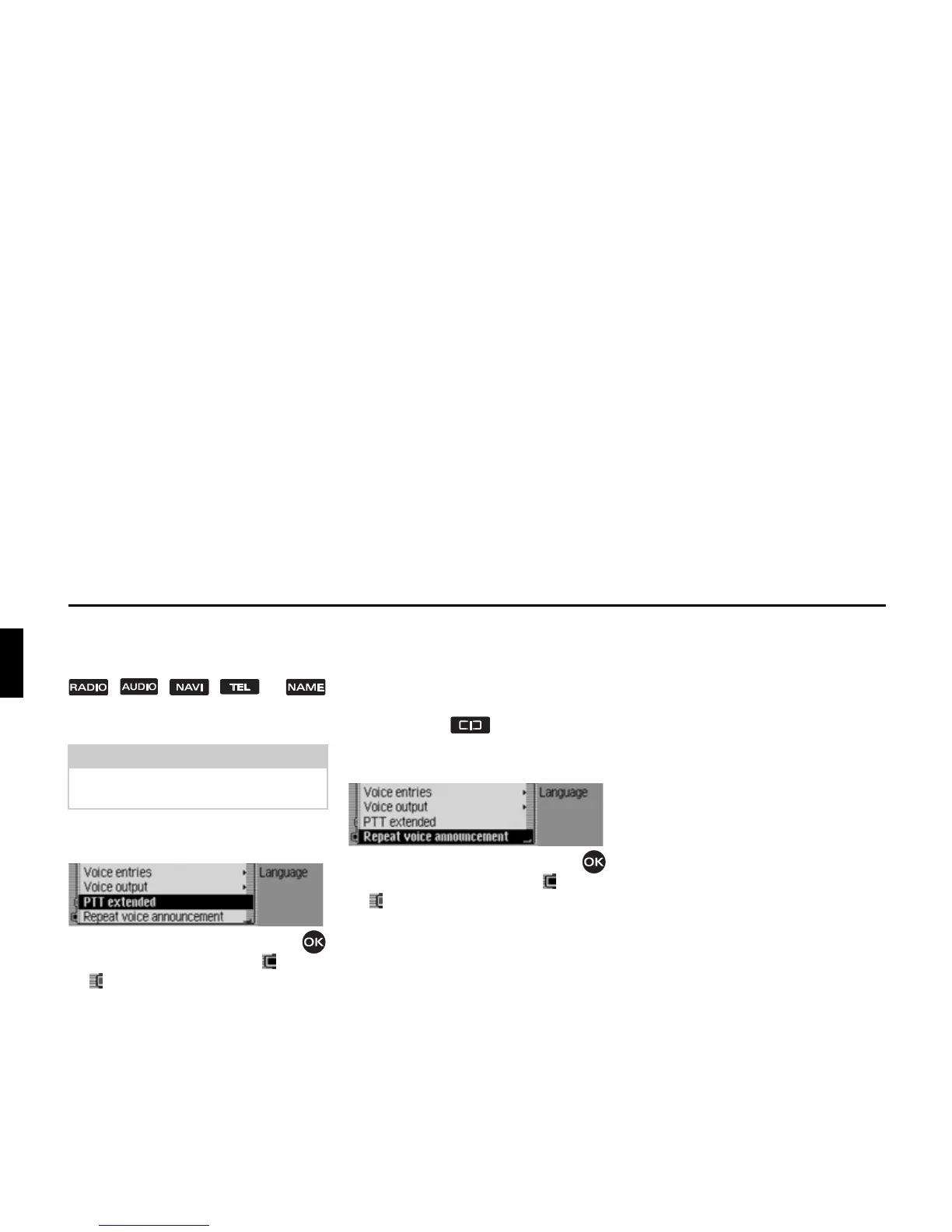
Extended PTT
If the function is active, voice mode can
be activated automatically by pressing
, , , or
and you can input a voice command
directly.
X Select 377H[WHQGHG in the voice mode
settings.
X Turn the rotary control/push button
to switch the function on ( ) or off
().
Repeating a voice announcement
If the function has been switched on and
route guidance is active, the last naviga-
tion announcement can be repeated or an
updated navigation announcement out-
put by pressing .
X Select 5HSHDWYRLFHDQQRXQFHPHQW in the
voice mode settings.
X Turn the rotary control/push button
to switch the function on ( ) or off
().
System settings
You can configure various basic settings
on your Mexico to meet your require-
ments in the system settings.
The following possible settings are
available:
For
$XGLR:
• Setting for speed-dependent increase
in volume with
6SHHGGHSHQGHQWYROXPH.
•With
0LFURVHQVLWLYLW\, the sensitivity of
the hands-free microphone for tele-
phone calls can be set.
• Using
,QVWDOODWLRQ SRVLWLRQ RI PLFURSKRQH,
you can specify whether your vehicle
is a left-hand drive or right-hand drive
vehicle.
• Setting for acoustic signal volume
with
9ROXPHRIZDUQLQJWRQHV
• You can use 'LVSOD\ YROXPH to select
whether a change in volume should be
displayed in graphics format.
• Setting for the volume level of digital
to analogue audio sources with
'LJLWDO
OHYHO
• You can use 6XSSRUWVSDUNLQJDLG to se-
lect whether the audio volume is to be
lowered when the reverse gear is en-
gaged.
Note:
The abbreviation PTT stands for “Push
To Talk”.














 To Next Page