130
Mail messages
• 5HDGRXW
Selecting 5HDGRXW will have the SMS
read out and then displayed.
•
'LVSOD\
Selecting 'LVSOD\ will have the SMS
displayed, and you can then read the
SMS as described in “Reading SMS”
on page 121.
•
,JQRUH
The status display of the previously
active radio or media source will ap-
pear again if you select
,JQRUH.
SMS centre number
X Select the 606 FHQWUH QXPEHU entry in
the Mail settings.
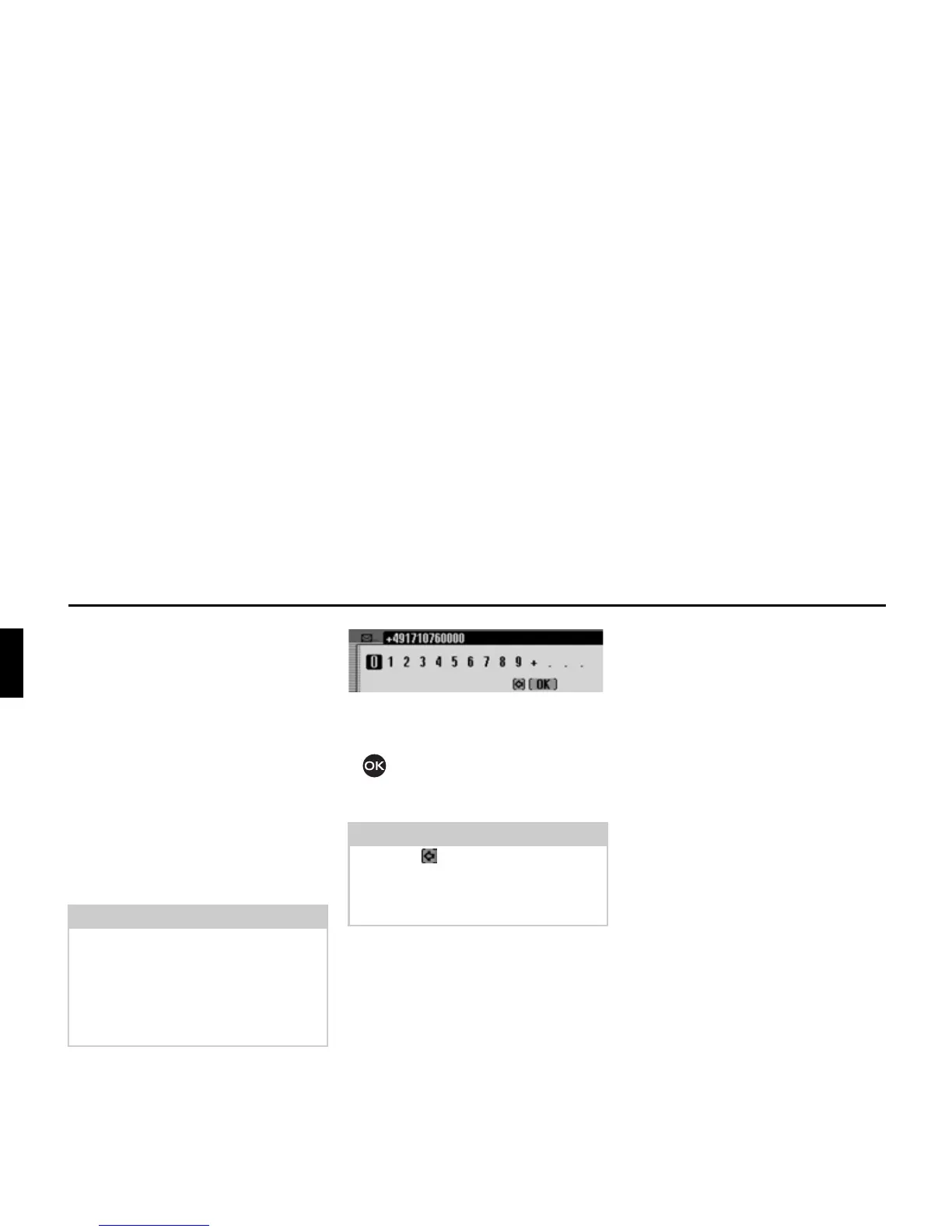
The input menu for the SMS centre
number appears.
X Turn the rotary control/push button
and then press the rotary control/
push button to select the digits in the
desired number, one after the other.
Note
If there is no number or an incorrect
number entered for the SMS centre, it
will not be possible to send SMS mes-
sages.
The number for the SMS centre can be
obtained from your network provider.
Note
Select the symbol to delete the last
character in the entry.
Please also refer to the description in
“Data entry menus” on page 13.
5134














 To Next Page