51
Navigation mode
If <HV is selected, the stopover is deleted
and route guidance to the main destina-
tion started automatically.
Blocking a route
Using this function, you can block the
section of the route ahead. If possible,
the Mexico will then calculate a diver-
sion route. This may be useful if a traffic
jam or road block lies immediately
ahead.
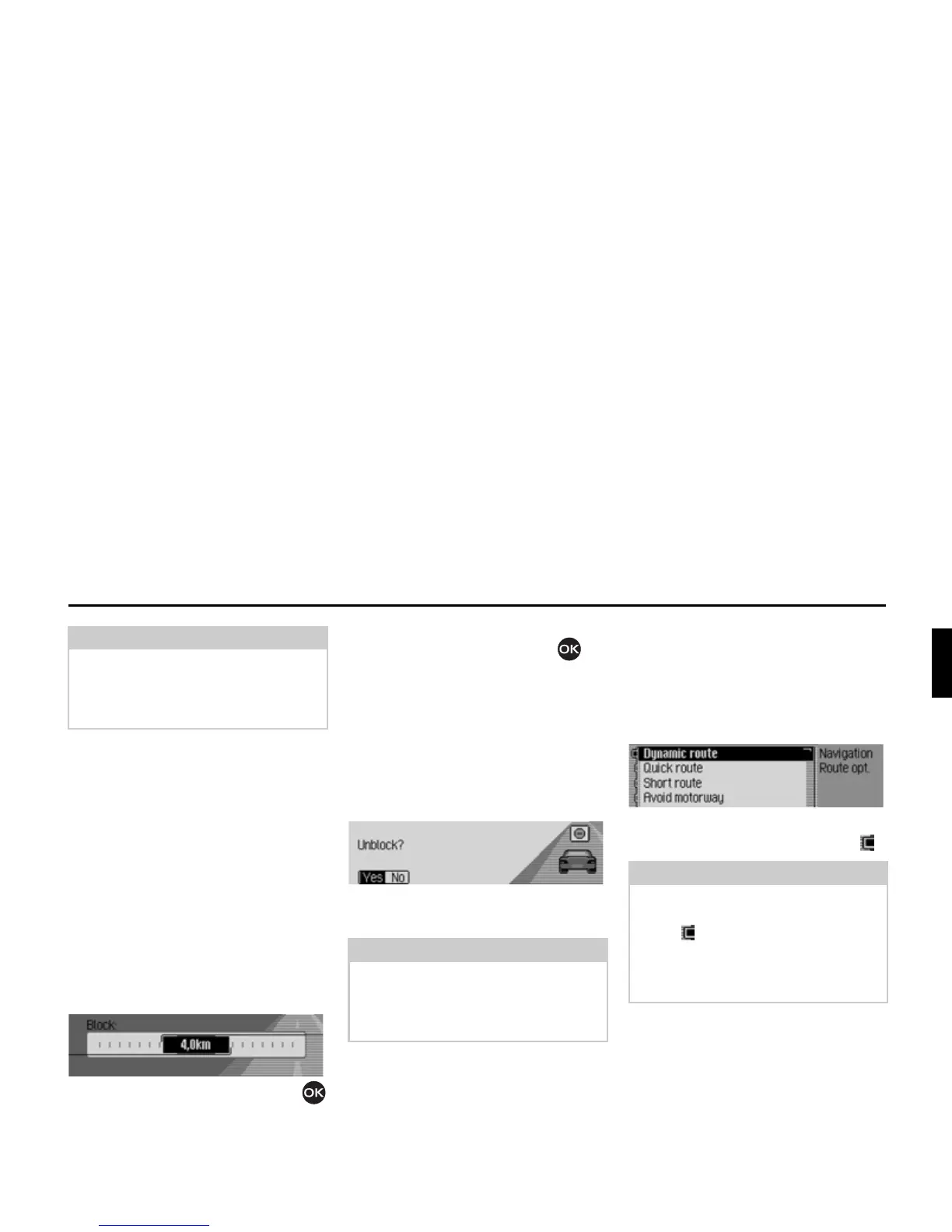
X In the Options menu, select the %ORFN
entry.
X Turn the rotary control/push button
to select the required distance to be
blocked.
X Confirm your selection by pressing
the rotary control/push button .
The route is recalculated.
Unblocking a route
Once a block has been entered, it can be
removed again.
X In the Options menu, select the %ORFN
entry.
X Select <HV (delete block) or 1R (retain
block).
Modifying route options
You can modify the route options during
navigation.
X In the Options menu, select the 5RXWH
RSW
entry.
X Select '\QDPLF URXWH 4XLFN URXWH, 6KRUW
URXWH
or the avoid functions (on = ).
X In the Route Options menu, select
5HDG\.
The route is calculated with the new
route options.
Note:
If no operator inputs are made, the
menu will automatically disappear after
a few seconds and the stopover will be
retained.
Note:
If no operator inputs are made, the
menu will automatically disappear after
a few seconds and the block will be
retained.
2074
Note:
Only one of the three settings (
'\QDPLF
URXWH 4XLFN URXWH
, 6KRUW URXWH) may be
active ( ) at the same time.
For more information about route
options, see “Setting the route options”
on page 32.
2075














 To Next Page