155
Address book
• ([SRUWHQWU\%7
Using this function you can transfer an
entry in vCard format to another
device which is equipped with Blue-
tooth® wireless technology. See
“Exporting entry” on page 158.
•
'HOHWHHQWU\
You can delete the selected entry. See
“Deleting an entry” on page 156.
•
&UHDWHYRLFHHQWU\ or 'HOHWHYRLFHHQWU\
You can create a voice entry for the
selected entry or delete an existing
voice entry. See “Creating/Deleting
voice entries” on page 156.
•
5HDGRXWYRLFHHQWU\
Once you have made this selection,
the voice entry saved is read out.
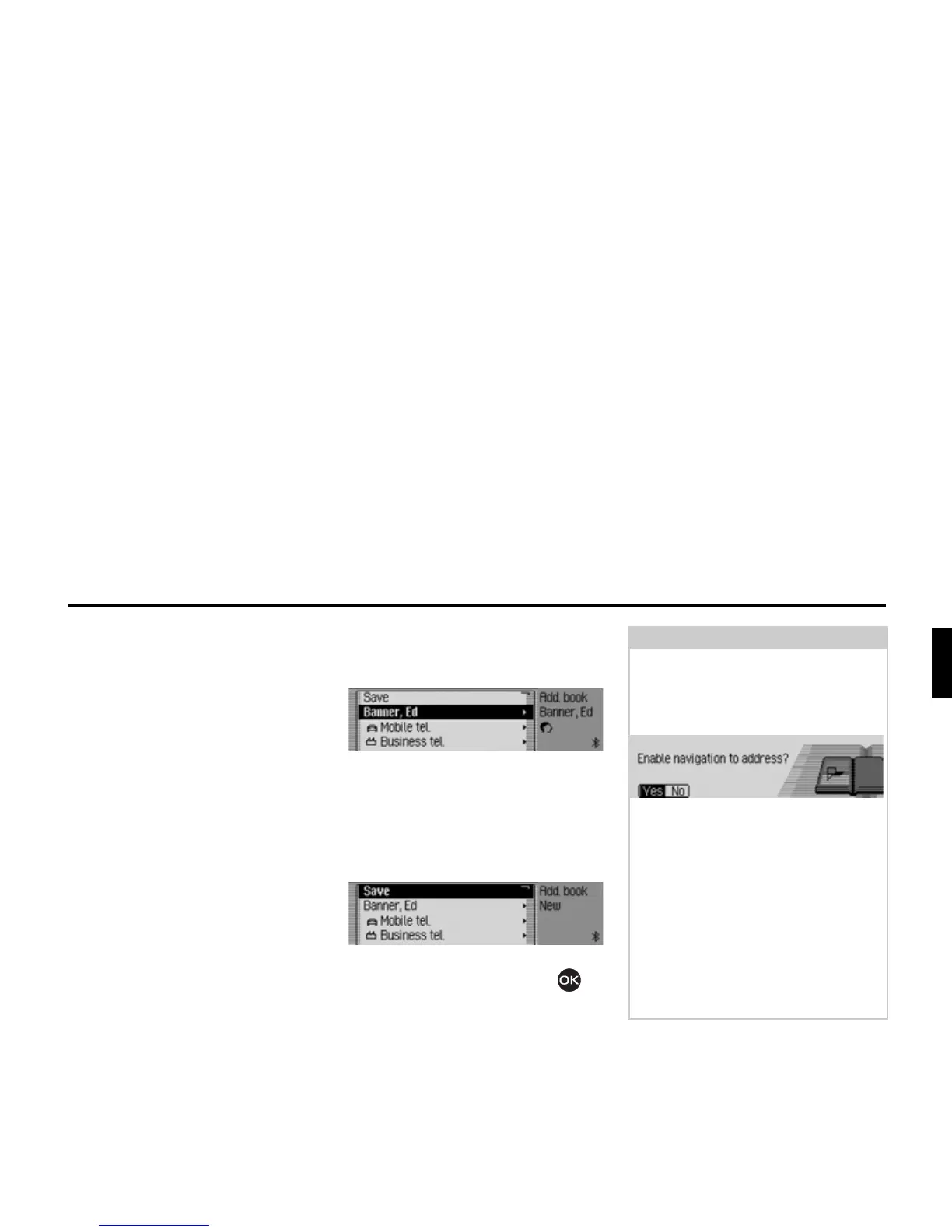
Modifying an entry
X In the Edit Entries menu, select the
&KDQJHGDWD entry.
X Modify the required data as described
in “Creating an entry” on page 150.
Once you have entered all the informa-
tion, you must save the entry.
X Select the 6DYH entry.
X Confirm your selection by pressing
the rotary control/push button .
6017
6006
Note:
If you wish to change part of the
address, the Mexico will prompt you to
confirm if the address supports naviga-
tion.
X Select <HV (supports navigation) or 1R
(does not support navigation).
If you select
<HV, you may be prompted
to insert the memory card with the nav-
igation data. You can then modify the
address as described in “Creating an
entry which supports navigation” on
page 151.
If you select
1R, you can modify the
address data without support from the
navigation data.
6018














 To Next Page