15
General operation
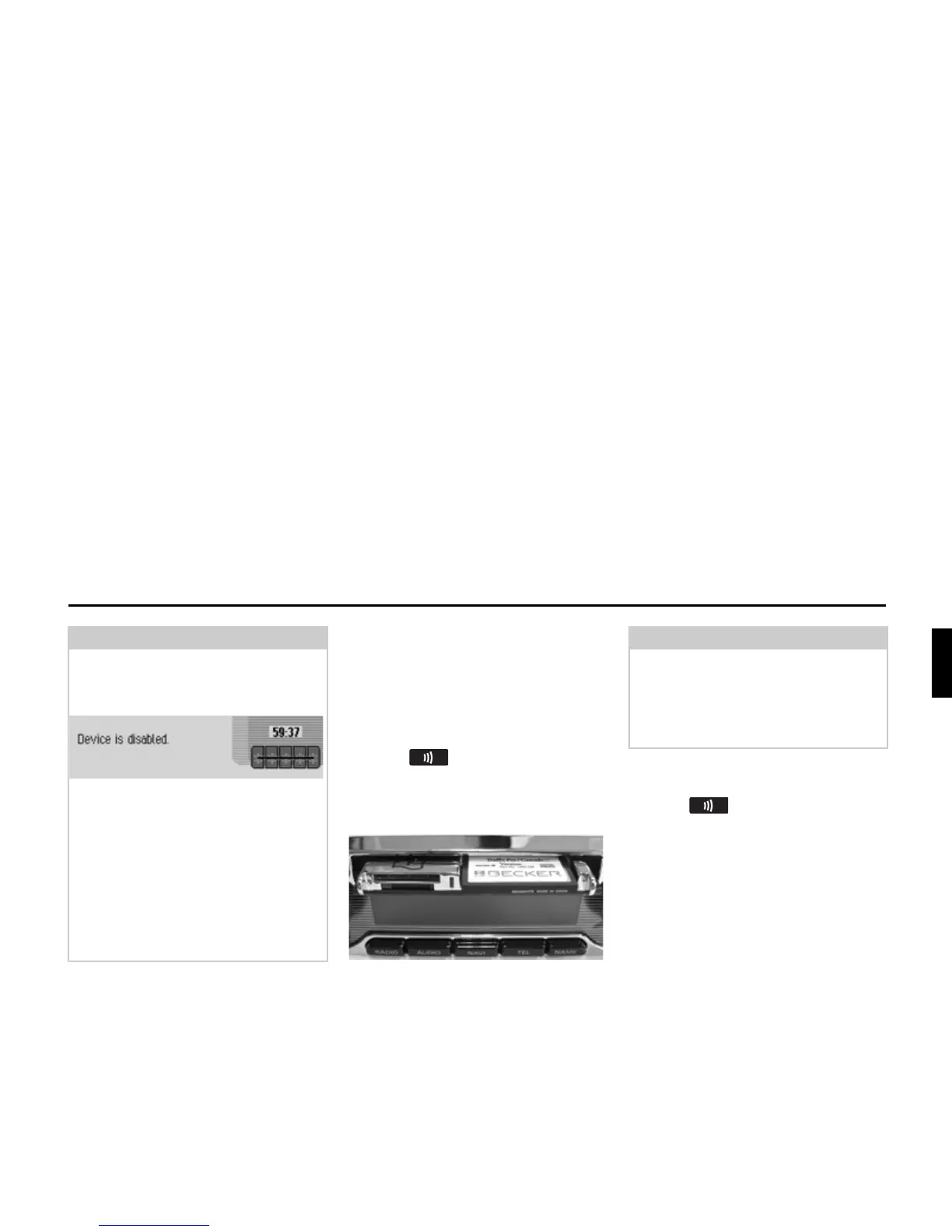
Opening/closing media slot
The slot for the SIM card and the
memory cards is located in the media
slot.
Opening media slot
X Press until the media slot
opens.
The tray for inserting the SIM card and
the memory cards is ejected.
Closing media slot
X Press until the media slot
closes.
The tray for inserting the SIM card and
the memory cards is drawn in and the
media slot is closed.
Note:
Entering an incorrect code number three
times will disable the unit for approx.
1hour.
The time remaining until another
attempt can be made to enter the code
number is displayed.
X Leave the ignition switched on.
Switching the ignition off resets the
waiting time of one hour to zero.
Once the waiting time has elapsed, the
data entry menu for the code number
appears again.
Note:
For safety reasons, the media slot is
closed automatically after approx.
50 seconds.
The time until the media slot will close
is given in the display.














 To Next Page