187
Settings
Software update
A software update for your Mexico can
be carried out by inserting a memory
card. New functions for your Mexico
can be provided by means of a software
update.
X Insert the memory card containing the
software update into the correspond-
ing slot.
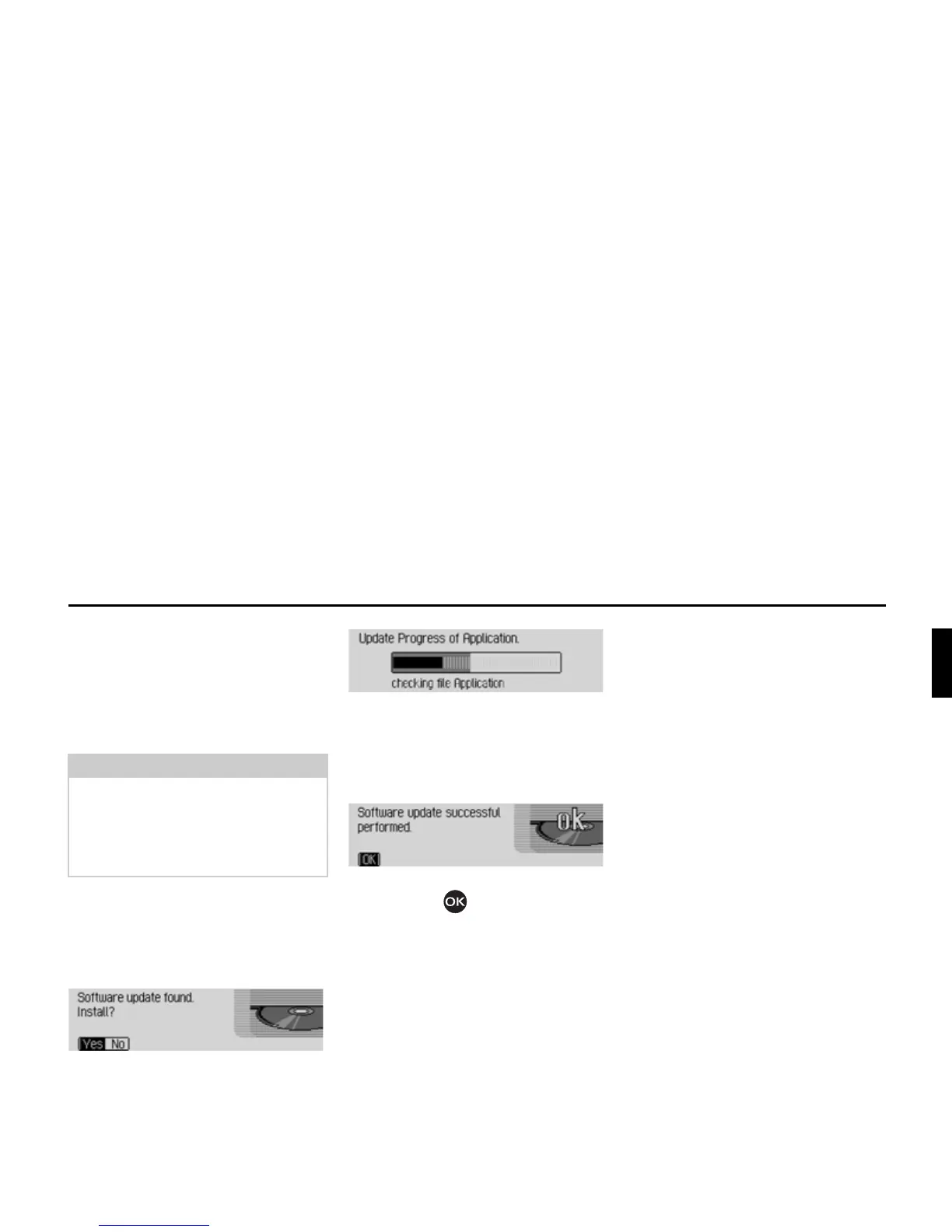
After a short time, the following display
appears:
X Select <HV to install the update or 1R to
continue without updating.
The software update starts when
<HV is
selected.
A progress indicator informs you of the
progress of the installation.
The following message appears once the
update has been completed successfully.
X Press the right-hand rotary control/
push button or wait for the menu
to disappear automatically after a few
seconds.
The Mexico switches itself off briefly and
then back on again.
The software update is now complete.
Note:
Before carrying out an update, switch
the vehicle ignition on and leave it on
during the update.
The Mexico cannot be used during the
software update.














 To Next Page