163
Address book
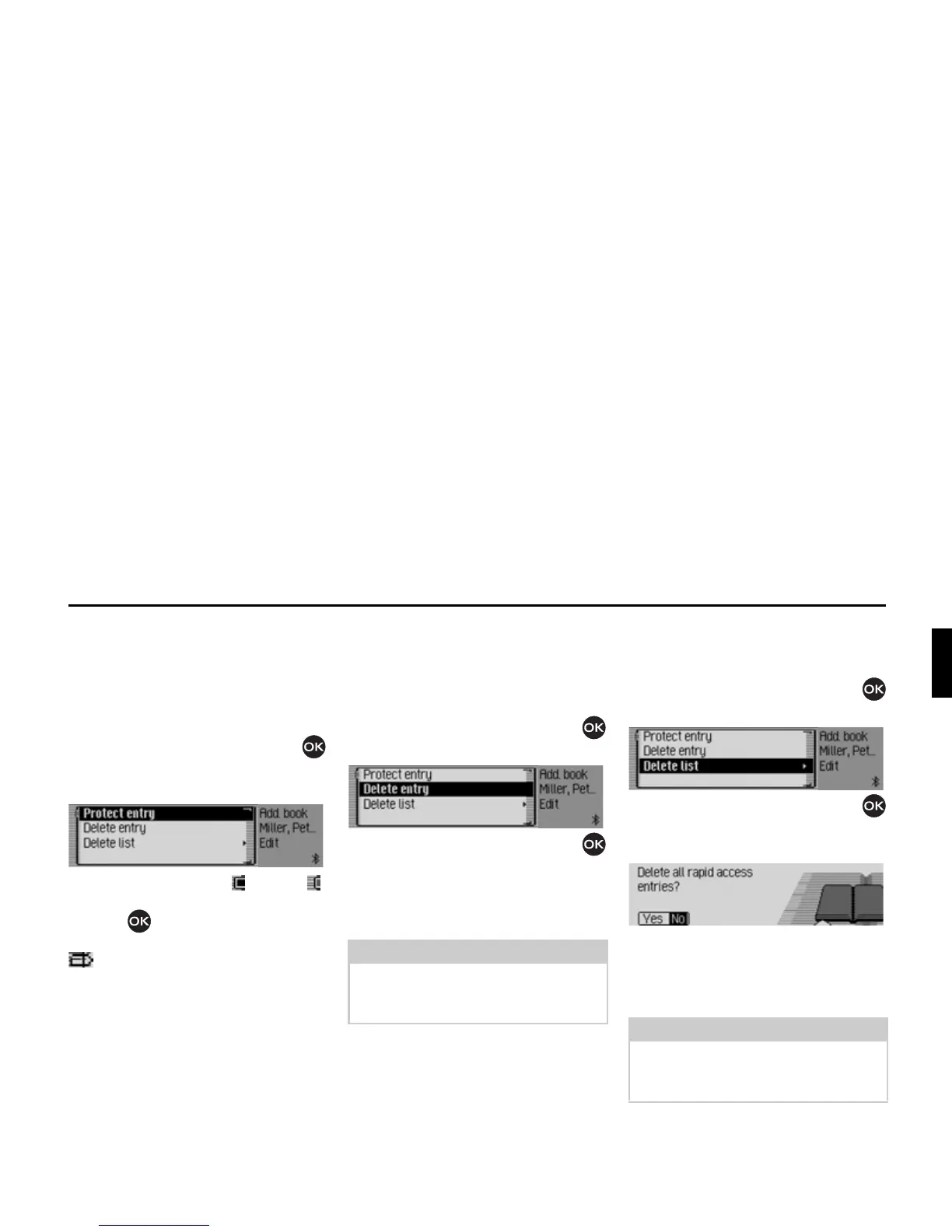
Protecting an entry
X Call up the address book fast access
function.
X In the Fast Access menu which
appears, select the address book entry
to be protected.
X Press the rotary control/push button
until a menu appears.
X Select the 3URWHFWHQWU\ entry.
X Switch protection on ( ) or off ( )
by pressing the rotary control/push
button .
Protected entries are identified by the
symbol.
Deleting an entry
X Call up the address book fast access
function.
X In the Fast Access menu which appears,
select the entry to be deleted.
X Press the rotary control/push button
until a menu appears.
X Turn the rotary control/push button
and then press the rotary control/push
button to select the
'HOHWHHQWU\ entry.
The entry is deleted from the fast access
list.
Deleting a list
X Call up the address book fast access
function.
X Press the rotary control/push button
until a menu appears.
X Turn the rotary control/push button
and then press the rotary control/push
button to select the
'HOHWHOLVW entry.
X When the prompt appears, select <HV
to delete the list or 1R to retain it.
If you select
<HV, the list will be deleted
in the fast access function.
Note:
The entry is only deleted from the fast
access list. It remains available in the
address book.
6027
Note:
The entries are only deleted from the
fast access list. They remain available
in the address book.
6028
6029














 To Next Page