136
Internet (WAP) function
X Start the telephone mode.
X Select the :$3 entry.
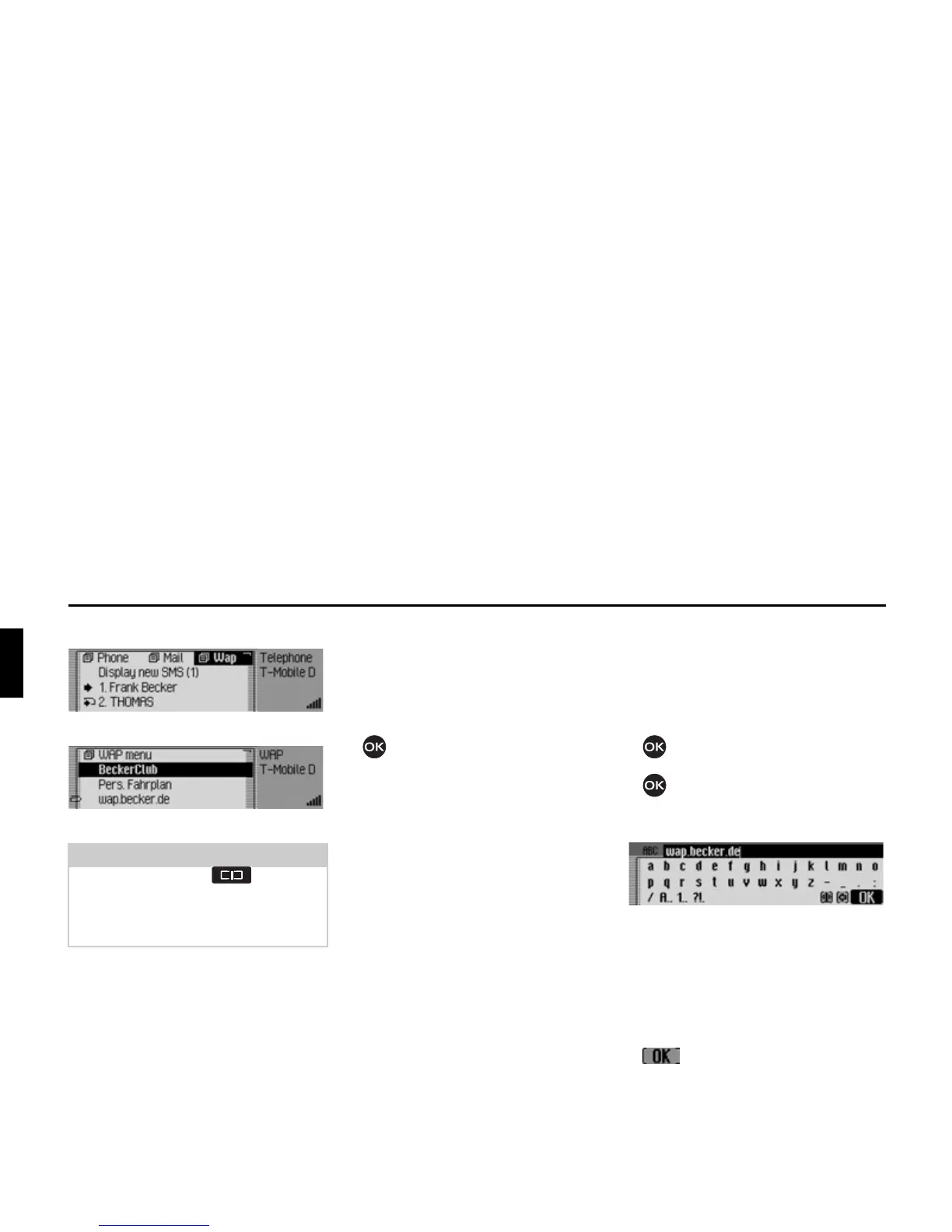
The WAP fast access function appears.
Opening WAP address directly
You can directly open a WAP address
displayed in the fast access function.
X Open the WAP fast access function.
X Turn the rotary control/push button
and then press the rotary control/
push button to select the required ad-
dress from the list.
The WAP page is then displayed in the
WAP browser, if this is possible.
Saving entry to the Favourites
X Open the WAP fast access function.
X In the Fast Access menu which ap-
pears, select the required WAP ad-
dress entry.
X Press the rotary control/ push button
until a menu appears.
X Turn the rotary control/ push button
and then press the rotary control/
push button to select the
6DYHLQIDYRXU
LWHV
entry.
An input menu for entering the name for
the favourites is displayed. The URL has
already been entered in the menu as a
suggestion.
X Make any changes, if you wish.
X After making a change, select the
symbol from the input menu.
Notes:
Press and hold down to display,
if available, the unabbreviated name of
the WAP address and the complete
URL.














 To Next Page