140
Internet (WAP) function
X Turn the rotary control/push button
to select one of the following op-
tions:
)DYRXULWHV,
(QWHU85/,
$FFHVVSURILOH or
6HWWLQJ.
X Confirm your selection by pressing
the rotary control/ push button .
•
)DYRXULWHV
Using this function you can load the
favourites saved in the Becker-Club or
edit the saved favourites.
•
(QWHU85/
Using this function you can enter
a WAP address directly and have the
corresponding page displayed.
•
$FFHVVSURILOH
Using this function you can load pre-
configured access profiles or create
and edit access profiles yourself.
•
6HWWLQJ
Using this function you can make set-
tings for the URL entry.
Favourites
You can save up to 50 entries to the Fa-
vourites. If you have already saved 50
favourites, the oldest entry is removed
from the list when you save another fa-
vourite.
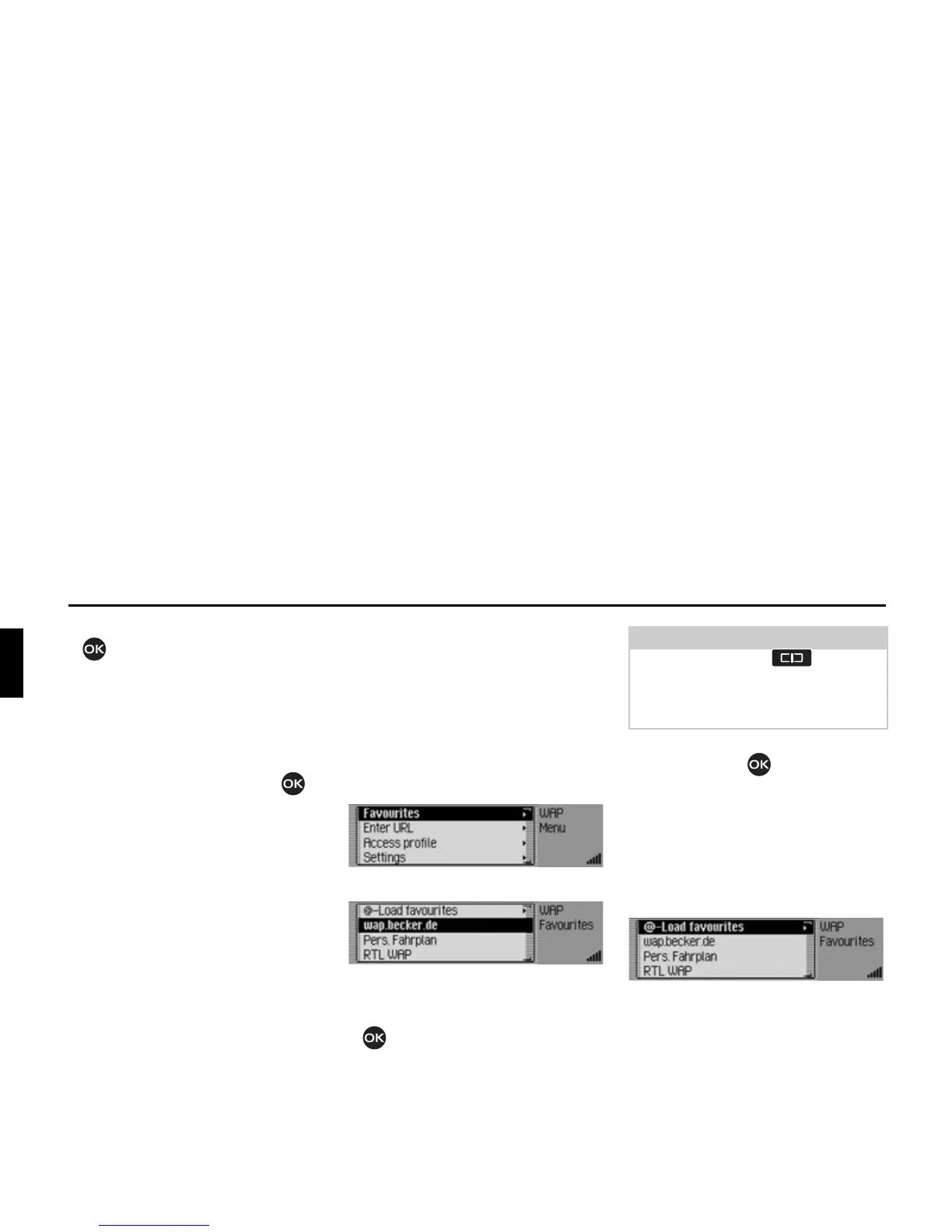
Opening list of favourites
X Open the WAP main menu.
X Select the )DYRXULWHV entry.
The list of favourites is displayed.
X Turn the rotary control/push button
to select from the various favour-
ites.
X Press and hold down the rotary con-
trol/push button to open the corre-
sponding WAP address.
Loading favourites
You can use this function to load the fa-
vourites saved in the Becker-Club.
X Open the list of favourites.
X Select the /RDGIDYRXULWHV entry.
Success is then indicated in the browser
window and the list of favourites is dis-
played after a brief delay.
5224
5225
Notes:
Press and hold down to display,
if available, the unabbreviated name of
the WAP address and the complete
URL.
5226














 To Next Page