154
Address book
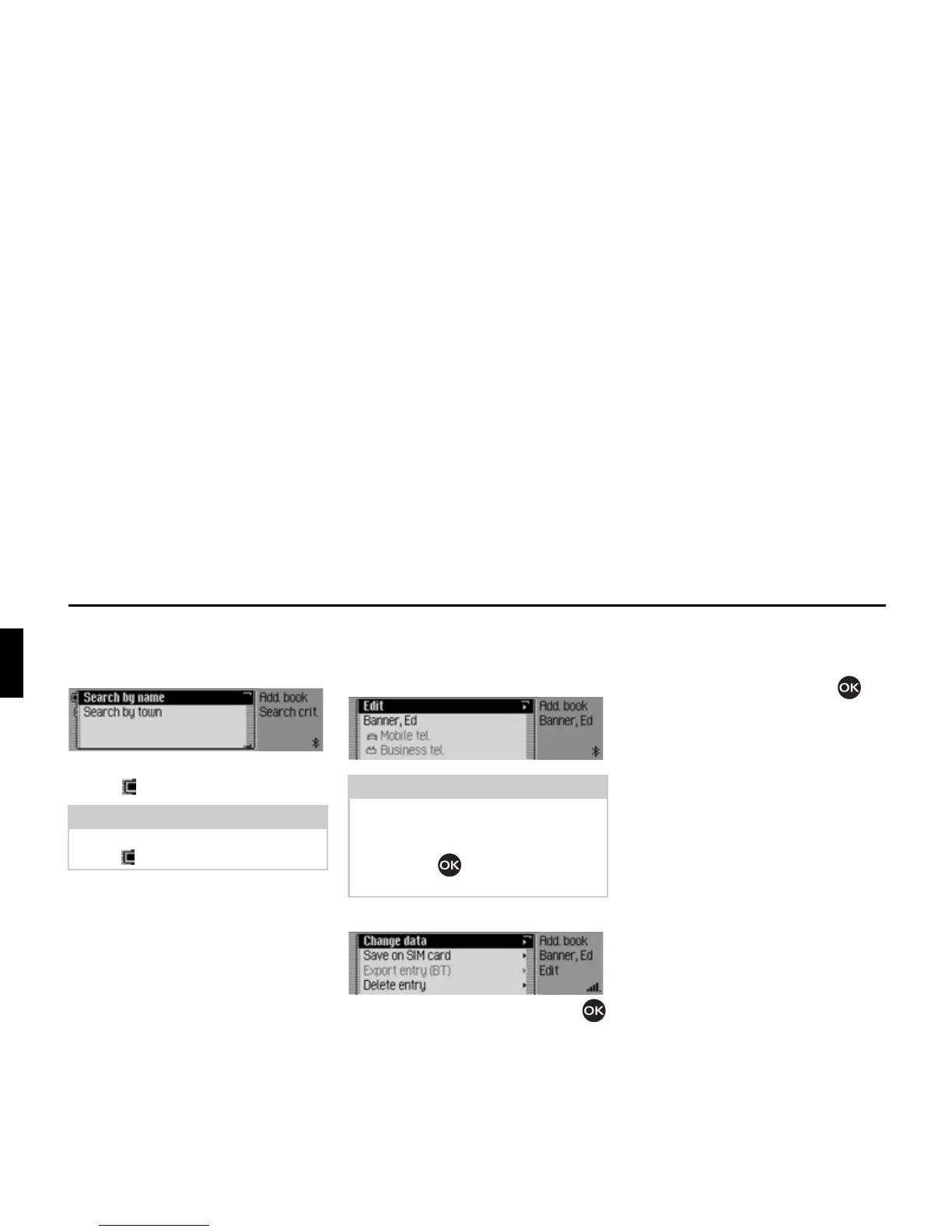
Setting the search criterion
X In the Address Book main menu,
select the
6HDUFKFULWHULRQ entry.
X Select 6HDUFKE\QDPH or 6HDUFKE\WRZQ
(on = ).
Editing entries
X Find the address book entry to be
modified.
X Select the (GLW entry.
X Turn the rotary control/push button
to select one of the following options:
&KDQJHGDWD,
6DYHRQ6,0FDUG,
,PSRUWIURP6,0FDUG,
([SRUWHQWU\%7,
'HOHWHHQWU\,
&UHDWH YRLFH HQWU\ or 'HOHWH YRLFH HQWU\
and
5HDGRXWYRLFHHQWU\
X Confirm your selection by pressing
the rotary control/push button .
•
&KDQJHGDWD
You can modify the data entered for
an entry. See “Modifying an entry” on
page 155.
•
6DYHRQ6,0FDUG
(Is only displayed if an address book
entry has been selected)
You can save an address book entry to
the SIM card. See “Saving address
book entry to SIM card” on page 159.
•
,PSRUWIURP6,0FDUG
(Is only displayed if a SIM card entry
has been selected)
You can import a SIM card entry and
save it in the address book. See
“Importing SIM card entries” on
page 160.
Note:
Only one of the two settings may be
active ( ) at the same time.
Note:
You can modify individual entries. To do
this, select the entry to be modified and
press and hold down the rotary control/
push button until the appropriate
data entry menu appears.
6015
6016














 To Next Page