175
Settings
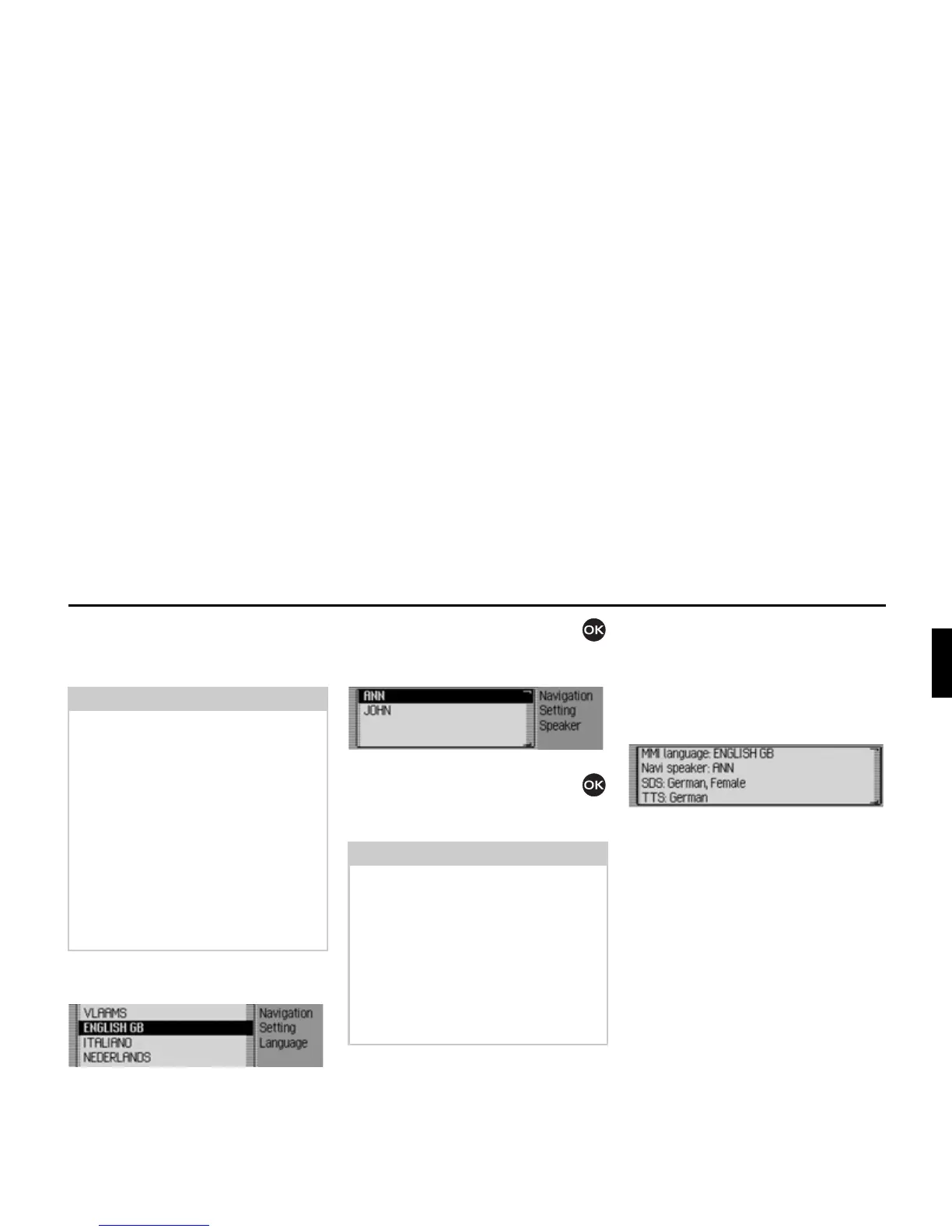
Setting the system language
You can select the language for
announcements and displays here.
X Select 6HWV\VWHPODQJXDJH in the voice
mode settings.
X Turn the rotary control/push button
and then press the rotary control/push
button to select the required language.
The speaker selection list appears.
X Turn the rotary control/push button
and then press the rotary control/push
button to select the required speaker.
The language and the selected speaker
are installed.
Displaying voice settings
This function can be used to display the
currently valid voice settings.
X Select 6KRZVHWWLQJV in the voice mode
settings.
The voice settings are displayed.
•
00, ODQJXDJH indicates the current
setting for the display text language.
•
1DYL VSHDNHU indicates the current set-
ting for the navigation announcement
speaker.
•
6'6 indicates the current setting for
the voice dialogue system speaker.
•
776 indicates the current language
setting for reading out texts.
Notes:
• The memory card containing the nav-
igation data or system memory card
must be inserted in order to change
the language or voice. If necessary,
the Mexico will prompt you to insert
the navigation or system memory
card.
• It may take up to 10 minutes to install
the language.
• When the system language changes,
voice entries created for stations and
addresses are deleted.
Note:
• If other voices are available on an
inserted memory card for the
language currently selected, then
these are also displayed in the list of
voices for this language (only affects
navigation announcements).
• To update the voice dialogue, you
may be prompted to insert the system
memory card. If you are, insert it.
7005
7006














 To Next Page