47
Navigation mode
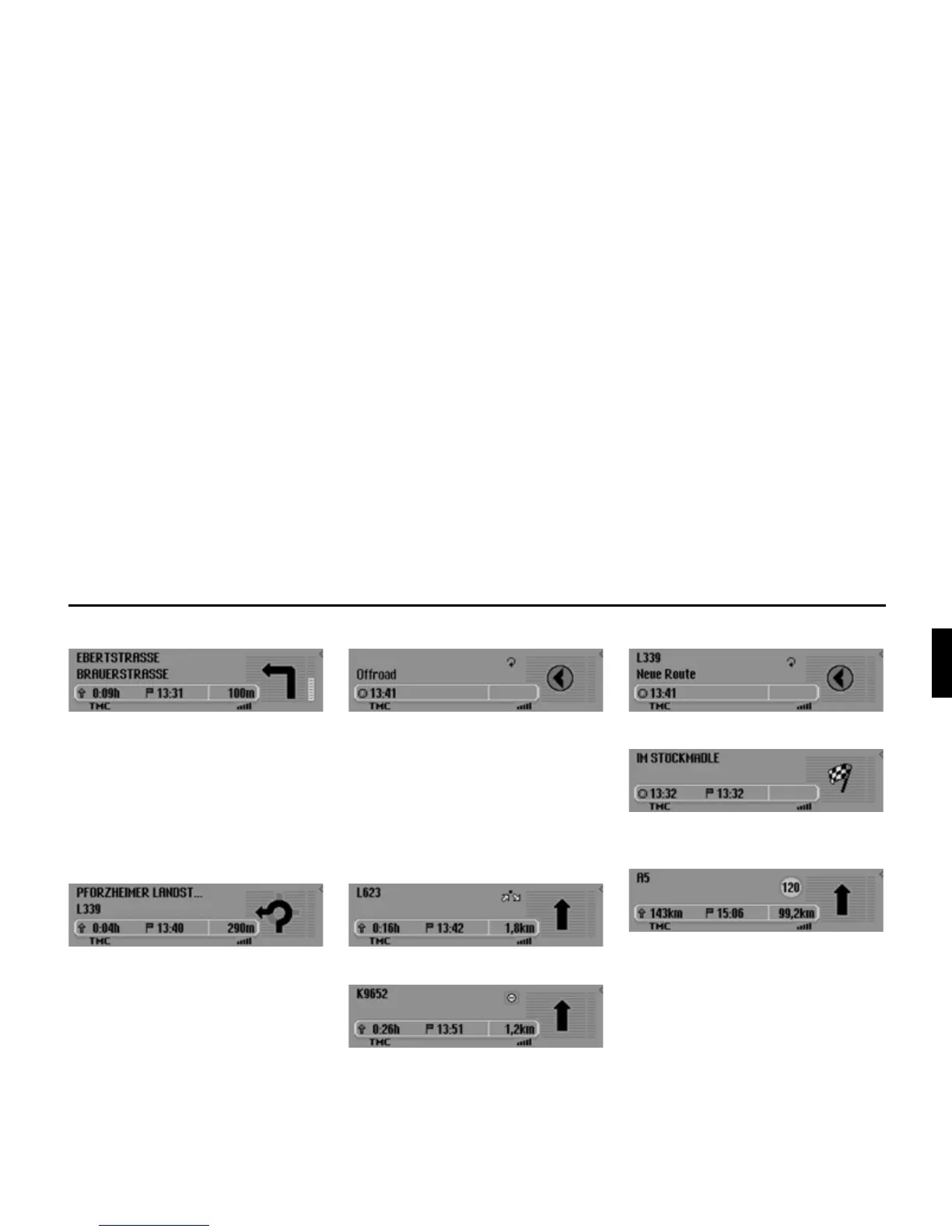
• “Please turn left after 100 metres.”
The name of the road the vehicle is
turning into appears in the second line
on the upper left of the display. The
name of the road the vehicle is cur-
rently travelling along appears in the
first line.
• “Please leave the roundabout at the
third exit on the right.”
This display shows you the exit you
should take on the roundabout.
• “Please follow the direction arrows.”
This display tells you that you are cur-
rently on a non-digitised road (i.e. car
park, garage, multi-storey car park).
Your location therefore does not
appear on the digitised road map. The
arrow indicates the direction of the
destination as the crow flies.
• Active stopover:
• Block active:
• Recalculating route:
• Destination reached:
• Navigation display with active speed
limit:














 To Next Page