2 - 55
Basic of Assembly
Main frame and Covers
Basic
Basic
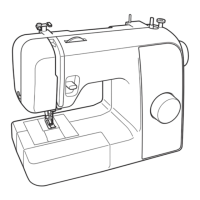
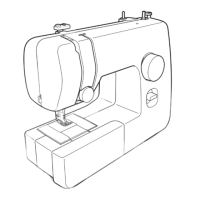
2 Attachment of Front cover assy
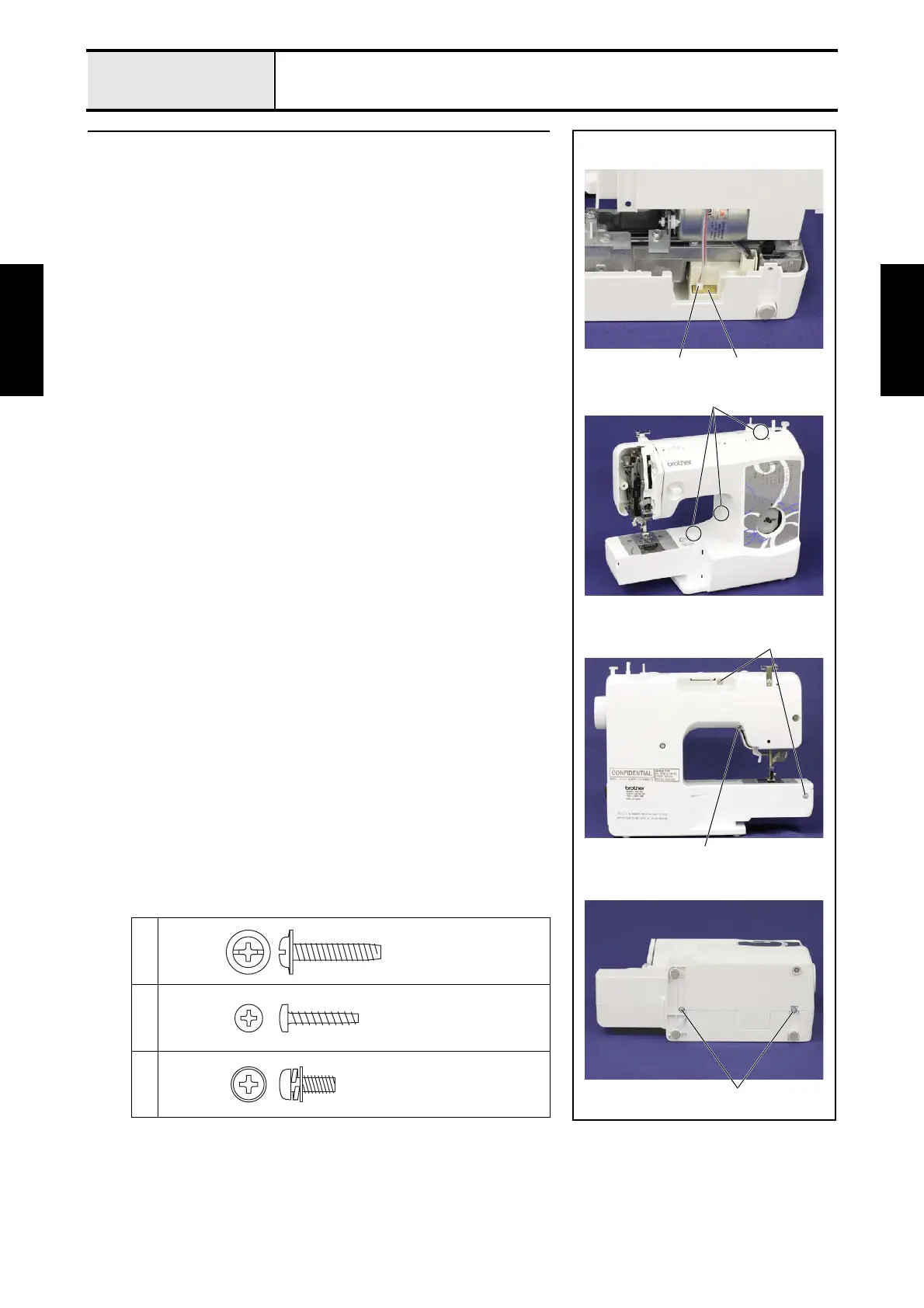
1. Connect the connector 1 of the LED lamp supply assy to the motor 3P
supply assy 2.
2. Set the front cover assy to the arm bed, and then secure it with the 2 screws
1, the screw 2 and the 2 screws 3.
*Key point
• Attach the front cover assy from the top side.
• Check that hang the 3 hooks 3 of the front cover assy on the
rear cover assy.
→Refer to 3 - 80 of the Assembly.
1
2
3
21
3
1
2
3
Taptite, Cup P
M4X20
Taptite, Bind P
M3X16
Screw, Pan (S/P washer)
M4X10DB



 To Next Page
 Loading...