3 - 13
Feed unit
Application of Disassembly
Application
Application
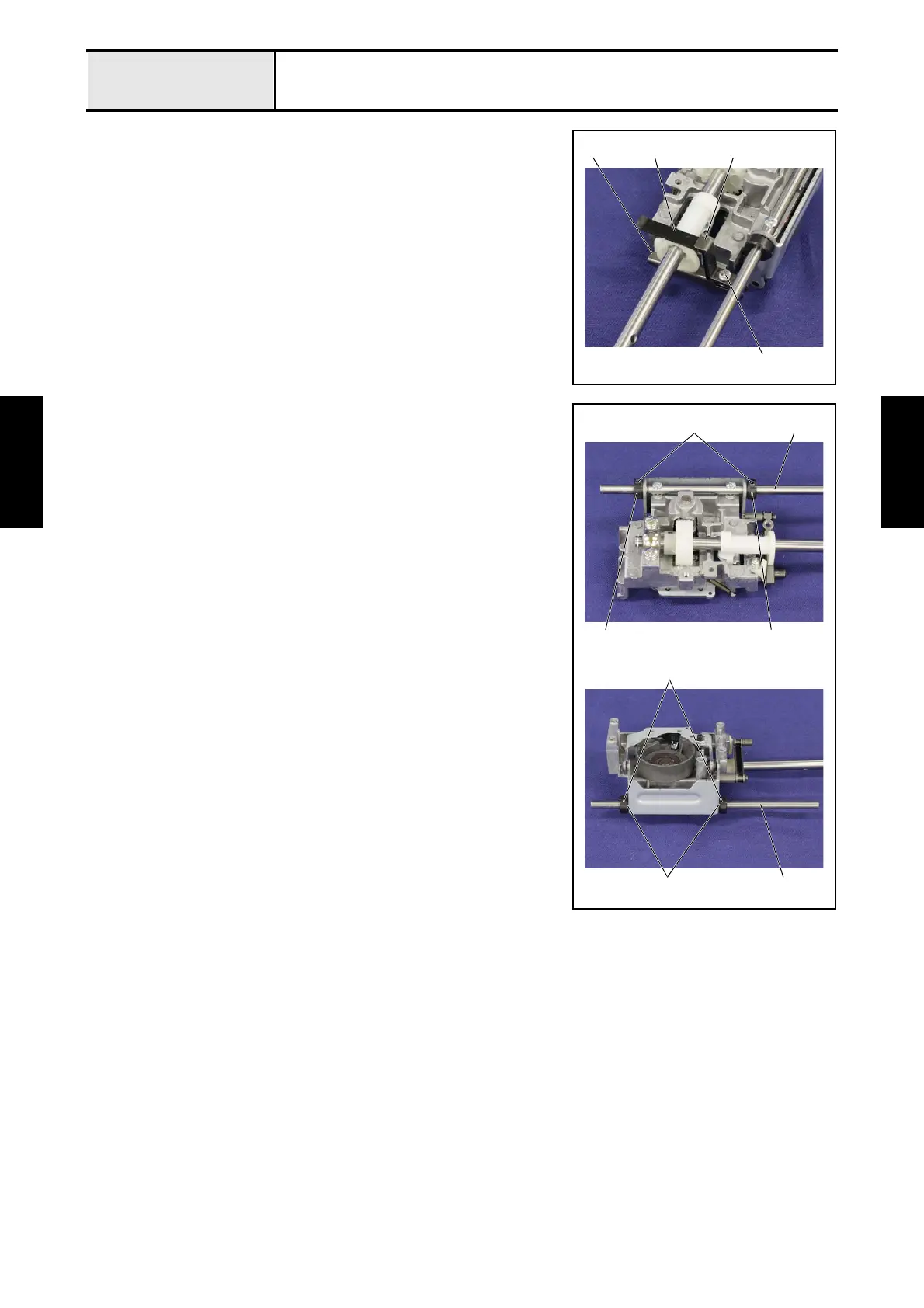
2-7 Removal of Feed supporting plate
1. Remove the screw 1, and then remove the feed supporting plate B 1 and
the feed supporting plate 2 from the feed arm assy 3.
2
1
13
2-8 Removal of Set screw collar
1. Remove the screw 1, and then remove the set screw collar 1 and the
washer thrust 2 from the horizontal feed shaft 3. (2 locations)
1
1 1
2
1
3
3



 To Next Page
 Loading...