2-117
CHAPTER 2 NEW FUNCTIONS
COPYRIGHT
©
2001 CANON INC. 2000 2000 2000 2000 CANON CLC5000 REV.0 JAN. 2001
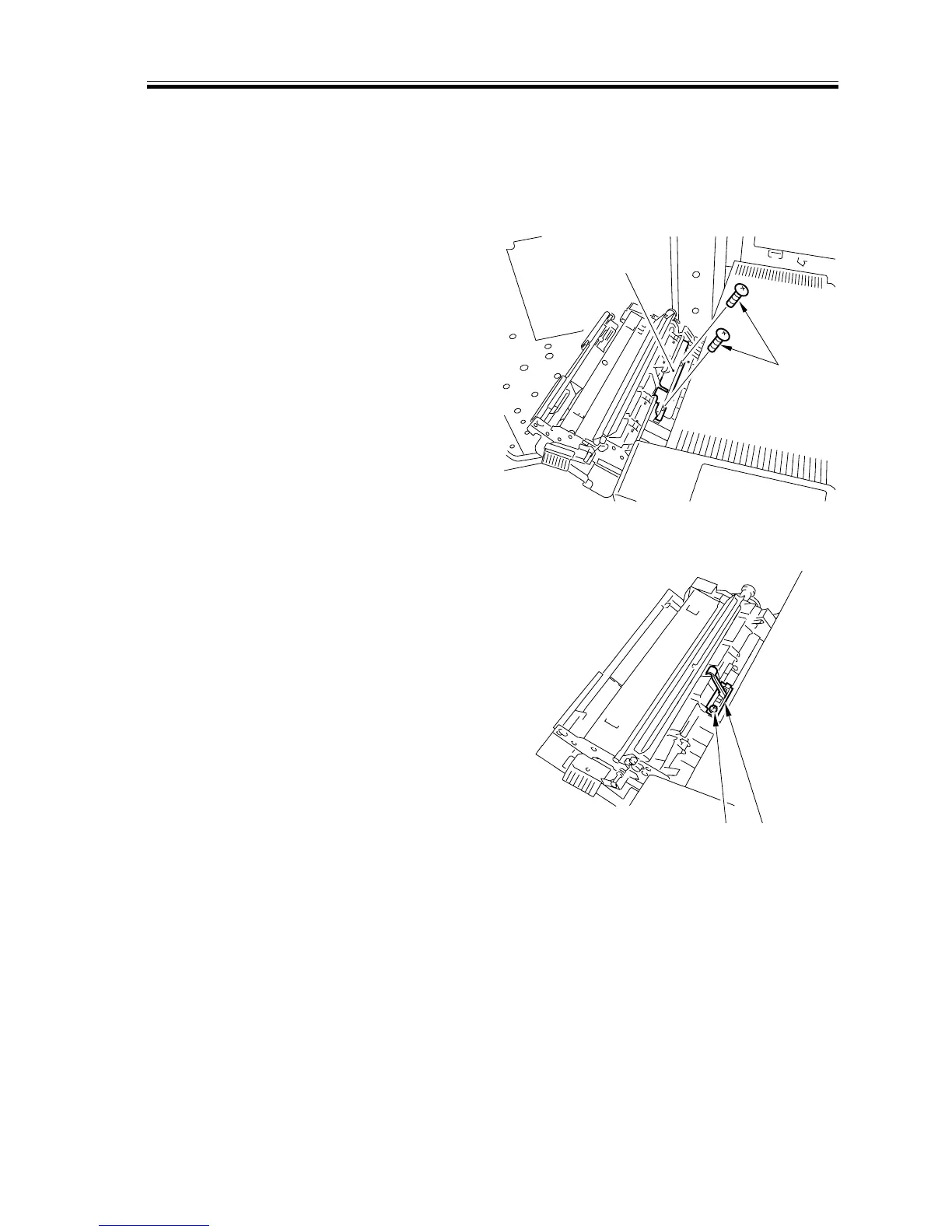
b.Removing the Separation Claw
1) Open the front left cover, and slide out
the fixing unit; then, open the outside
delivery unit and the inside delivery
unit.
2) Remove the two screws [1], and detach
the sensor cover [2].
F02-507-25
3) Remove the screw [3], and detach the
delivery sensor assembly [4].
F02-507-26
[2]
[1]
[3] [4]














 To Next Page