2-167
CHAPTER 2 NEW FUNCTIONS
COPYRIGHT
©
2001 CANON INC. 2000 2000 2000 2000 CANON CLC5000 REV.0 JAN. 2001
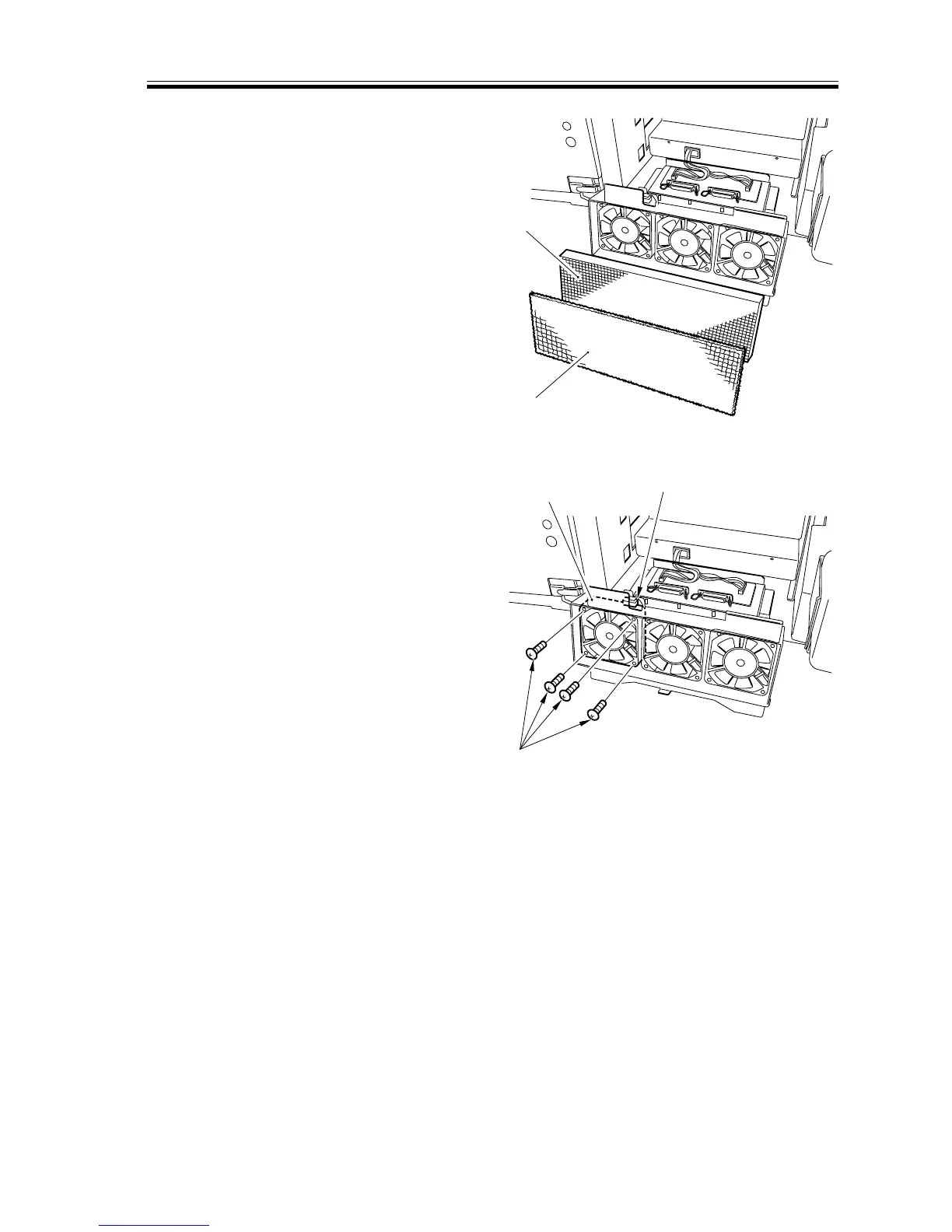
5) Remove the dust-proofing filter [7] and
the ozone filter [8].
[8]
[7]
[9]
[10]
[11]
F02-706-18
6) Disconnect the connector [9], and re-
move the four screws [10]; then, detach
the general exhaust fan [11].
F02-706-19
Note:
The three fans may be removed in the
same way.














 To Next Page